JHT01 Service Manual
6-7
Table 2-2 POWER LED
Power supply status POWER LED
System Power On (LED is solid blue). blue Solid on
System Suspended Blue blinking
System Power Off. Off
To check the power supply status, install a battery pack and connect an AC
adaptor to the DC-IN port on the computer and to a power supply.
If the Battery LED is not lit, go to Procedure 2.
3.2 Procedure 2 Adaptor / battery replacement
A faulty adaptor may not supply power or may not charge the battery.
Perform Check 1.
Check 1 Connect a new AC adaptor. If the problem is not resolved, go to
Check 2.
Check 2 Insert a new battery. If the problem is still not resolved, go to
Procedure 3.
3.3 Procedure 3 Power supply connection check
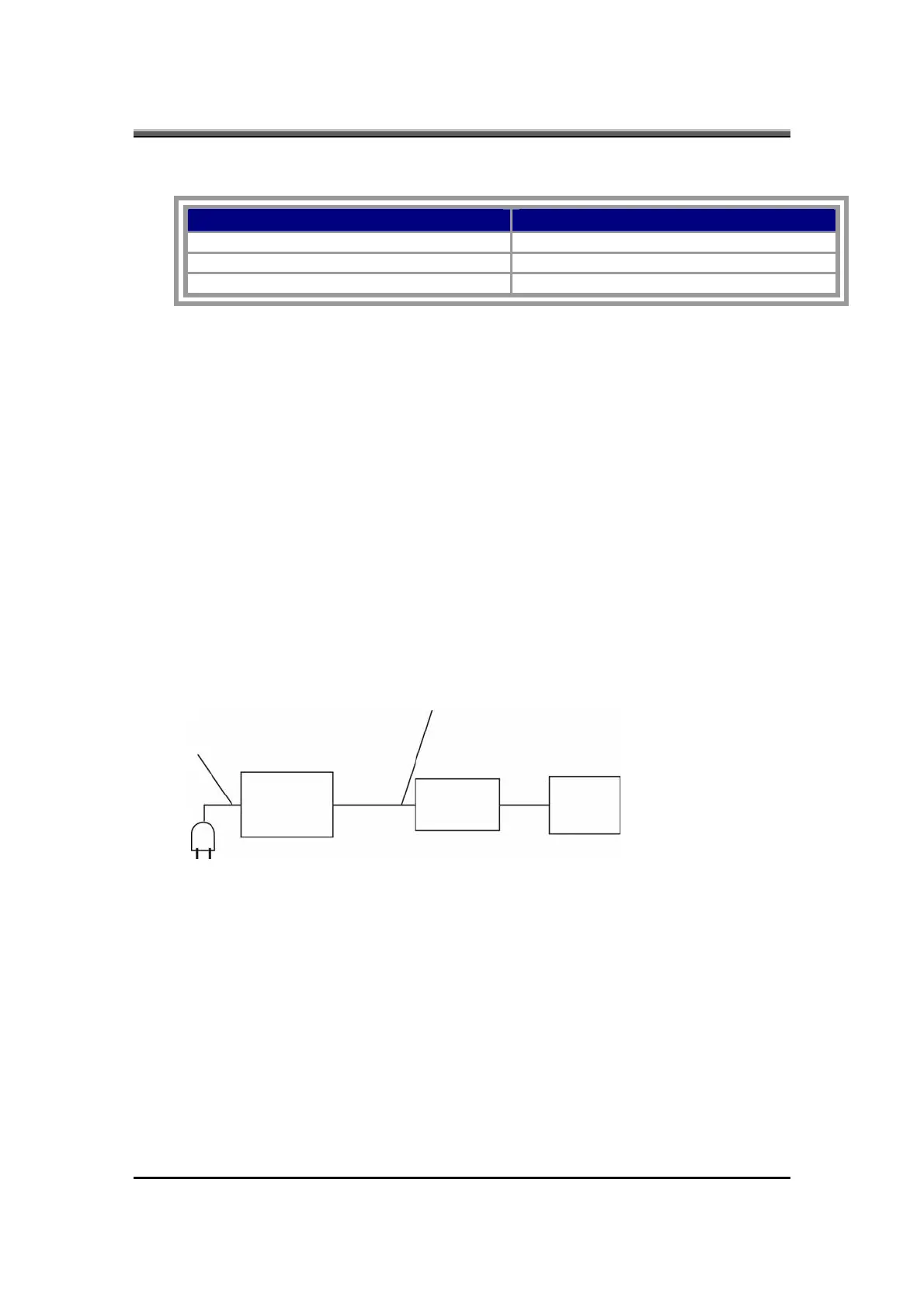
The power supply wiring diagram is shown below:
AC power cord
AC adaptor cord
AC
adaptor
System
board
Battery



 To Next Page