3-13
Chapter 3: Installtion
Installing ComproView
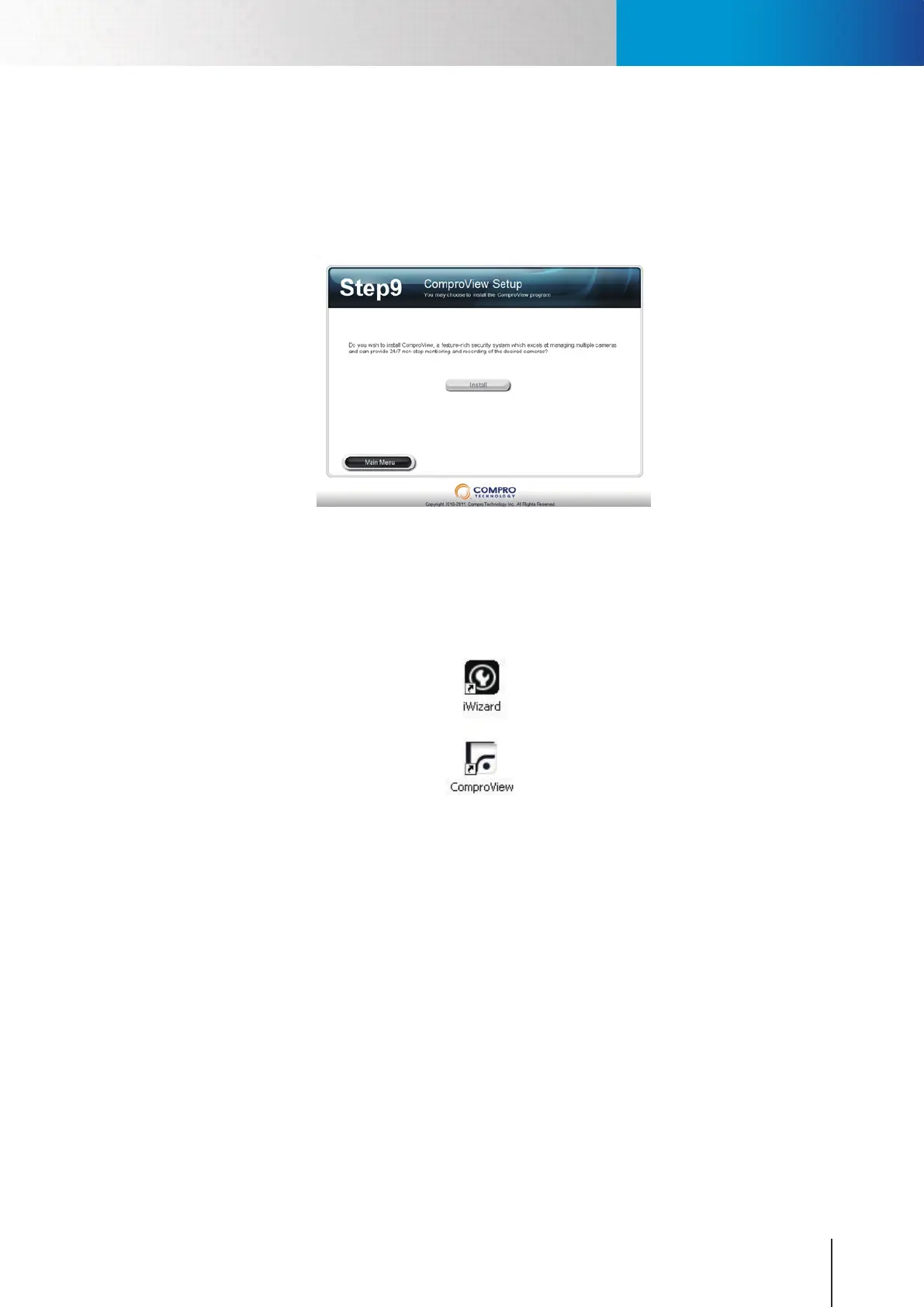
1. After your iWizard setup completes, you can choose to install the professional video management
software ComproView by choose [Install] as illustrated below. The ComproView Installation wizard
in the installation CD will help you to step-by-step in the process. Please follow the on-screen
instructions to install ComproView.
Figure 3-23. ComproView setup in iWizard
2. At the end of installation, your will be asked to restart your system. Please close all your applications
and click[Yes] to restart your syste\m. After restarting your system, you will see the iWizard and
ComproViewiconsonyourdesktop.Youcandouble-clickonthe“iWizard”tochangeyourcamera
setupordouble-clickon“ComproView”toexecutetheComproViewprogram.
Installing Camera Software



 To Next Page