4
Operation
Operation l 4-21
Screen
SCREEN 40
and
SCREEN 41
SCREEN 37
SCREEN 42
SCREEN 43
PROCESS PID DONE
AUTOTUNE OFF
Function
PROCESS PROP BAND
HEAT/COOL 30°F
PROCESS POWER LIMIT
LOW 2% HIGH 80%
PROCESS CYCLE TIME
HEAT 2.0 SECONDS
Before performing an autotune, set the set-
point to the desired temperature you would
like the control to autotune to at screen 3
for process, and screen 4 for regeneration.
Screen 40 shows the autotune function for
the selected heater. The dryer must not be
running to initiate an autotune. The auto-
tune should be started from a cold start or
a minimum of 50ºF {28ºC} difference
between starting and autotune tempera-
tures. With the proper password, (see page
4-32, screen 85) press the Select Category
button under the word Off. Once selected,
the word should start to blink. Press the
(+) or (-) button to toggle the Off to On
and then press the “ENTER” key to start
the autotune. The display will show
" Wait", then "Heat", then " Done" when
it is complete. Pressing “STOP” during an
autotune will cancel the autotune and not
change PID values. The PID values can be
set back to factory defaults by going to the
Reset (screen 46).
This screen shows the power output range
for the heater. It is set by default to 0%
for the low and 100% for the high.
This screen shows the PID cycle time for
the heater "Heat", or with a precooler
"Cool". This time value is the time for one
on/off cycle. For example, with a heater
running at 50% and the cycle time set at
2 sec, the heater would be on 1 second and
off 1 second.
This screen shows the Proportional Band
value for the PID loop.
Control Function Descriptions(continued)
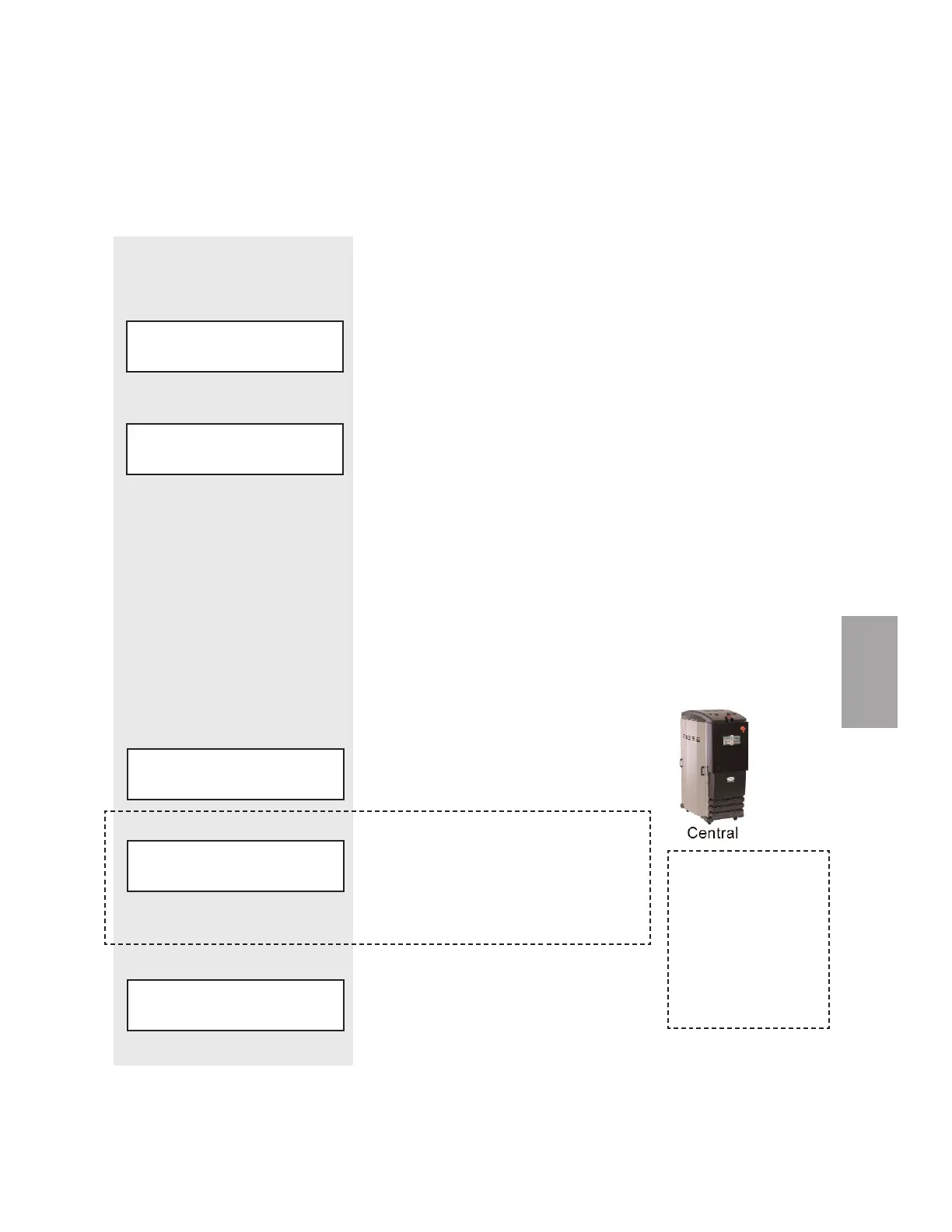
When configured as a
central dryer, there is
no process heater in the
system. Therefore, any
function associated with
the process heater is not
available for central
dryer configurations.
REGEN PID DONE
AUTO
NOTE: Screens 41, 42, 43,
44, 45, 46 and 47 apply to
process and regeneration.
✐








 To Next Page