6
Troubleshooting
Troubleshooting l 6-37
Replacing the Desiccant Wheel
When desiccant becomes clogged or contaminated, you should replace the desic-
cant wheel to ensure optimum performance.
1 Stop the dryer, disconnect the power, and follow proper
lockout procedures.
2 Remove the side panels of the dryer.
3 Note the position of all the hoses and RTDs. Disconnect the
hoses and RTDs from both manifolds and the wires from wheel
assembly motor.
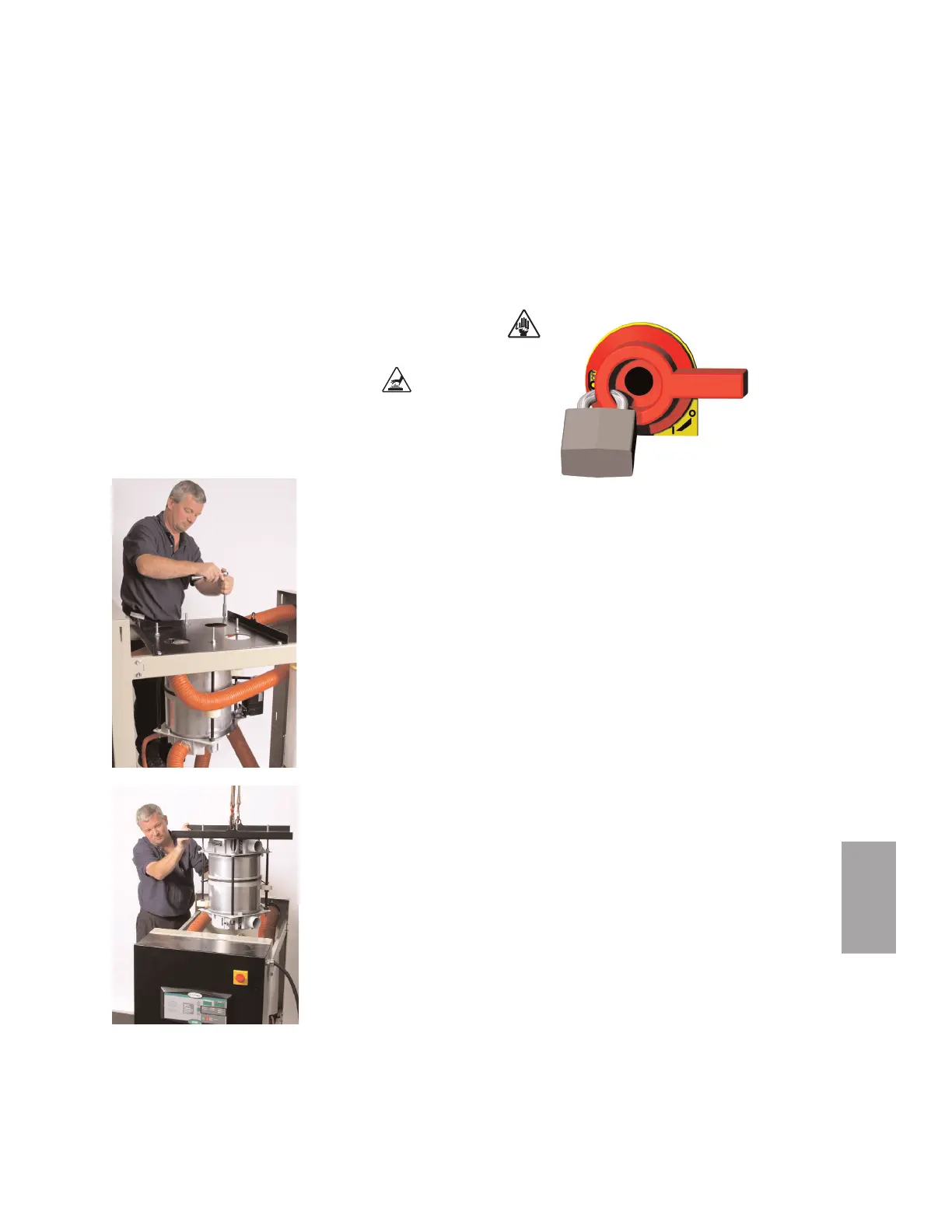
4 Remove the plastic roof panel from the
dryer.
5 Remove 4 bolts securing the wheel assem-
bly support bracket to the dryer frame.
Using a crane or forklift, lift the entire wheel
assembly out of the dryer frame.
6 Remove the wheel support bracket from
the wheel assembly, then lift the wheel
assembly out of the dryer.
7 Lift the new wheel assembly into place in
the dryer frame, with the motor toward the
rear of the dryer, and bolt it into place.
8 Replace the plastic roof panel.
9 Reconnect the hoses and RTDs to the mani-
folds and the wiring to the wheel assembly
motor.
10 Connect the power and start the dryer.
Verify the wheel rotates smoothly and in the
correct direction.
11 Replace side panels.



 To Next Page