Cleaning the Hopper
CAUTION: Hot surfaces. Always protect yourself from hot surfaces inside and out-
side the dryer and drying hopper.
The hopper, spreader cone, and discharge assembly should be cleaned thoroughly
between material changes to prevent resin contamination.
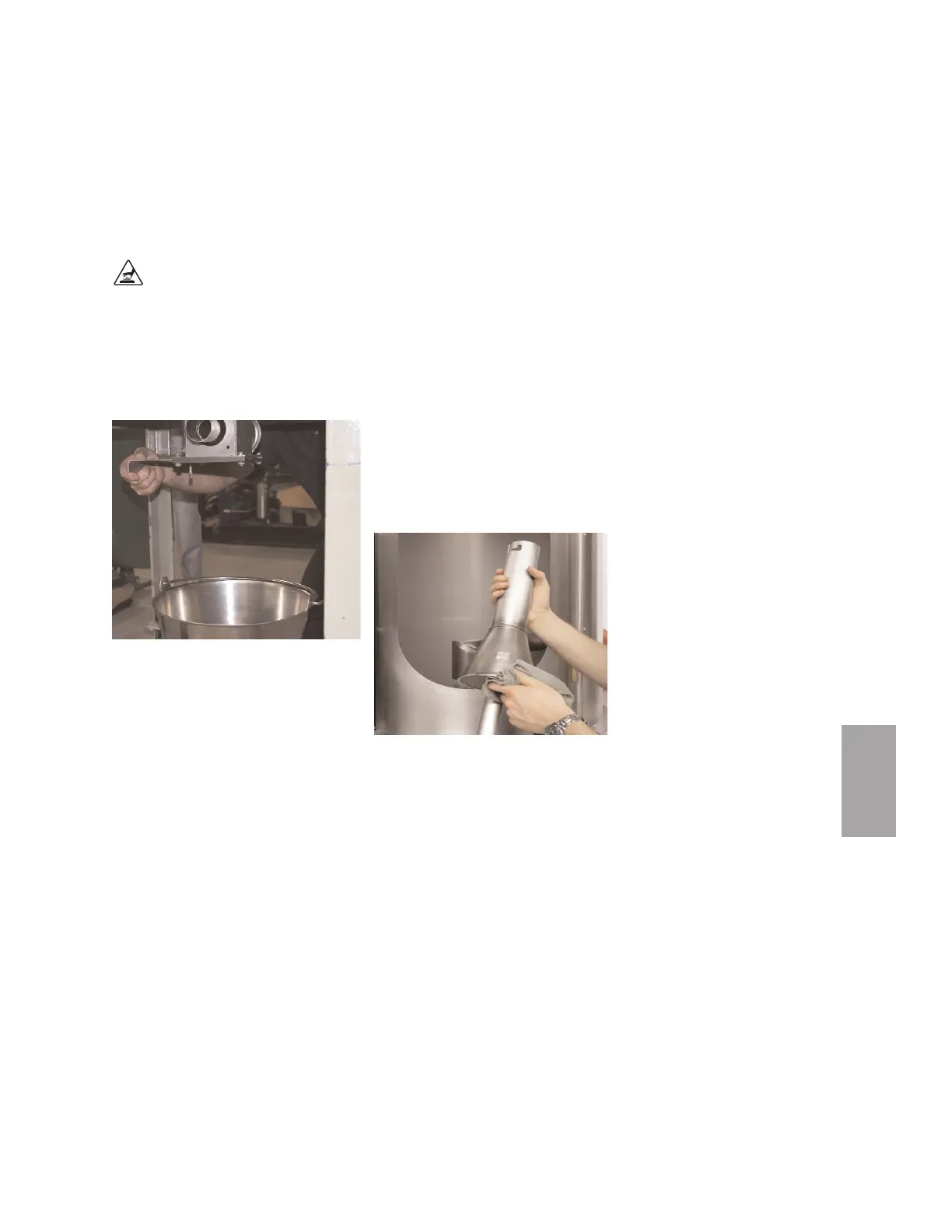
1 Drain the hopper. Place a container
beneath the hopper’s drain port
to catch the material.
2 Remove the spreader cone. Open the
hopper door. Reach into the hopper.
Grasp the spreader cone tube, lift up
slightly, twist and then push down to
release it. Tilt the cone assembly and
pull it out through the hopper door.
3 Clean the spreader cone and the inside of the hopper. Make sure you also
clean the return air screen at the return air outlet of the hopper.
4 Repeat the steps in reverse order to reassemble the hopper before adding
material.
Maintenance l 5-5
5
Maintenance



 To Next Page