6-38 l Troubleshooting
Replacing the Desiccant Wheel
Motor
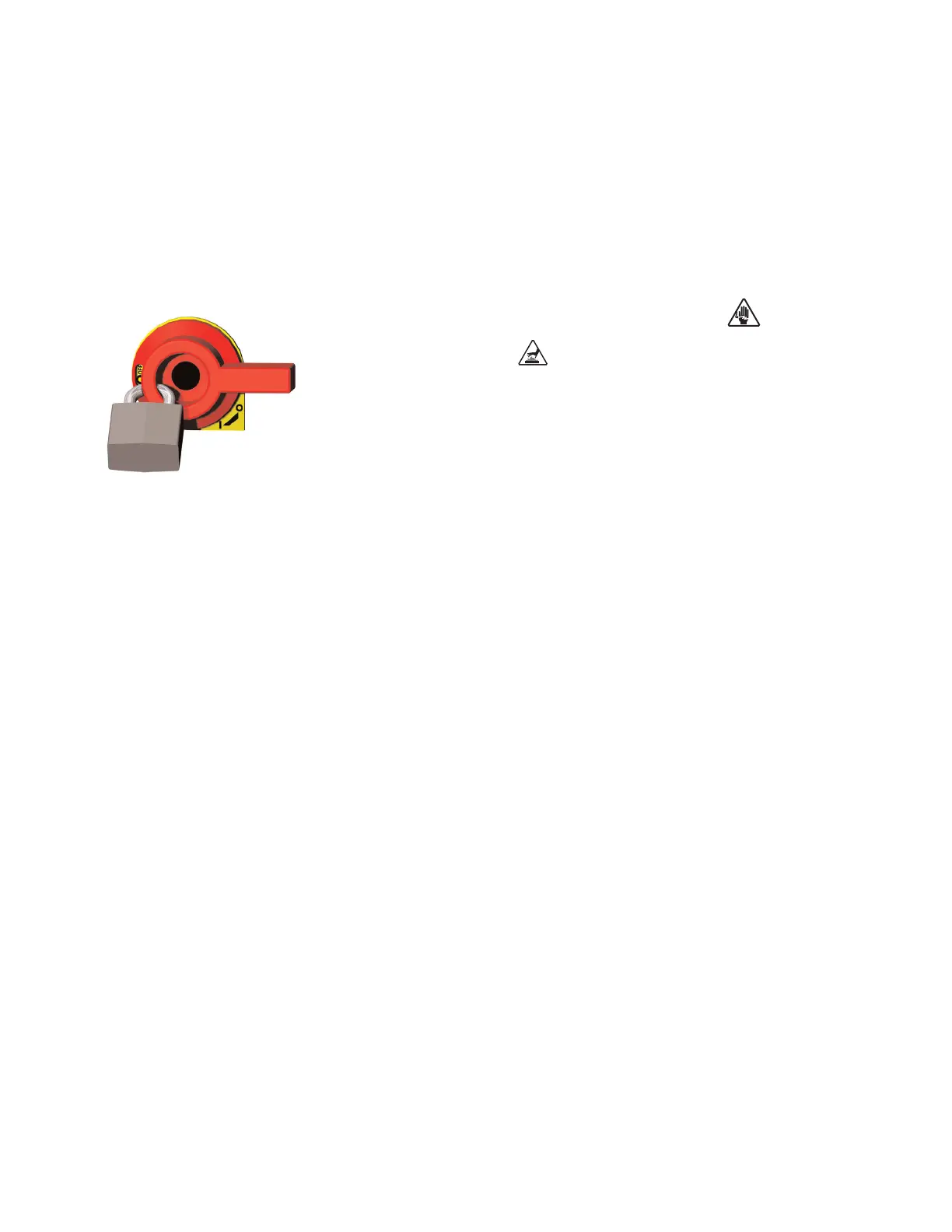
1 Stop the dryer, disconnect and lockout the main power.
2 Open both side panels.
3 Disconnect wiring to the motor.
4 Remove the pivot bolt securing the belt tensioner to the motor bracket.
Be sure to retain the flat washers located under the tensioner. Disconnect the
spring and remove the tensioner.
5 Remove the belt from the motor pulley, then remove the pulley from the
motor.
6 Remove the screws securing the motor to the upper and lower bracket,
and remove the motor.
7 Secure the new motor to the bracket.
8 Install the pulley on the new motor, and position the belt on the pulley.
9 Connect the spring to the tensioner, then secure the tensioner to the
motor bracket. Be sure to install flat washers between the motor bracket and
the tensioner.
10 Connect the wires to the motor.
11 Connect the power to the dryer. Turn the dryer on and ensure that the
desiccant wheel is rotating in the correct direction.
12 Replace the side panels.



 To Next Page