Testing the Installation
(continued)
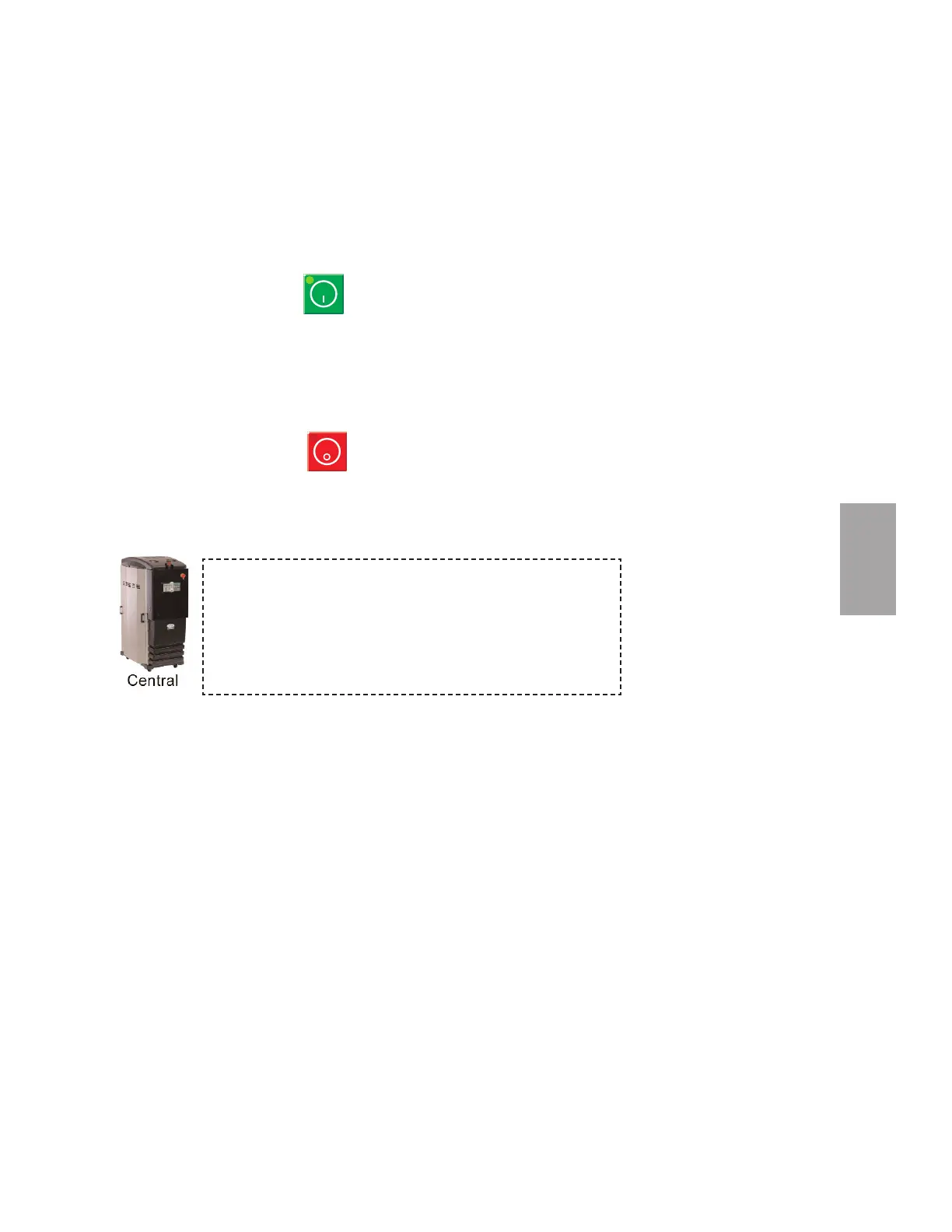
4 Press the START button.
If everything is installed correctly:
• The green light on the start button will illuminate.
• The process and regeneration blowers and LEDS will turn on.
• The process and regeneration heaters and LEDS will turn on.
• The desiccant wheel starts turning.
5 Press the STOP button.
If everything is installed correctly:
• The blowers will continue running as needed to cool the heaters
(until both heaters are less than 150°F {66°C}).
6 The test is over. If the dryer performed the normal operating sequences as out-
lined, you can load the hopper and begin operation. If it did not, refer to the
Troubleshooting section of the User Guide.
• The green light on the start button will illuminate.
• The process and regeneration blowers turn on and the display
LEDS will illuminate.
• The regeneration heater turns on and the display LED will
illuminate.
• The desiccant wheel starts turning.



 To Next Page