4-22 l Operation
Setting the High Setpoint Limit
Using the high setpoint limit can protect your drying process from accidental or
unauthorized settings above an acceptable level for the material you are drying.
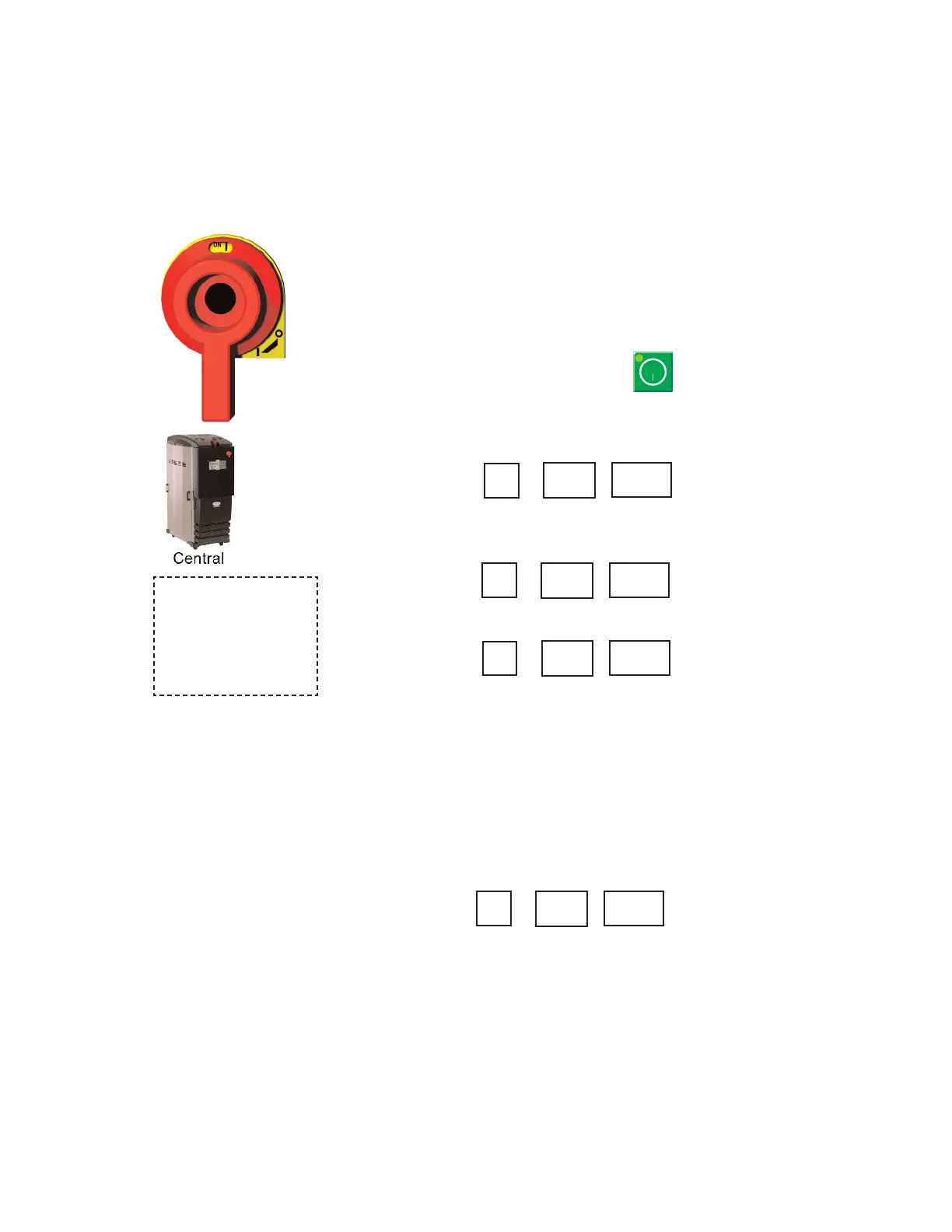
1 Turn on the main power to the dryer.
2 While at the default screen (Screen 5) press the scroll button and the set-
point (-) minus button simultaneously to get to Screen 14.
3 On screen 14 enter the password for set up screens (754) using the setpoint
(+) or (-) button.
4 Scroll to screen 16.
This is your current high setpoint limit. Press (+) or (-) keys to set a new high
setpoint limit.
Tip: We recommend that you set your high setpoint limit 10° higher than your maxi-
mum high temperature setpoint.
5 To lock in your new high setpoint limit and exit the password protected
screens, scroll back to screen 14, then enter 500 and press scroll or cycle the
power off and on.
0
0
754
0
0
385
C02
C
754
0
0
✒
When configured as a
central dryer, the high
setpoint limits can not
be set since there is no
process heater in the
system.
NOTE: Software may allow
the Process temperature
setpoint limit up to 450
°F
{232
°C}, however Conair
does not recommend a set-
point limit over 375
°F
{191
°C} due to nuisance
alarms.
✐
NOTE: Conair is not responsi-
ble for damage caused by
excessively high drying
setpoints that are not in
accordance with your drying
material recommendations.
✐



 To Next Page