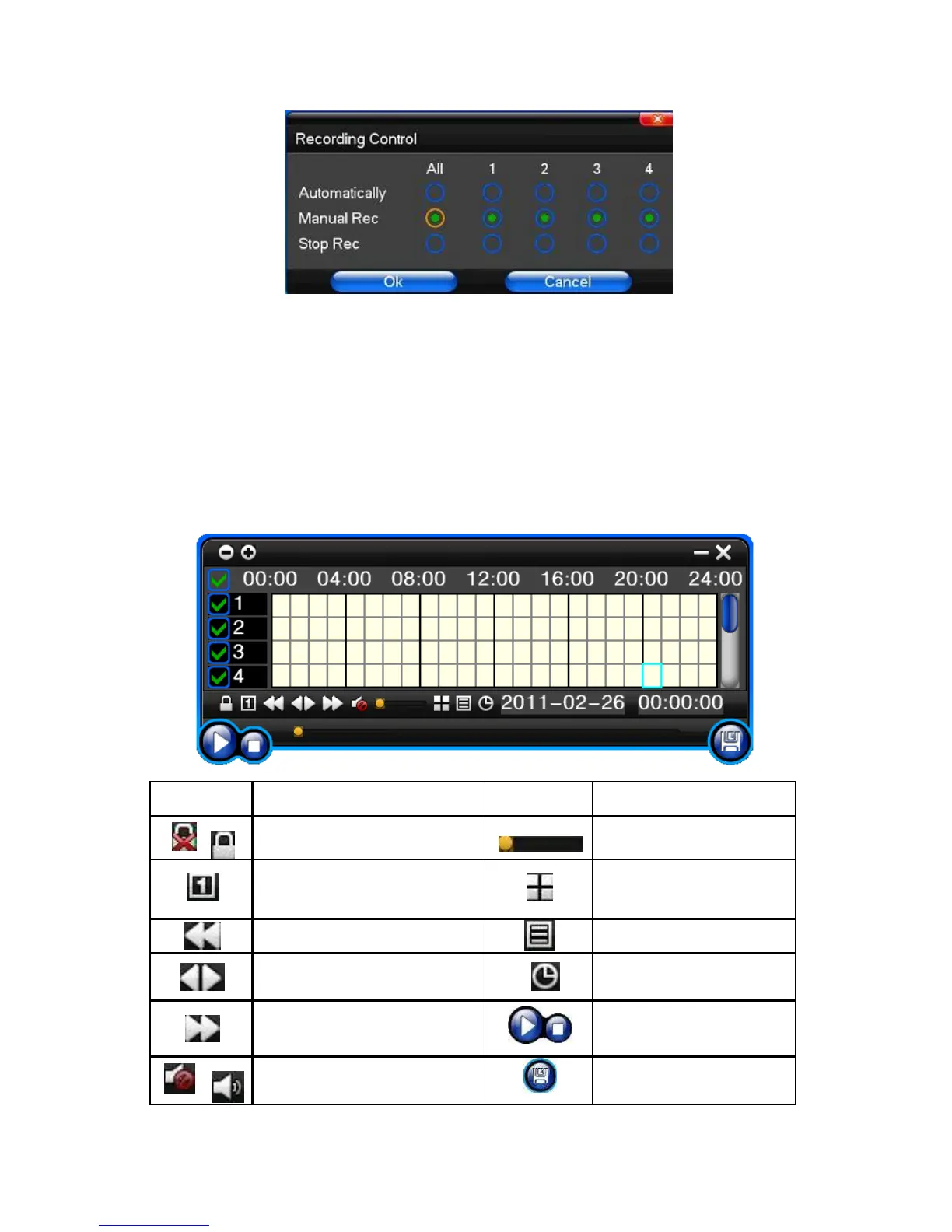
Under preview mode, press REC key or on the Remote controller unit key into recording control operation menu, as
follows:
2) The explanation of manual recording operation menu
【manual recording】 Priority level highest, no matter what the current status of every channel. After pressing
Manual Record, corresponding channel will be recorded common;
【Auto recording】Set channel recording by setting Timing, Motion detection and
Alarm in Recording Setting;
【Stop Recording】All video channel stop recording;
3.7 Playback video



 To Next Page