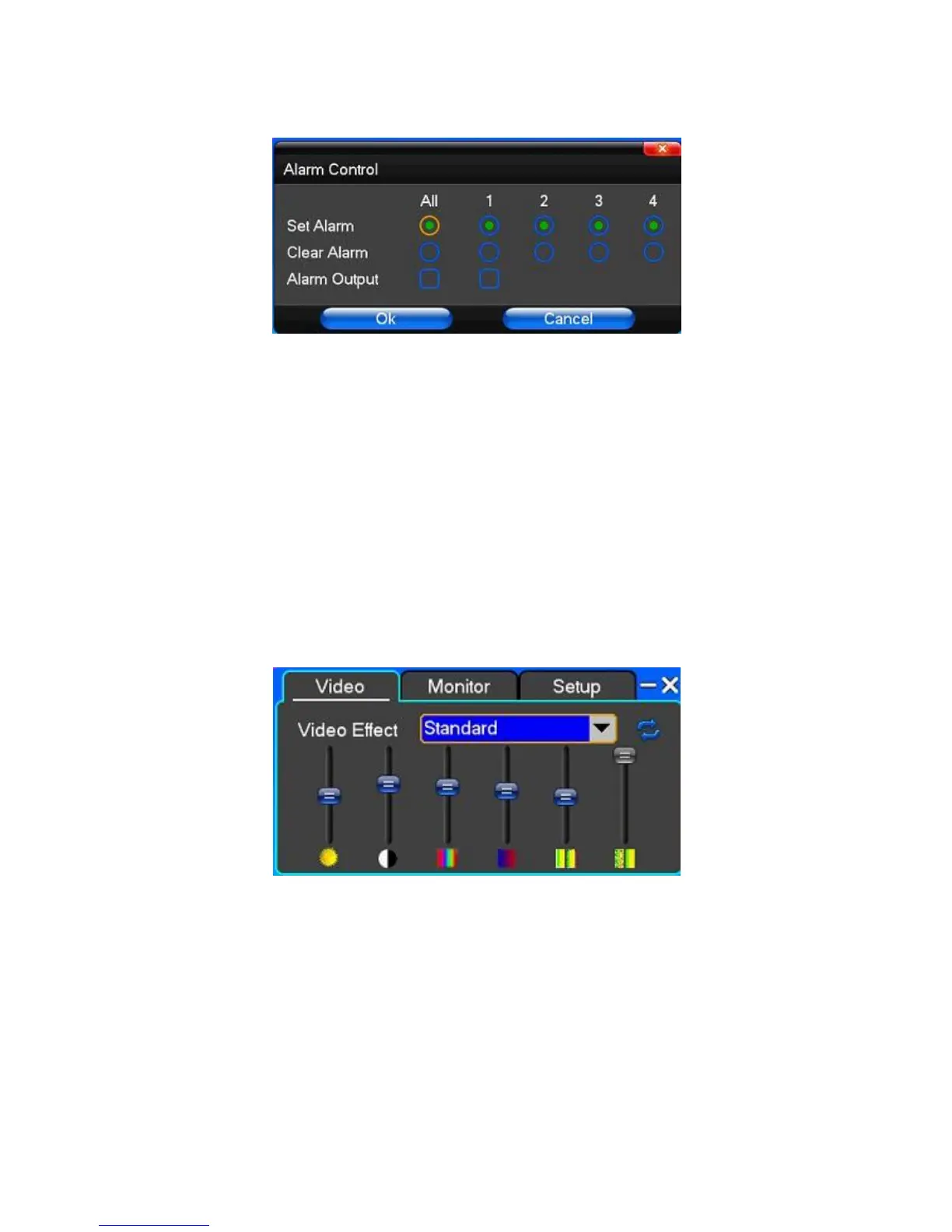
3.9 Alarm control
【Set Alarm】Selection needs to be made in protection channel, click to confirm the corresponding channel once
protection status is chosen
【Clear Alarm】Remove protection condition, not alarm input to react
【Alarm Output】Open the alarm output. In the premise of no trigger alarm input, user can operate the output. For
example, some alarm switch is connected with a lamp; lamp is open when alarm is triggered
【All】Can choose all the channels
3.10 Display Adjust
(1)Video
【Video Effect】Optional: standard, sharp, custom etc
【Default】Restoring default effect, for custom video effects, copy standard effect parameters.
Through the slider, adjust brightness, contrast and saturation, tonal, etc.
(2)Monitor



 To Next Page