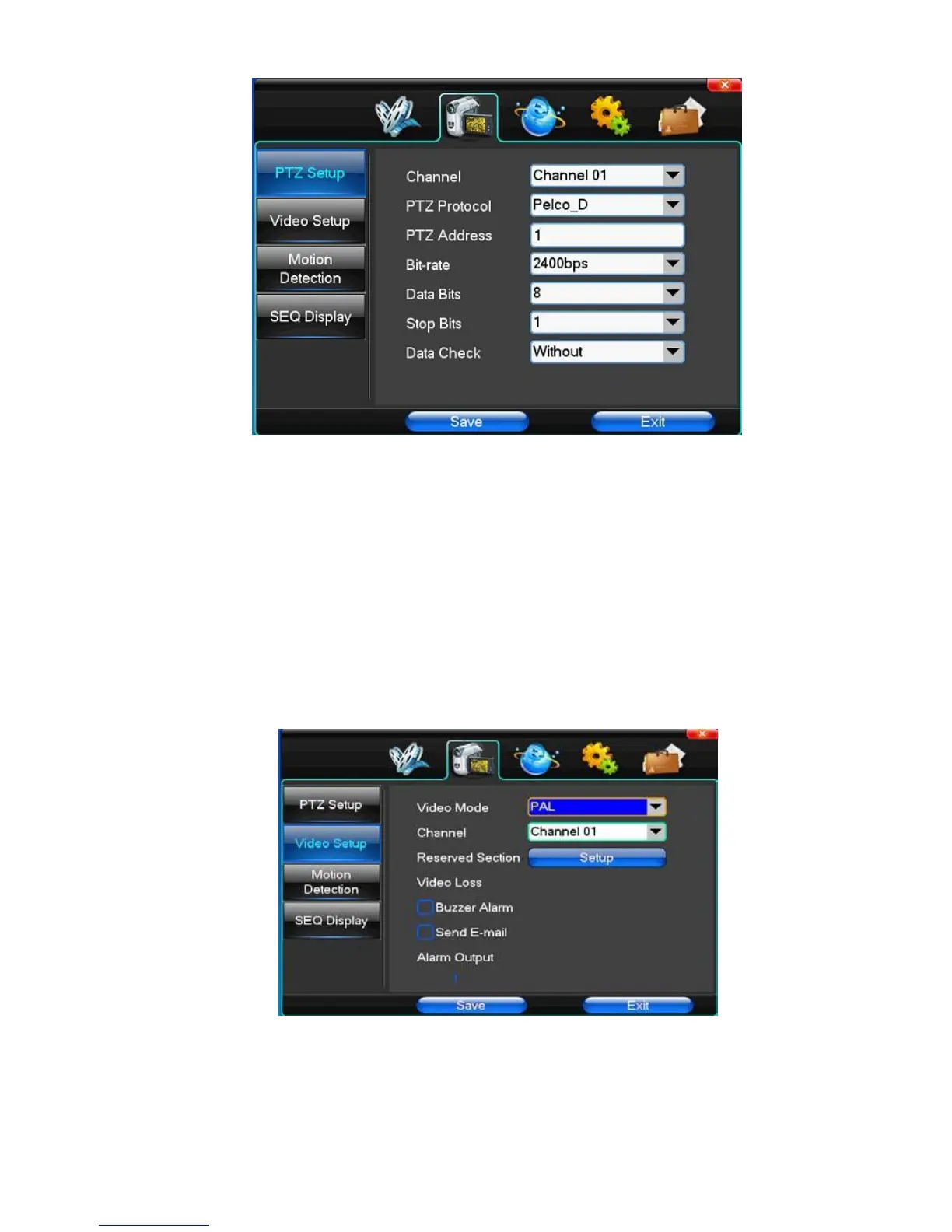
【Channel】Choose regional channels, PTZ Settings "whole" means setting all channels
【PTZ Protocol】PTZ equipment communication protocol
It contains these options: Pelco D、Pelco P、LILIN、MINKING、STAR、VIDO、NEON、DSCP、HY、N-control、
RM110
、
SAMSUNG
,
the
default option is Pelco D.
★Note: PTZ parameter Settings every channel need after completion in Settings of gc1318 alone.
【PTZ Address】PTZ equipment address, digital range 0 to 255.
★Note: here with the address must be consistent with the ball machine address; we can't control the ball machine.
【Bit-rate】PTZ equipment baud rate.
(2)Video Setup
【Video Mode】Provide PAL and NTSC both formats video formats choice, modify after you must restart your system
can take effect.
【Channel】Choose to set the video Settings area passage "whole" says setting all channels
【Reserved Section】Click Settings enter. The white areas for privacy area
【Video Loss】Happen when video lost choice whether or not to allow buzzer warning



 To Next Page