【File Time】automatic generation video files interval, the set range 5-120 minutes.
【Recording Bit-rate】the total rate of current coding
【Recording Time】the storage devices systems installed in accordance with the current bitrate can store video of
time.
Display the current hard disk attributes: types, hard disk, usable capacity total capacity. Click [formatting ], all
storage file will be lost.
Tip: to format the hard disk, please stop all current videos in the system.
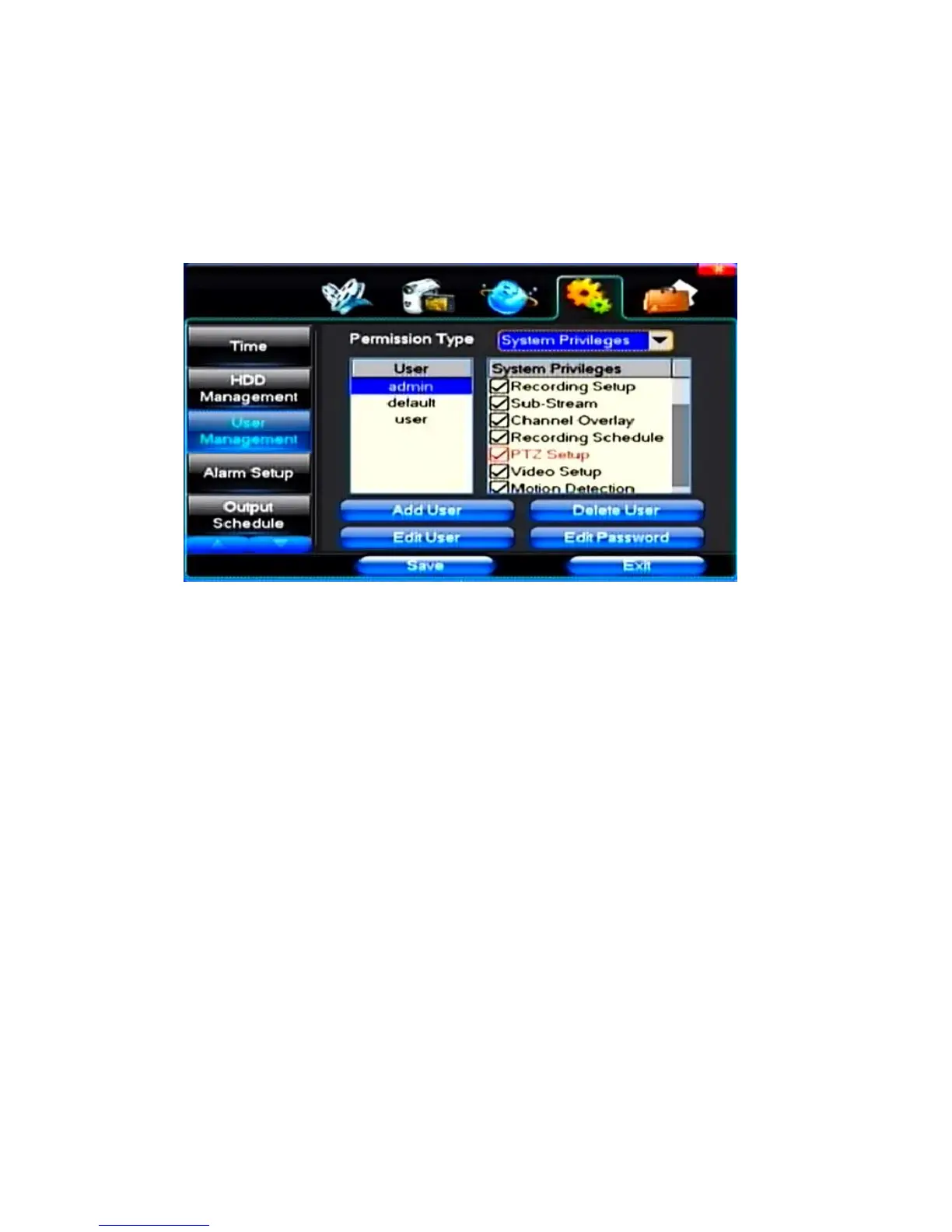
(3)User Management
【
User
】
Characters
in length up to 8 bytes, ignore trailing Spaces. Can be letters, Numbers, and other symbols. The
user has the largest number of eight, user name may not be repeated.
【User Rights】According to the requirements set of functions need checked
【Add User】Input need to add user, and input the account password and passwords. According to save button to add
user.
【Delete User】Select the users need to delete, and click on the "yes" button to remove users
【Edit User】Choose need to modify user, and in user permissions bar needed under the function of check. According
to the save button modified users.
【Edit Password】Select the account, input to modify current user password, and enter the account password and
confirmation password new. According to the save button for password changing. The password can be set to 0 ~ 8
bits
(4)Alarm Setup



 To Next Page