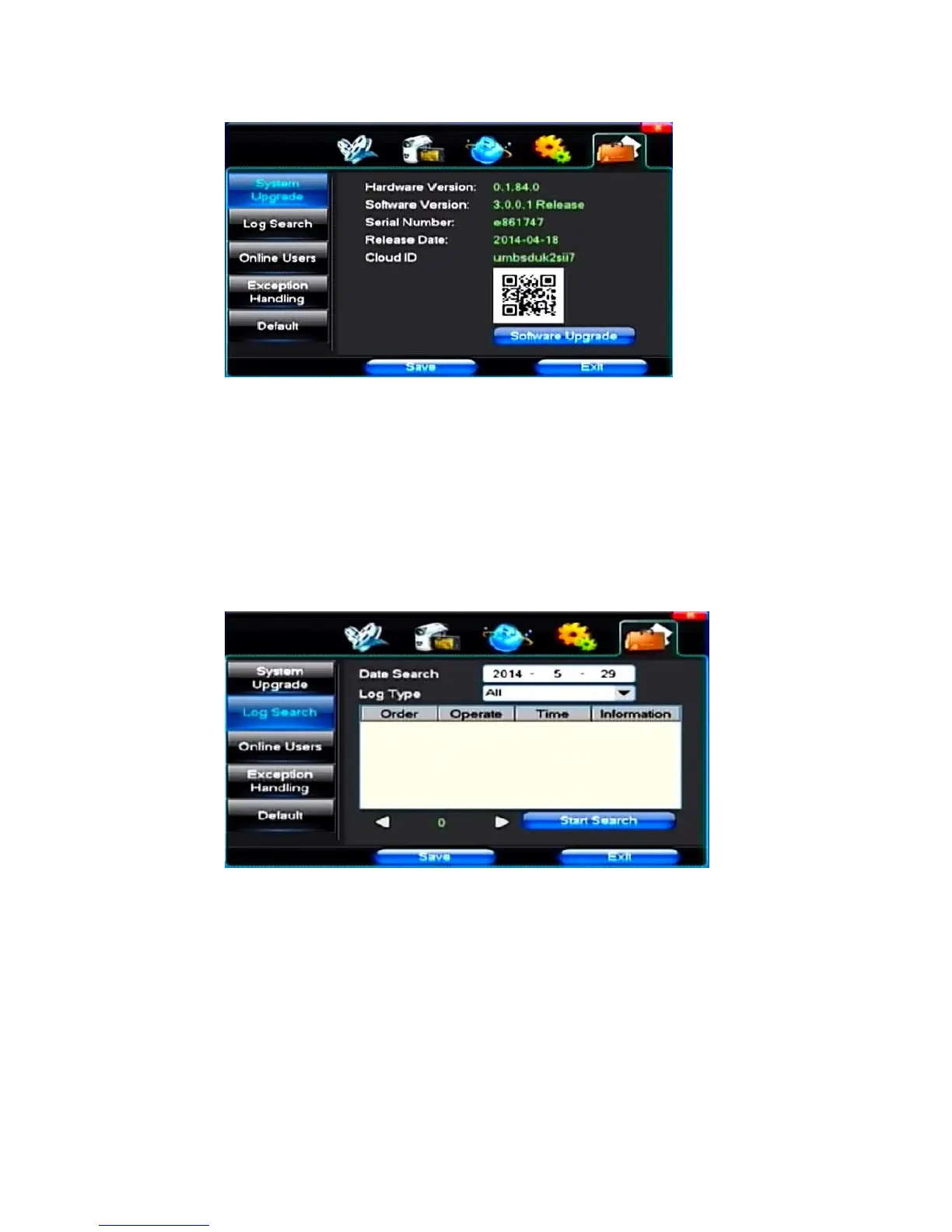
4.5 System Management
(1)System Upgrade
Show the system hardware versions, software version, release dates,Cloud ID,QR-Code. Click [software
upgrade 】, the system began to automatically detect and upgrade file.
Note: equipment currently support upgrades: local USB mode, IE mode, the client software.
USB mode: former ensure USB device to connect upgrade normal, as upgrade program has copy USB
devices in the root directory. According to the interface can upgrade operation hints.
Upgrade was successful, and the screen appears to restart operating hints. Equipment reboot after system that
will enable the new software.
(2)Log Search
【Date Search】Can search according to date



 To Next Page