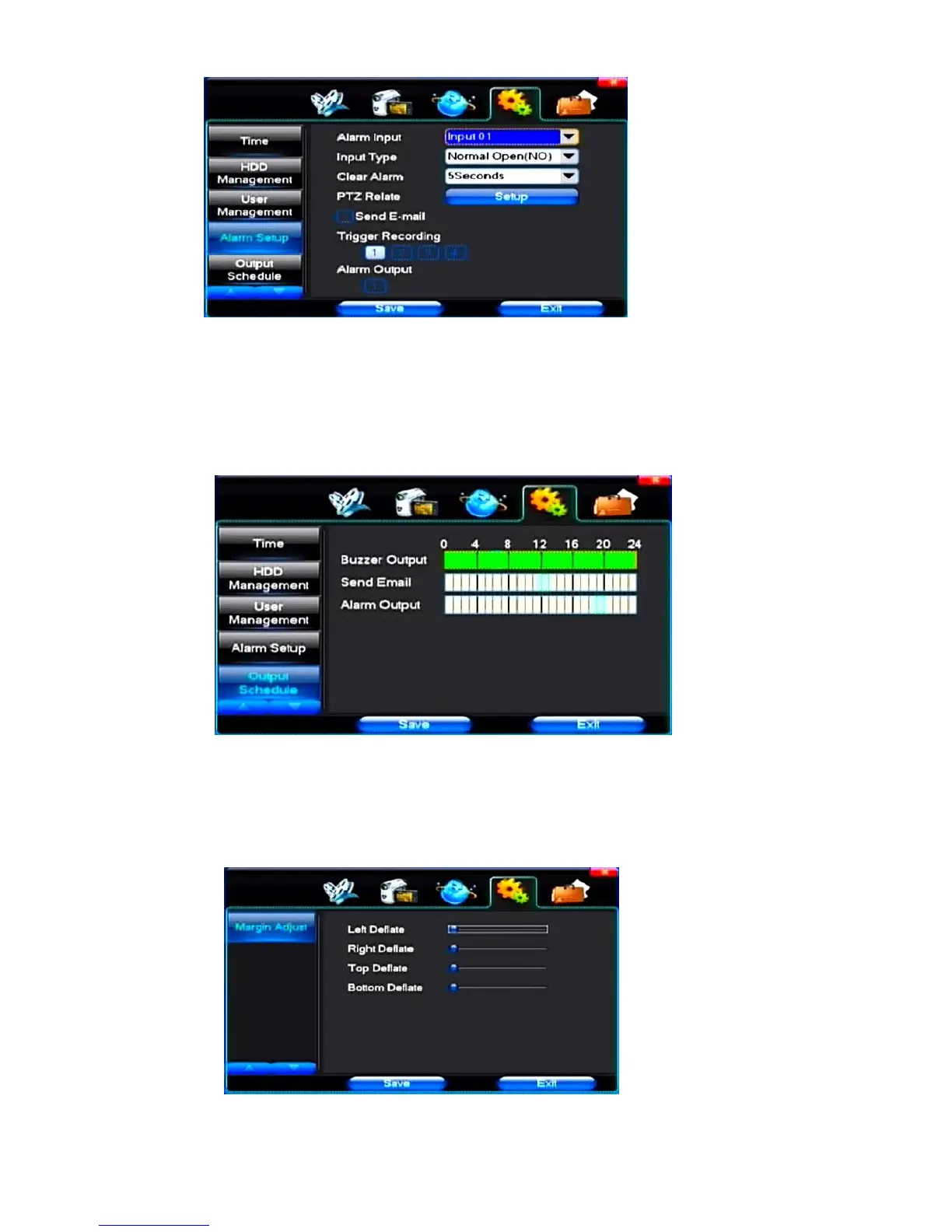
【Alarm Input】Choose corresponding alarm channel, "all" setups all channel said.
【Input Type】Alarm input to often open/closed type choice (voltage output style)
【Clear Alarm】Stop the current alarm video and alarm output, but not removal, can again trigger alarm.
【PTZ Relate】When will the linkage happened alarm PTZ control
【Trigger Recording】When will trigger happened alarm selected channel video.
【Alarm Output】When will the linkage happened alarm corresponding alarm output
(5)Output Schedule
【Buzzer Output】In the chosen time intervals have alarm input will start buzzer output.
【Send Email】In the chosen time intervals have alarm input which will send relevant information, such as the alarm
events, paparazzi pictures, equipment name, device ID, etc sent to user specifies the mailbox.
【Alarm Output】In the chosen time intervals have alarm input will start alarm output
(6)Margin Adjust
Set “Left Deflate/Right Deflate/Top Deflate/Bottom Deflate”



 To Next Page