【Log Type】Optional: all, operation log, set diaries, alarm log, error log
Note: according to the left, right arrow can move forward and content.
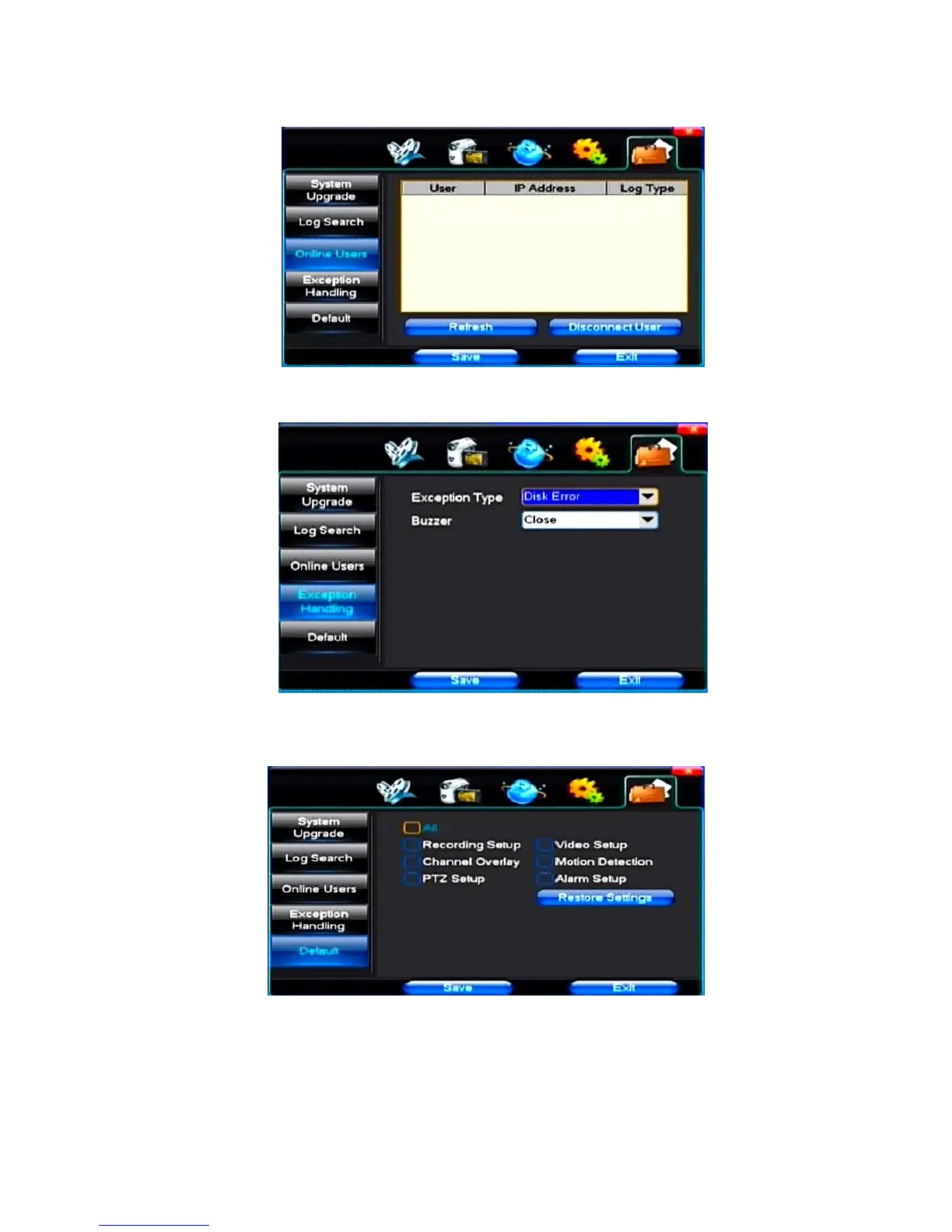
(3)Online Users
Display the users who are visiting the DVR.
(4)Exception Handling
【Exception Type】Choose abnormalities: hard disk full, hard disk errors, network connection.
【Buzzer】When abnormality, choose whether to allow the buzzer hints.
(5)Default
Restoring default can restore selected according to need. The system restores to the default
configuration state. Users can choose to restore the corresponding Settings from the menu options.
Tip: menu color, language, time date format, video format, IP address, the user account, etc will
not be restored.



 To Next Page