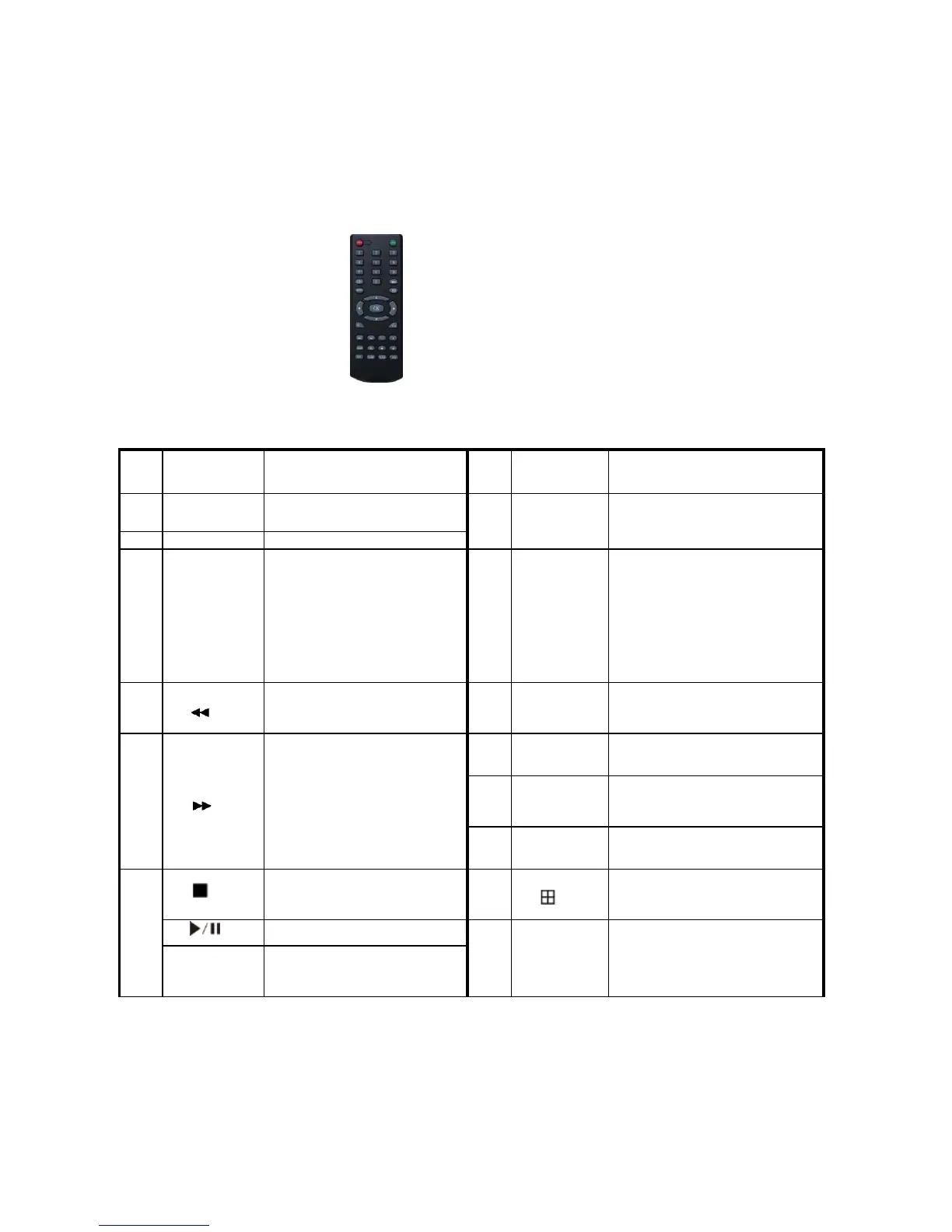
Chapter Three: Operation
3.1Operational instructions
3.1.1 Remote control AND Front panel keypad
Tab le:
This button is used as “enter”
and“ ok” key in most
circumstances
Exit operation or enter upper
menu
Close soft keyboard
Close current window
Exit from current control
Return to last menu
Exit from PTZ control under
preview state
Access/exit from PTZ control
under preview state
Slow playback,1/2×, 1/4×,
1/8× and single frame play
Volume or number
increase/reduction Select item
of the list
Fast playback, 2×,4× and 8×
playback
Digital input Corresponding;
Channel is magnified in full
screen under preview state
Switching of
1/4/8/9/16/24/32Preview mode
Four-way to move the focal
point in main menu, up and
down to move in the normal



 To Next Page