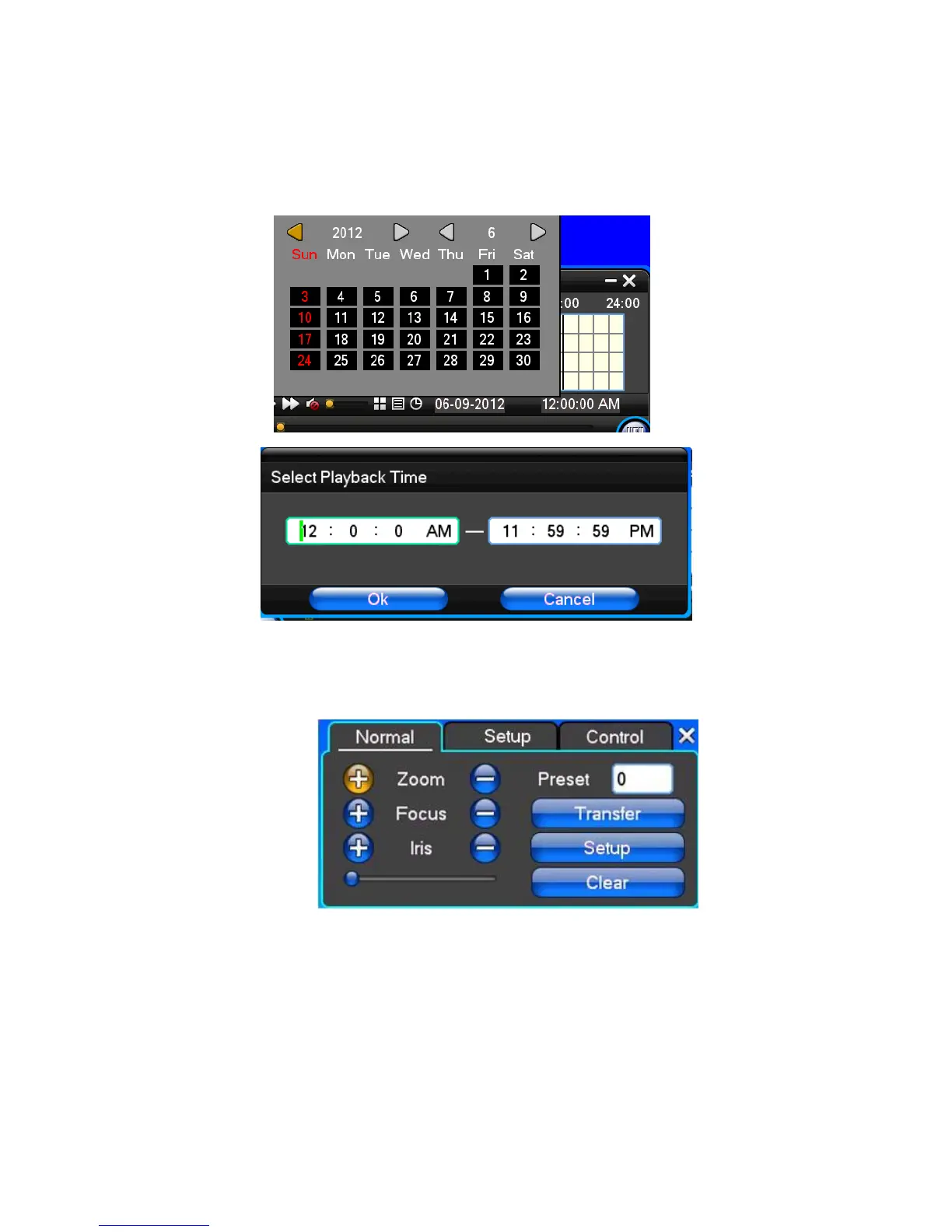
Note:
1) During playback the Playback Tool will show the file playback speed, channel, timing, playback speed etc.
information in the Playback control panel;
2) fast forward operation function can’t be selected in two channels simultaneously.
3) Can drag the Playback Speed toolbar by mouse;
4) In this dialog you can select the video time precisely to the second.
3.8 How to control PTZ
【Zoom】Moves the lens to focus on objects further away, also use the mouse wheel to undertake variable times
control.
【Focus】Slight adjusting of the focal length
【Iris】Aperture size adjustment
【Speed】Through the slider adjust rotation step interval, PTZ mainly used to control directional operation, the
step length of turning the faster PTZ.
【Preset】Adjust the camera angle, then direction and the corresponding input and click on [ set] button, preset
dots to set the dots in the preset resell.
Input presets dots and click on [Transfer] button, the camera will be transferred to the preset point corresponding
position. Click [remove] button, and these presets will be cleared



 To Next Page