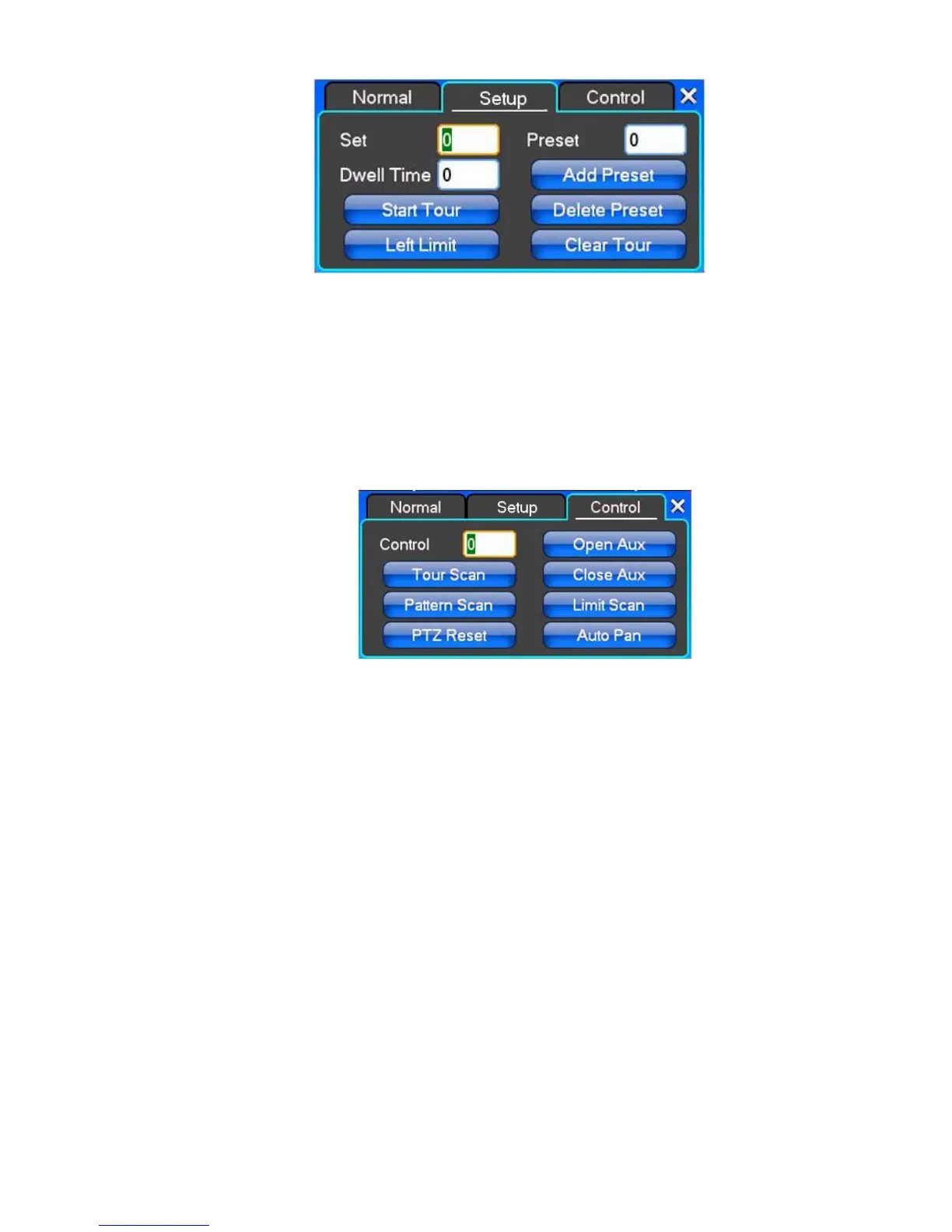
【Set】Click 【Start
Tour
】
【 add Preset
】
and 【 delete Preset point 】, 【Clear Tour】.
【Start Tour】begin to track record, from specified date 【 end Tour】,thus set up from the corresponding track
circuit.
【Left Limit】Begin to limit scanning Settings, was registered date 【 right Limit 】, thus set up corresponding limit
scanning.
【Add Preset】Add presets point to the cruise lines.
【Delete Preset】Cruise lines from deleting preset points.
【Clear Tour】Remove the cruise line designated.
Note: some equipment doesn't fully support all function, depending on the specific PTZ equipment and different.
【Control】PTZ Control
【Tour Scan】Point between cruise control.
【Pattern Scan】Track patrol control.
【PTZ Reset】Remove all Settings, original reset to the original state.
【Limit Scan】PTZ boundary scan control around.
【Auto Pan】Remove the cruise line designated
Note: some equipment doesn't fully support all functions, depending on the specific PTZ equipment and different.



 To Next Page