【Image Quality】Including lowest/low/Common/Hihg/Highest
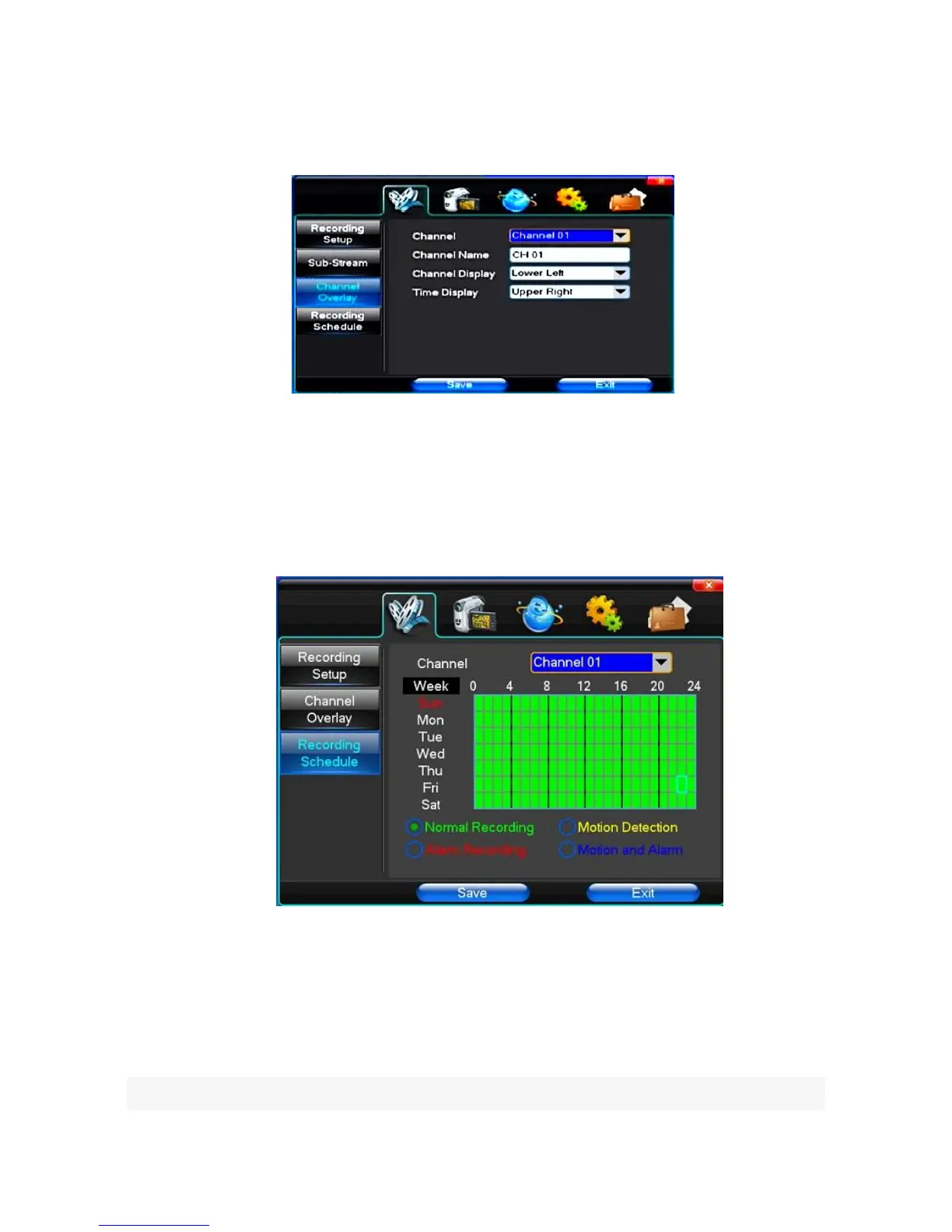
(3)Channel Overlay
【Channel】Choose the need to install passage "All" says setting all channels.
【Channel Name】Allows manual input of each channel's name
【Channel Display】Can choose according to the requirements of user; the top-left corner, left, lower, middle and
downward, upper, right, and lower.
【Time Display】Can choose according to the requirements of user; the top-left corner, left, lower, middle
and downward, upper, right, and lower.
(4)Recording Schedule
【Channel】Choose to install passage as "whole" when setting all channels.
Each longitudinal row represents seven days a week, with the 24 hours in each day controlled by left key
clicking the mouse on the small square, setting time to clean it , with a right-click to drag video time.
4.2 Camera
When the system starts the camera will detect the format of video
(1) PTZ Setup



 To Next Page