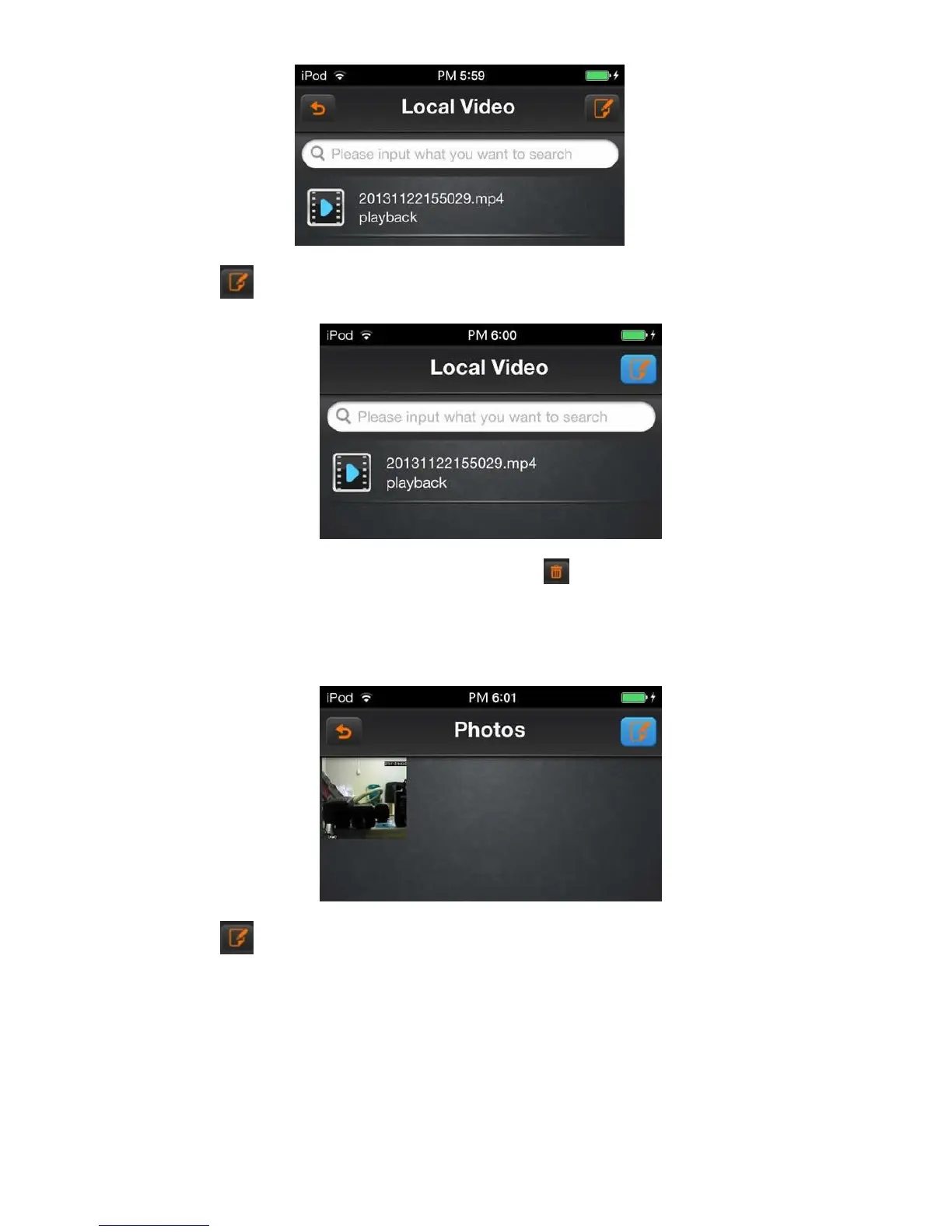
Click on the icon , the local playback video list change to editing states.
Select the video options that you want to delete, and then click the icon ; you can delete the selected local video.
6.1.9 Image view
Click on “images browsing” option
Click on the icon , the local playback video list change to editing states.



 To Next Page