6.2.3.2 User register
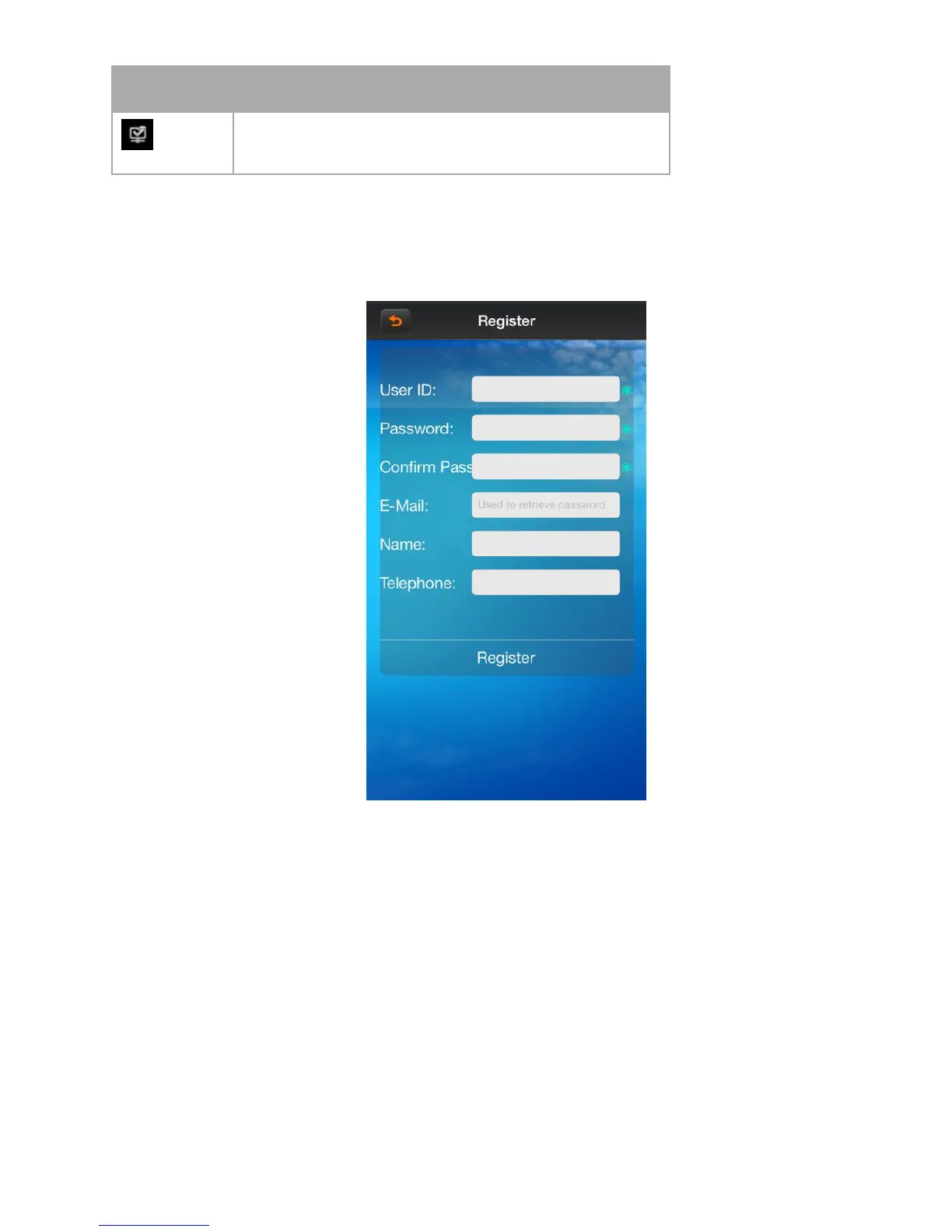
Click the button “register” on the login menu, then will jump to the register interface.
Enter the register information, click “register” then will be registered.
Note: please enter the valid E-mail address in order to retrieve your password when you lost it.
6.2.3.3 Retrieve the password
On the register clicking the button “login” and jump to “Retrieve password” interface.



 To Next Page