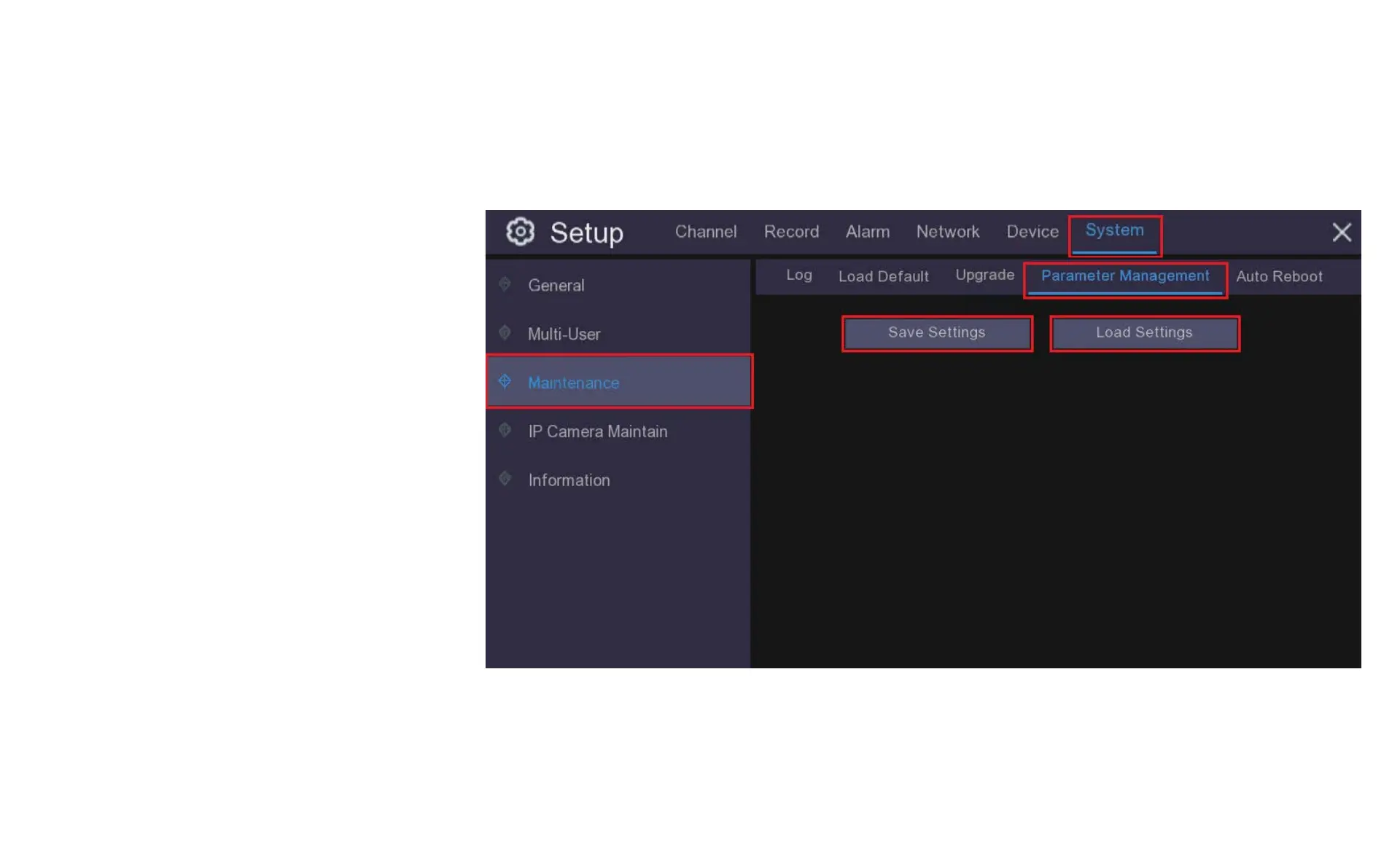
11.3.4 Parameter Management
You can export the main menu settings you have
configured to a USB flash drive, or import an
exported setting file from a USB flash drive to the
DVR. It is a good idea to do this prior to doing an
upgrade or if you want to copy your settings to
another DVR.
Save Settings: Click to save the current DVR
system settings to the USB device. You will be
required to input the Admin password to
authenticate.
Load Settings: Click the Load Settings button to
navigate to the system settings file you want to
import from your USB flash driver. You will be
required to input the Admin password to
authenticate.



 To Next Page