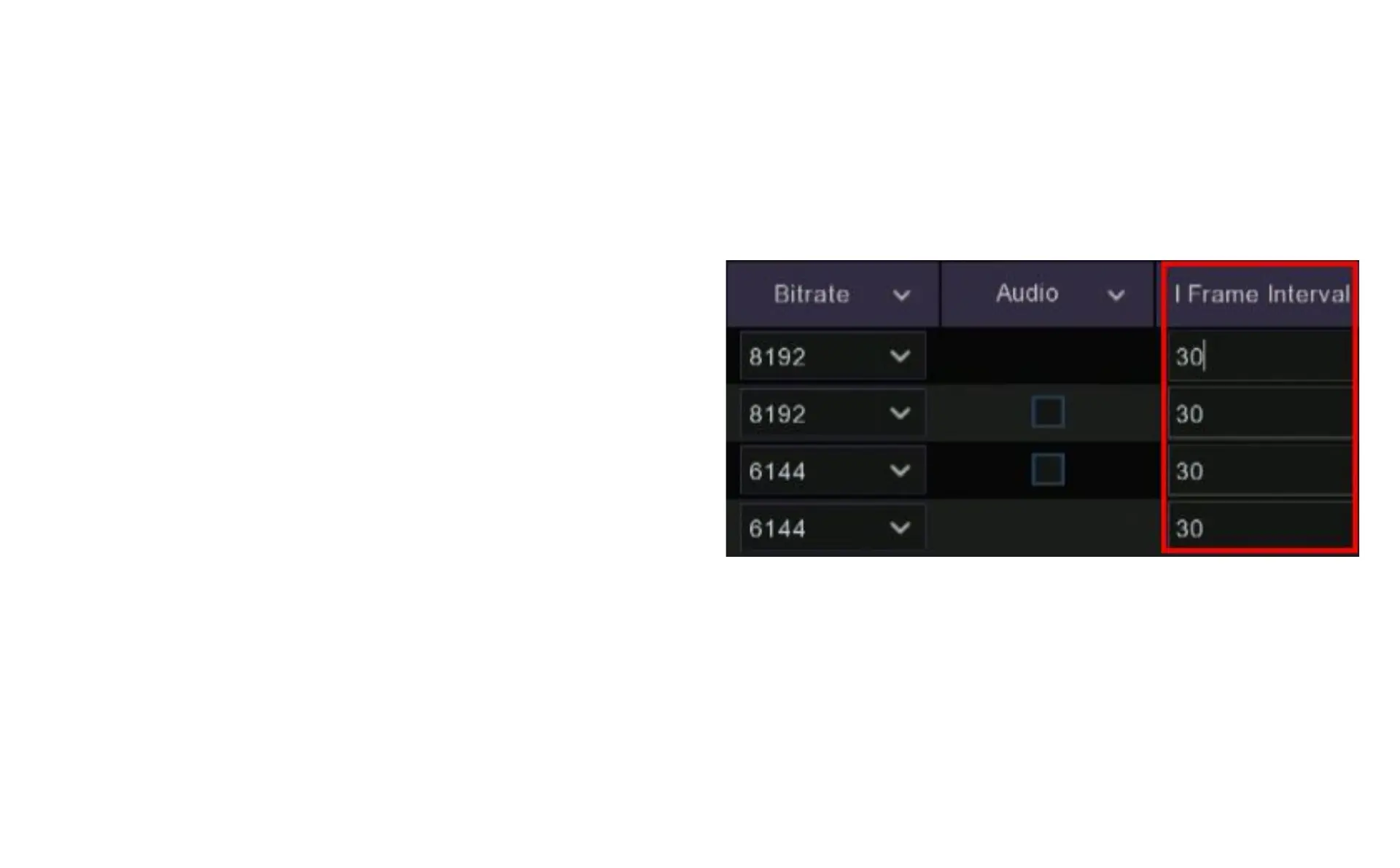
7.2.6 I Frame Interval
An I Frame is an image frame used in video compression as a reference image,
typically every 20-30 frames. The compression compares the next frames after
the I Frame for any changes and only sends those pixels that have changed. If
you find h.264 or h.265 compression is reducing the quality too much you can try
to fine tune this by increasing the number of I Frames that are used.
I Frame Interval is adjusted simply by changing the number in the field under I
Frame Interval. The lower the number the more frequent the I Frame is used and
theoretically the better the video quality. Keep in mind that this adjustment
works best with higher frame rates as there are more frames per second with
which to work. For example if you have the frame rate set at 5 frames per second
and you set the I Frame Interval to 5 then the compression is only able to use
one I Frame per second, but if you have the frame rate set at 25 frames per
second and the I Frame Interval set to 5 then the compression will use I Frames
per second.
Most users should leave the I Frame Interval at the default settings.



 To Next Page