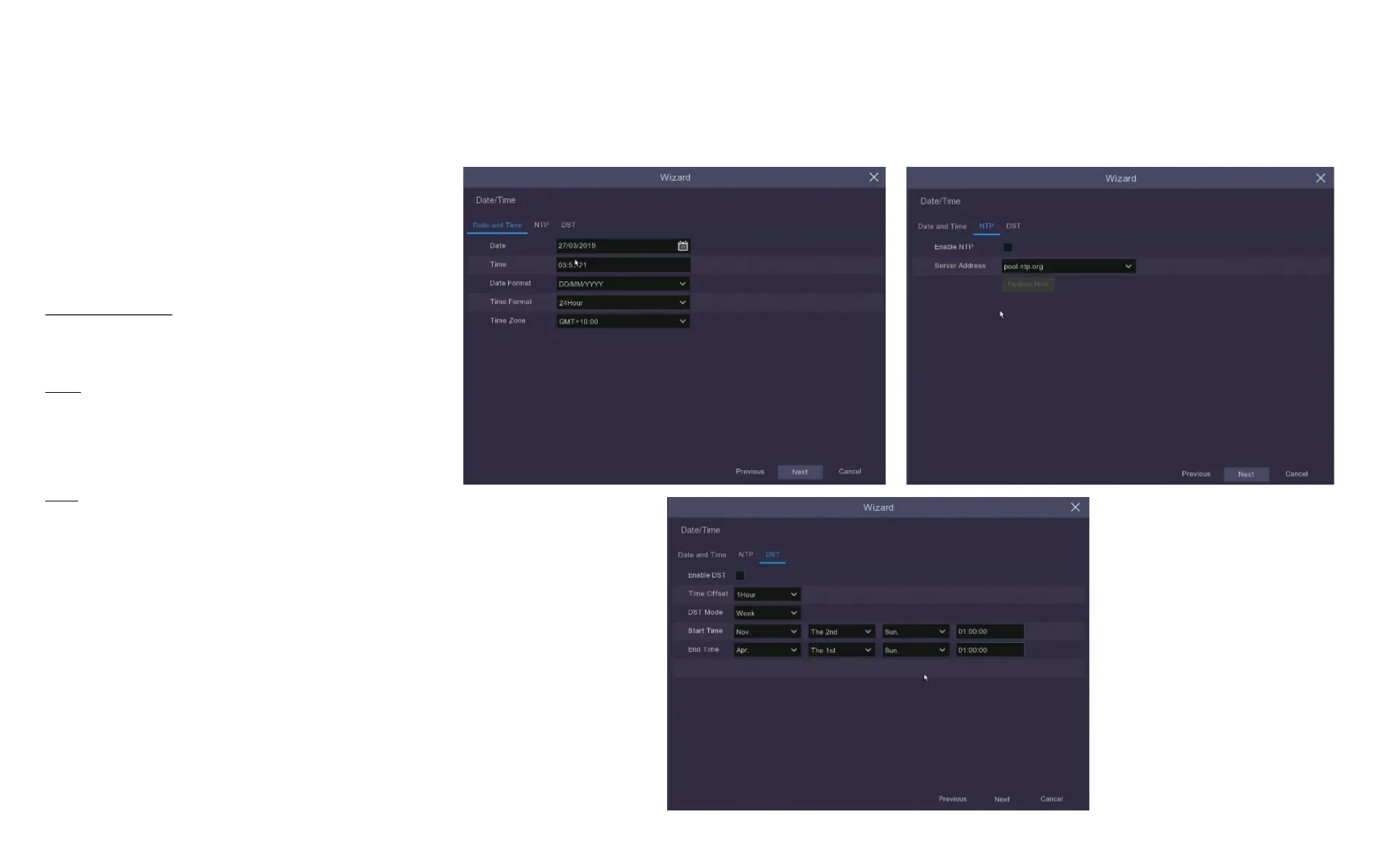
4.4 Set Date & Time
This menu will set the system date and time,
click the tabs to make adjustments.
Date and Time: Set date, time, formats and
time zone.
NTP: You can also choose NTP (network time
protocol) to automatically set the time using
the network.
DST: Set when DST (daylight saving time)
begins and ends so the system will
automatically adjust itself.
Click the Next button at the bottom of the
screen to confirm changes.



 To Next Page