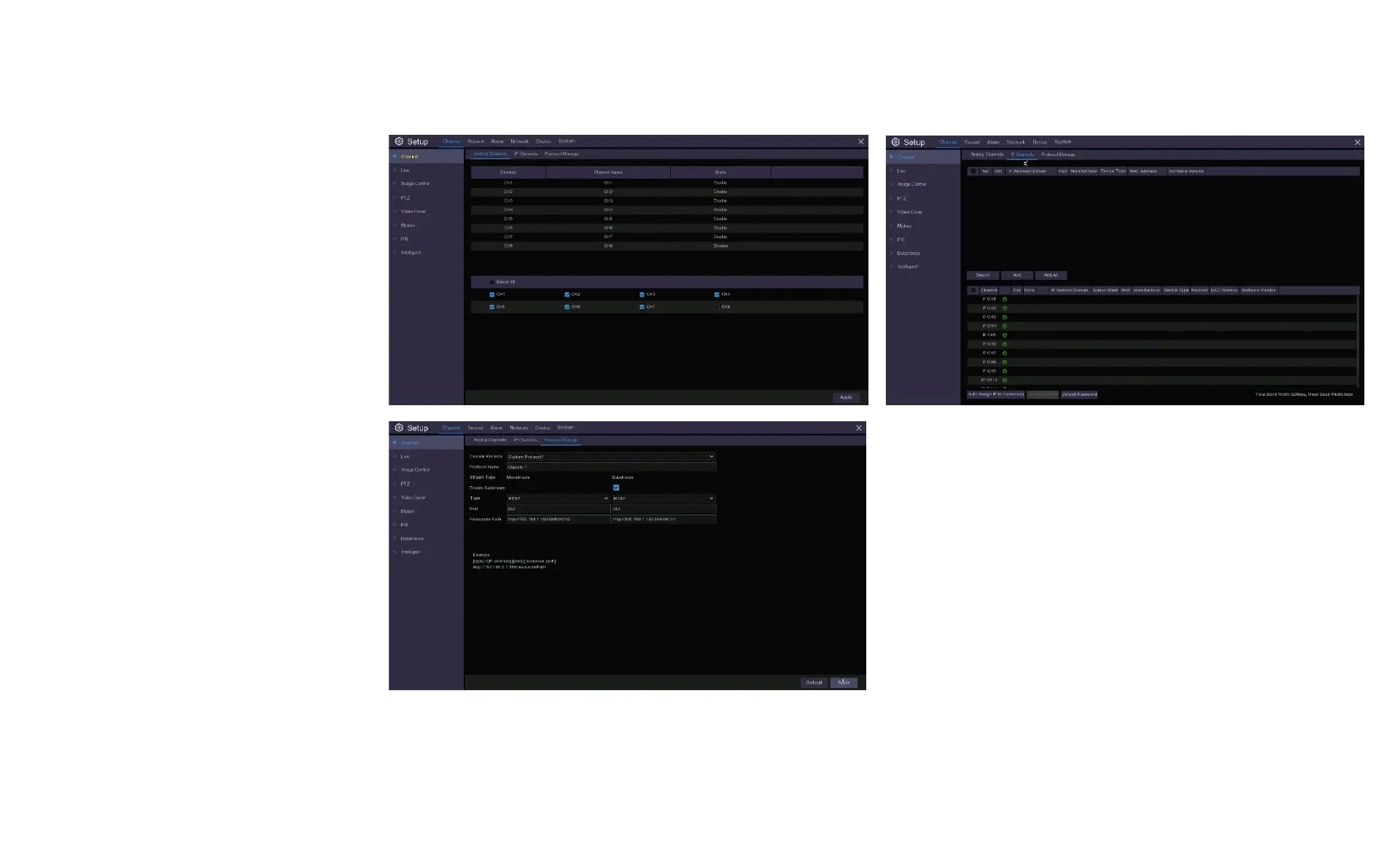
6.2 Channel Menu
Under the top Channel Menu tab you
can click on the lower Channel menu
on the left of the screen and this will
bring up three tabs to the right for:
Analogue Channels
IP Channels
Protocol Management
These tabs give you a summary of
your settings including AHD cameras,
IP connections and sub-stream
connections. You shouldn’t have to
change anything here.



 To Next Page