8.2.1 Video Clip Backup
1. Insert your external USB drive to the
DVR.
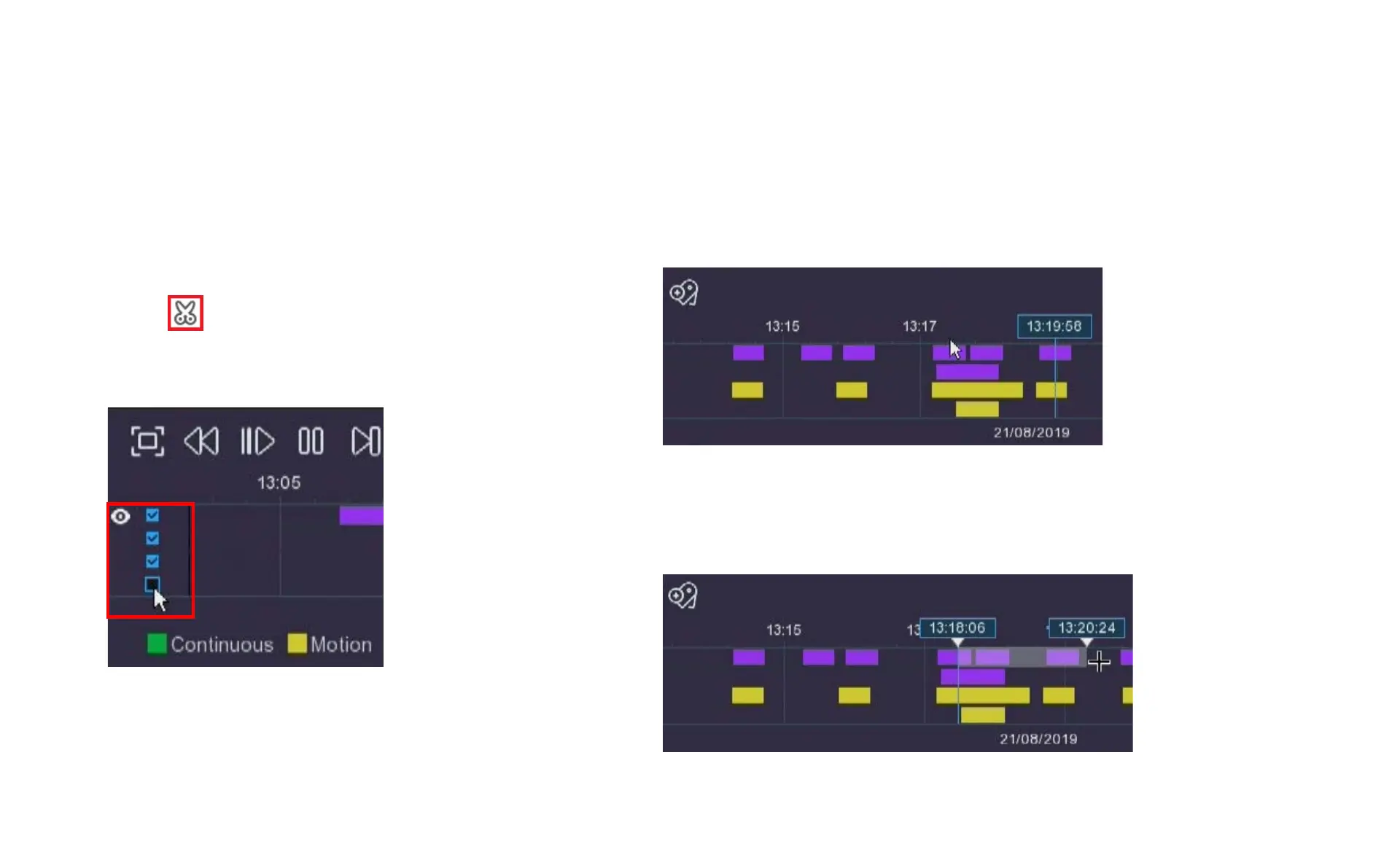
2. Start a video recording playback.
3. Click icon.
4. Check the channel(s) you want to use to
make video clip backups.
Chapter 8 Playback & Search
5. Move the mouse cursor to the timeline where you want to start the
video clip.
6. Press and hold the left button of your mouse, and drag the cursor to
the timeline where you want to end the video clip.



 To Next Page