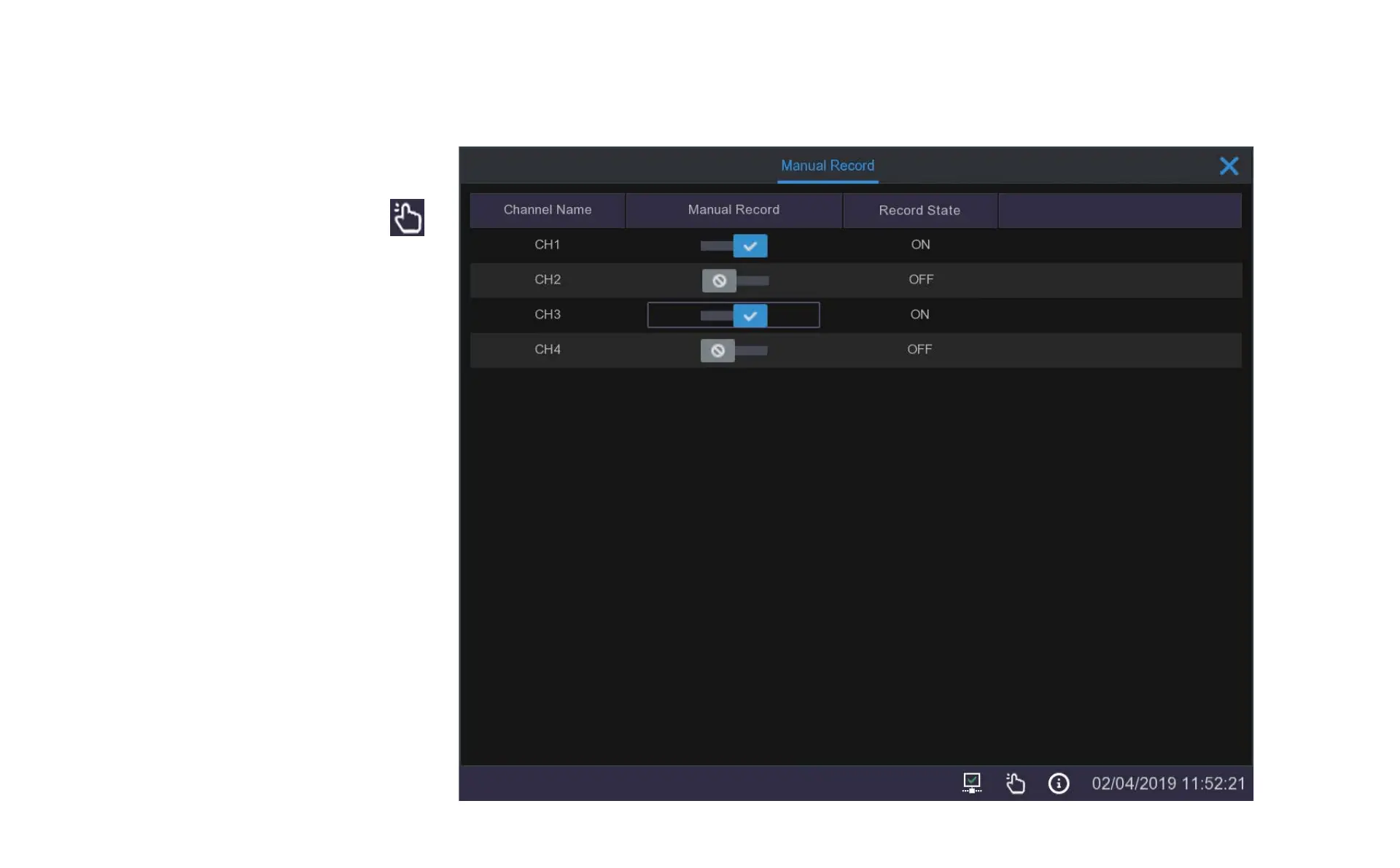
5.4 Manual Record
When you click on the Manual Record icon in
the taskbar a menu will pop up that allows you to
immediately begin recording on any of the
channels by clicking on the slider next to the
channel you wish to record.
This is a handy tool if you want to quickly change
to constant recording or if you want to test the
channel.


 To Next Page