5.5 System Information
5.5.1 Information
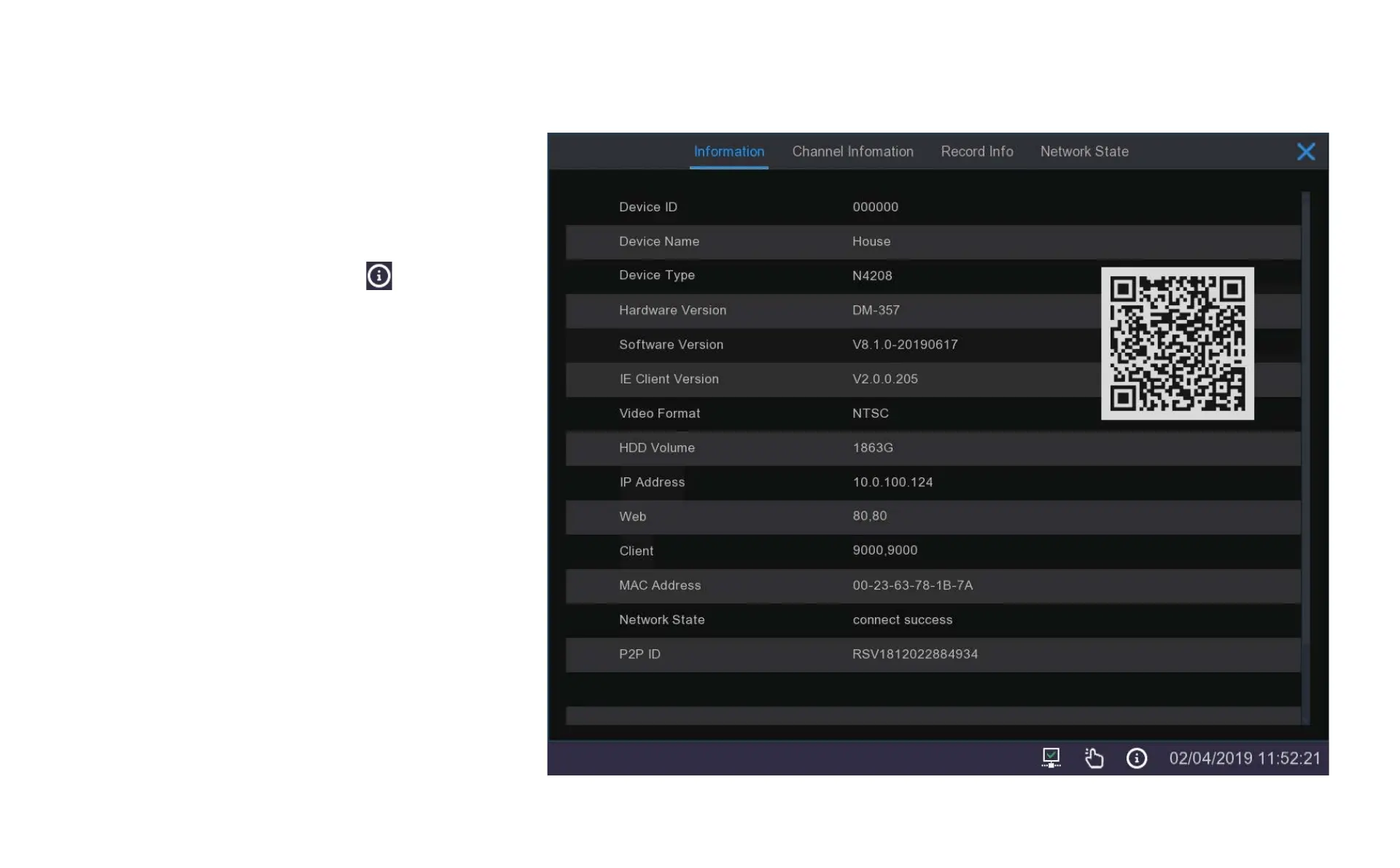
When you click on the Information icon in the taskbar
a window will pop up with a summary of your system
settings and the versions you are running.
This is a useful resource if you are upgrading cameras or
if you have forgotten your password and need the MAC
address to get us to reset your password.
This window also includes a copy of your machine’s
unique QR code that you can use to add your system to
the phone app.



 To Next Page