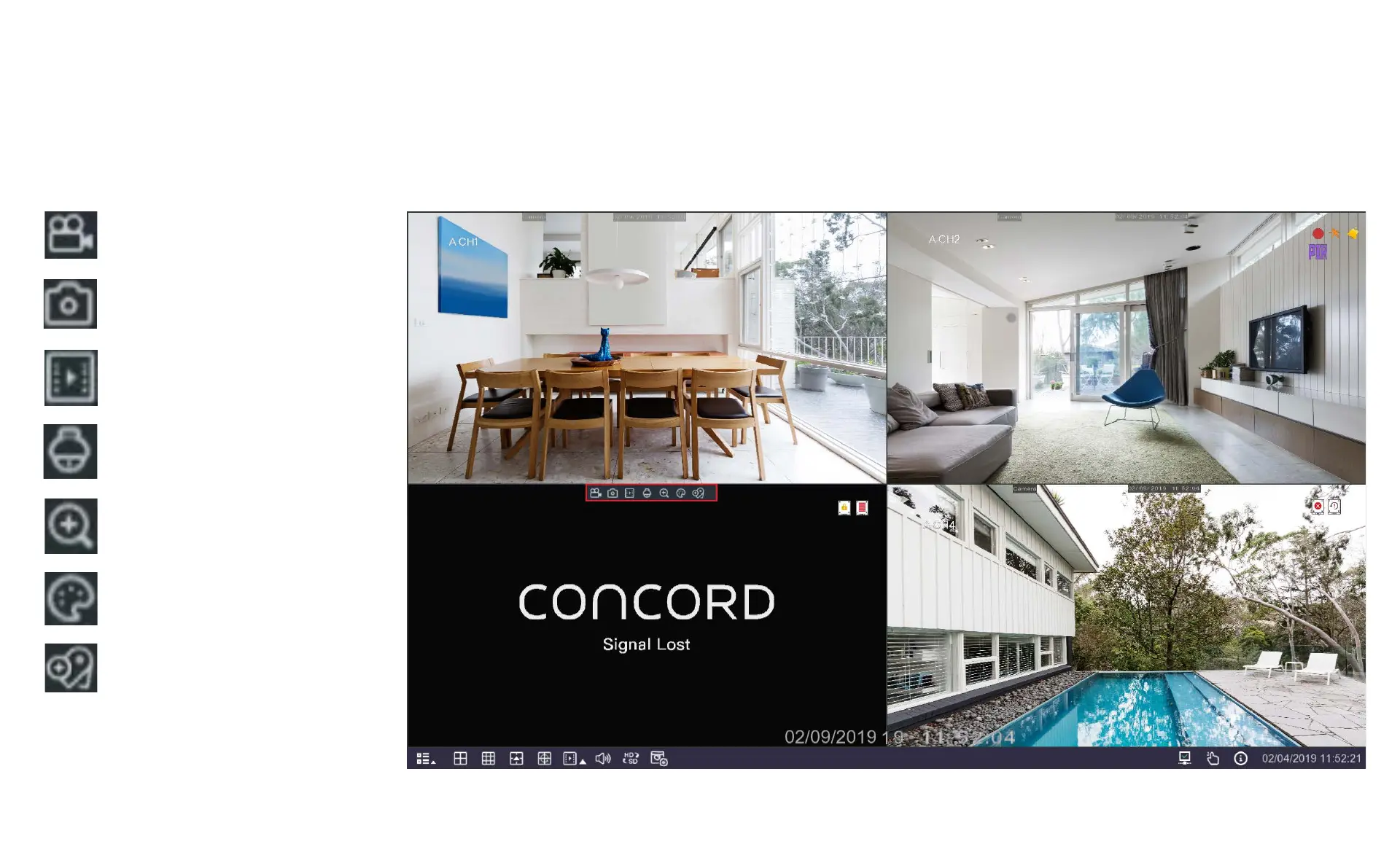
5.2 Camera Quick Toolbar
Manually record this channel. Click
once to start and again to stop.
Manually capture an image. Must
be enabled in Capture Menu.
Play back the last five minutes
of recorded footage.
Open PTZ control window.
Zoom in on the image. (See
following page for instructions.)
Adjust the colour settings for this
channel.
Add a manual tag to this
channel.
If you see Signal Lost on a channel
it means the camera has stopped
communicating with the DVR, this
is usually because the it has come
unplugged.



 To Next Page