5.2 Camera Quick Toolbar
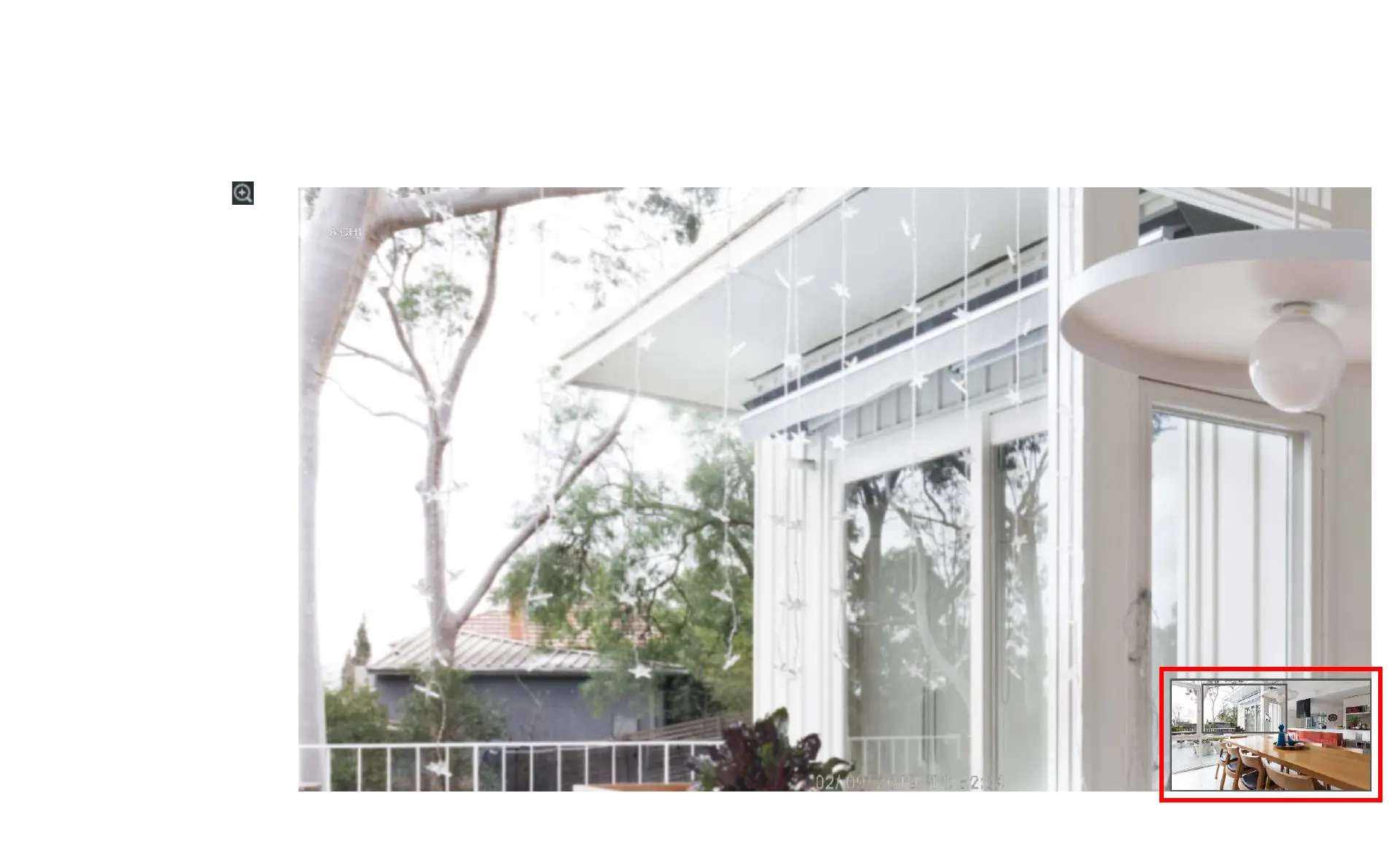
When you click on the
zoom icon channel that you
have selected will expand to
full screen and a small
screen will appear in the
bottom right hand corner
showing the full channel
image. To zoom in and out
use the mouse scroll wheel,
a smaller rectangle will
appear in the full channel
image showing the area you
are zooming in on, you can
move this area by left-
clicking on the rectangle
area and moving it around
the image.



 To Next Page