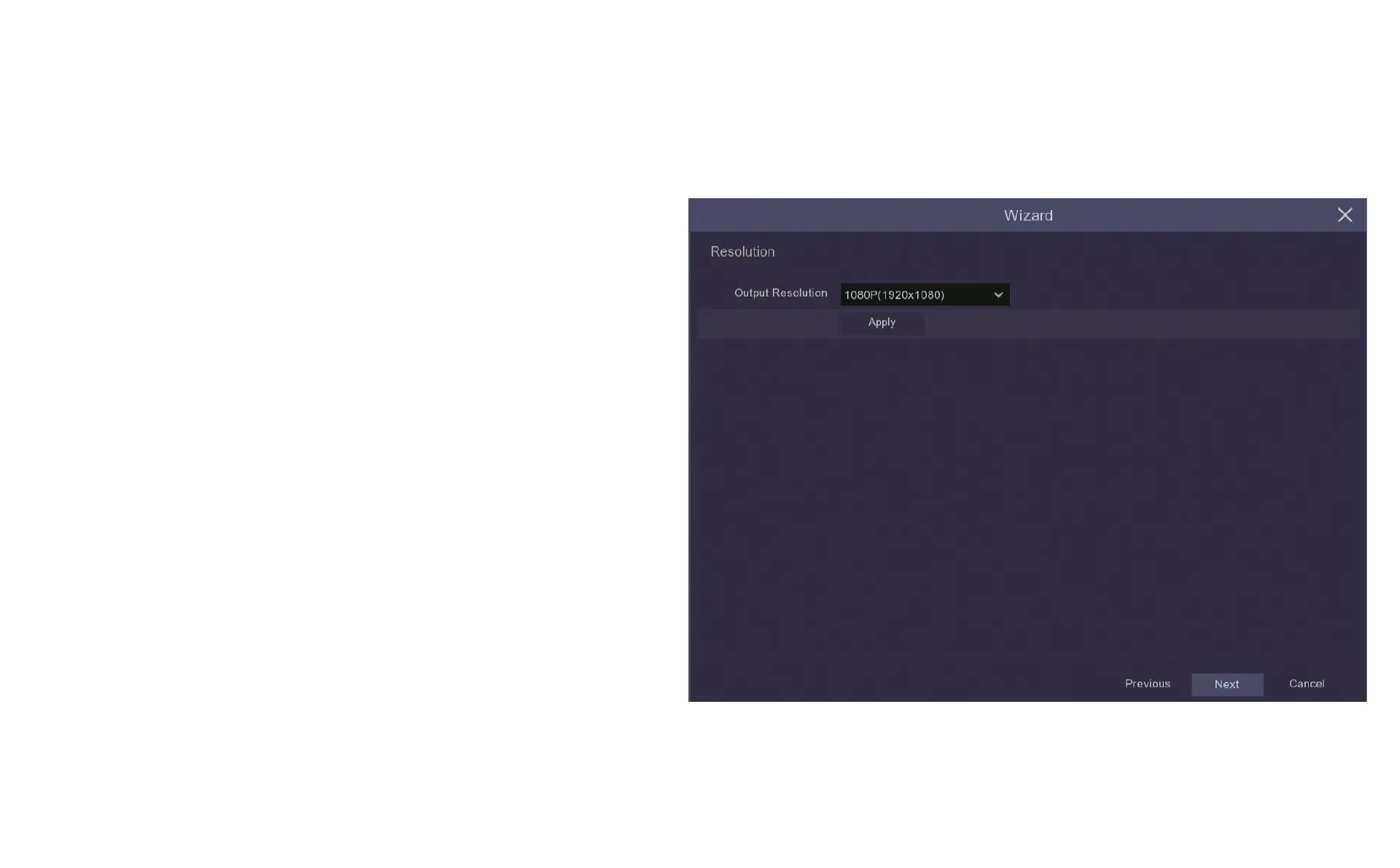
4.7 Configure Resolution
Output Resolution drop down menu sets the image resolution displayed
on the monitor or TV screen. This sets automatically when using the
HDMI cable but can be adjusted manually if using the VGA option or if
you intend to display a lot of channels on your screen.
Once you have completed selecting the output resolution in this window
click Apply and a window will pop up asking you to confirm that you want
to change the Output Resolution, confirm this and when the window
closes click Next and you will be taken to the Mobile screen where you
can begin setting up the Mobile App on your phone or tablet.


 To Next Page