7.2 Encode
The purpose of the Encode menu is to fine tune the resolution, frame rate, compression and bitrate settings at which each channel (camera) records. It
is very likely you will not need each channel to be recording at exactly the same resolution, frame rate and bitrate and reducing the settings of some of
these elements can greatly assist you in reducing the amount of data that you store on your HDD or cloud storage. These settings can be individually
adjusted in Mainstream, Substream and Mobilestream.
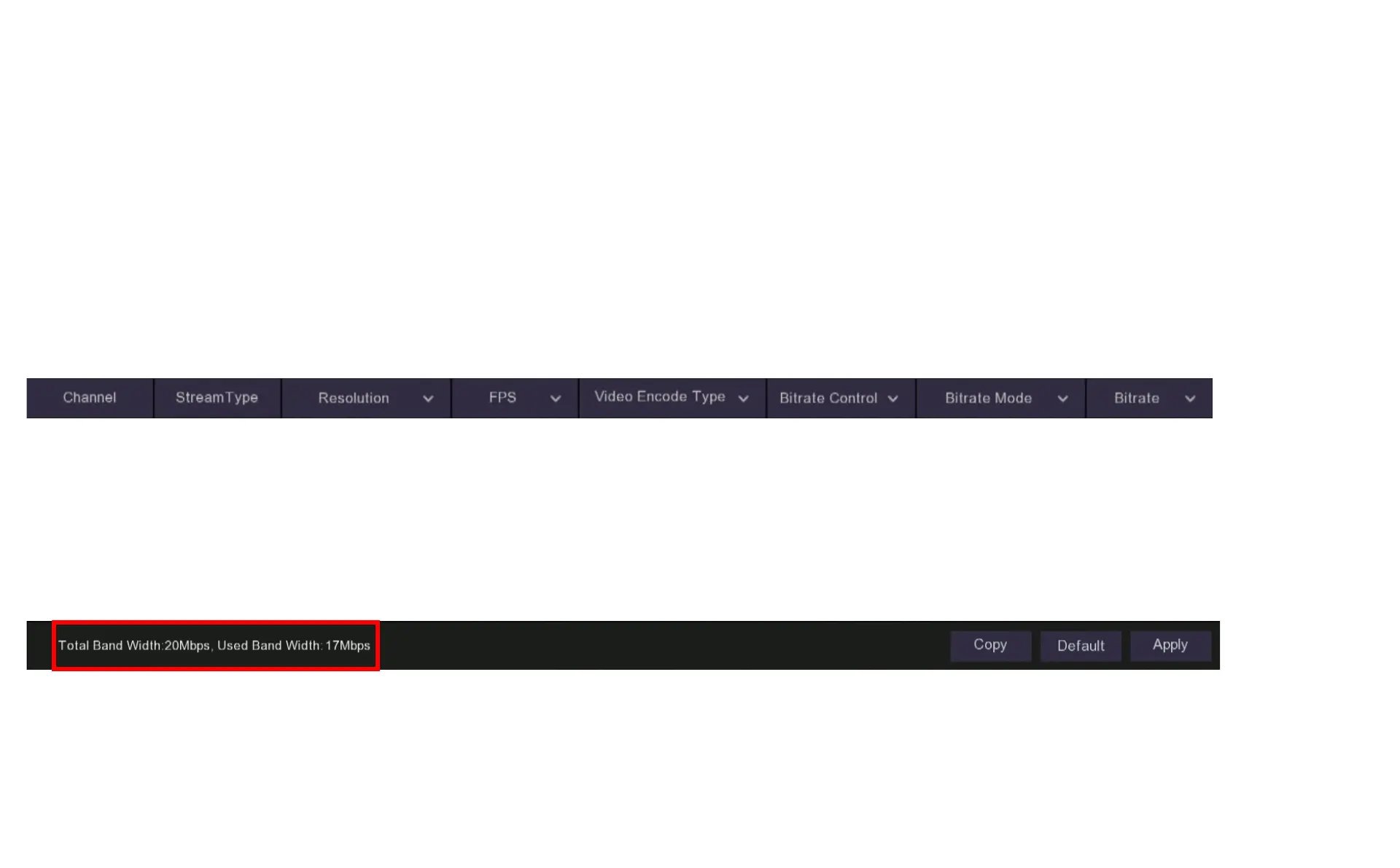
Total Band Width: Your DVR has a maximum bandwidth that it can process, depending on the model and the number of channels being used this
will be either 8Mbps – 24Mbps or 16Mbps – 48Mbps or 32Mbps – 96Mbps. Adjusting settings within the Encode menu will affect how much you are
using. It is a good idea to check how much bandwidth you are using with your current settings by looking at the message at the bottom of the Encode
page. “Total Band Width” is the total you have available and “Used Band Width” is how much of the available capacity you are using.



 To Next Page