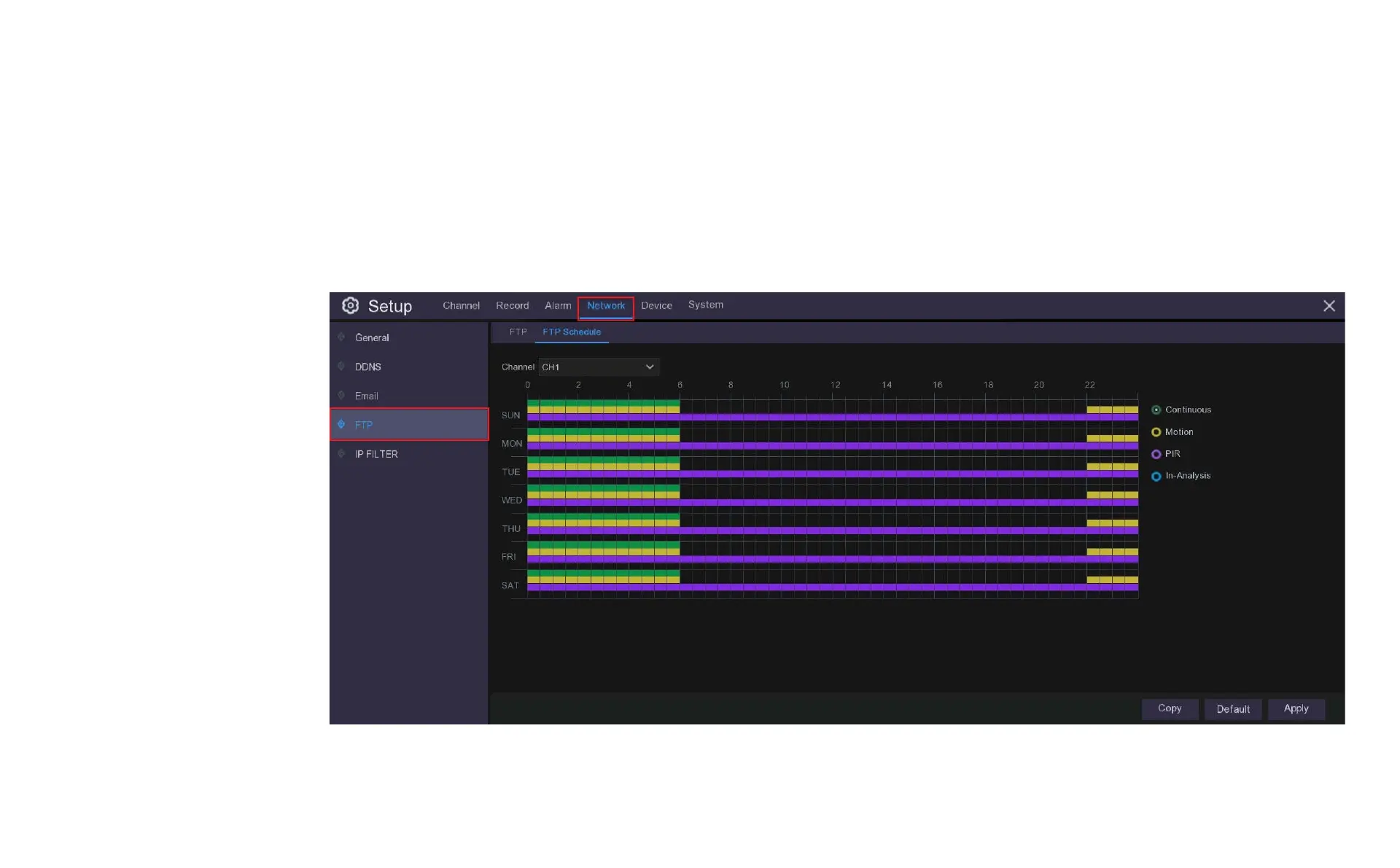
9.4.1 FTP Schedule
You need to configure the schedule to fully implement the FTP uploads. The various recording triggers are shown as color coded rings on the right hand side of
the schedule; click inside the ring corresponding to the recording trigger you want to use and then drag the cursor across the days and times you want to
select, to deselect an area click or drag across on the cells or you want to remove in the same manner.
The colour codes on the email
schedule have the following
meanings:
Green: Continuous.
Yellow: Motion.
Purple: PIR (Thermal Detect).
Blue: Intelligent analysis (not
supported by this DVR).



 To Next Page