EasyManua.ls Logo

ConMed ExcaliburPLUS PC - Section Title

ConMed ExcaliburPLUS PC
98 pages
Print Icon
To Next Page IconTo Next Page
To Previous Page IconTo Previous Page
Loading...
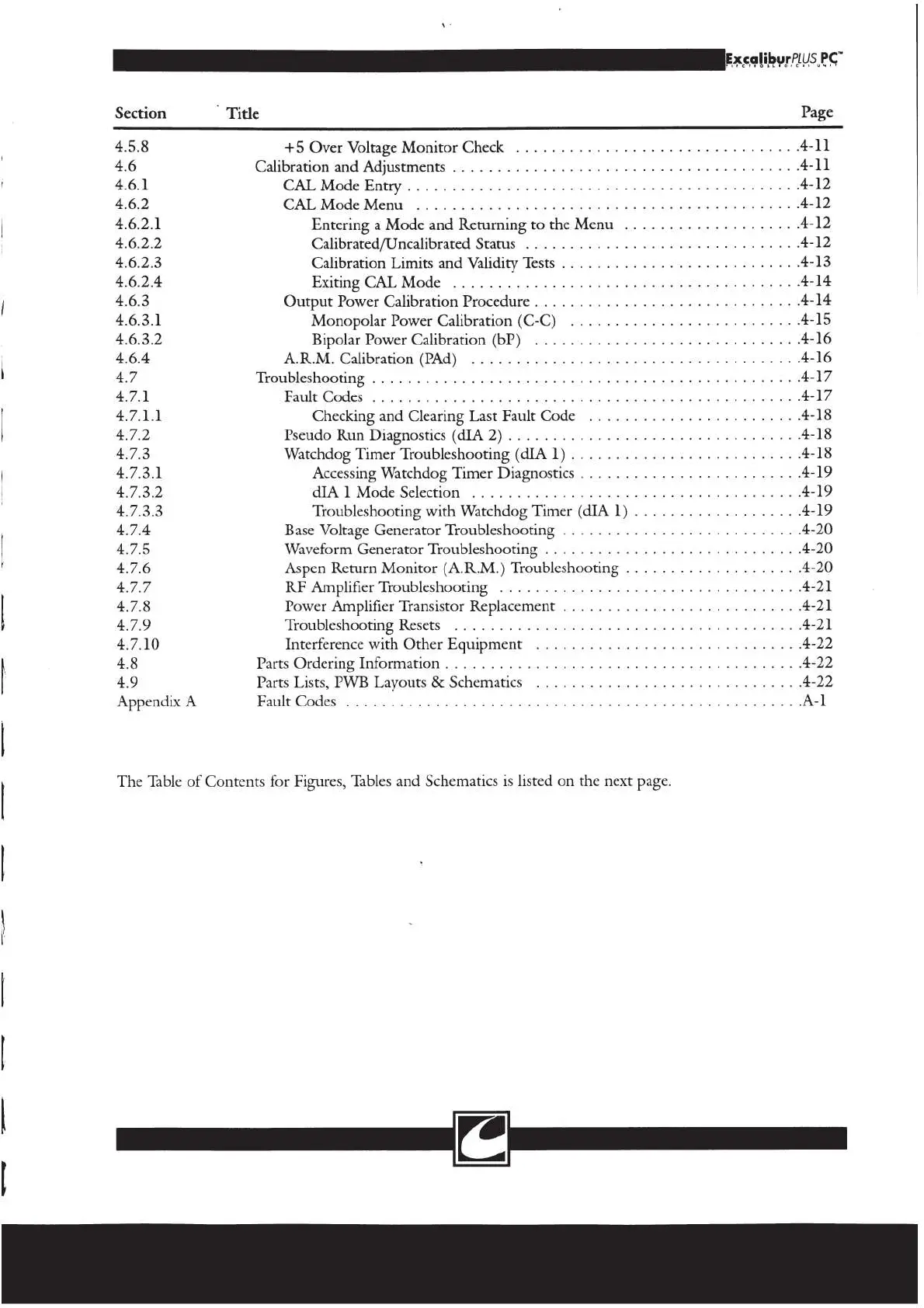
Section
©
Title
4.5.8
+5
Over
Voltage
Monitor
Check
.
4.6
Calibration
and
Adjustments
...
. .
i
4.6.1
CAL
Mode
Entry
4.6.2
CAL
Mode Menu
.........................
4.6.2.1
Entering
a
Mode
and
Returning
to
the
Menu
4.6.2.2
Calibrated/Uncalibrated
Status
4.6.2.3
Calibration
Limits
and
Validity
Tests
4.6.2.4
Exiting
CAL
Mode
|
4.6.3
Output
Power
Calibration
Procedure
.
4.6.3.1
Monopolar
Power
Calibration
(C-C)
4.6.3.2
Bipolar
Power
Calibration
(bP)
4.64
A.R.M.
Calibration
(PAd)
.
1
Troubleshooting
. . .
=
Fault
Codes
...
Checking
and
Clearing
Last
Fault
Code
Pseudo
Run
Diagnostics
(dIA
2)...........
Watchdog
Timer
Troubleshooting
(dIA
1)
Accessing
Watchdog
Timer
Diagnostics
dIA
1
Mode
Selection
Troubleshooting
with
Watchdog
Timer
(dIA
1)
. .
Base
Voltage
Generator
Troubleshooting
Waveform
Generator
Troubleshooting
Aspen
Return
Monitor
(A.R.M.)
Troubleshooting
.
.
.
RF
Amplifier
Troubleshooting
Power
Amplifier
Transistor
Replacement
. .
Troubleshooting
Resets
......................
4.7.10
Interference
with
Other
Equipment
4.8
Parts
Ordering
Information
49
Parts
Lists,
PWB
Layouts
&
Schematics
Appendix
A
FaultCodes
............................
0.
eee
The
Table
of
Contents
for
Figures,
Tables
and
Schematics
is
listed
on
the
next
page.

Related product manuals