EasyManua.ls Logo

ConMed ExcaliburPLUS PC - Calibration Limits and Validity Tests; Output Power Calibration Procedure

ConMed ExcaliburPLUS PC
98 pages
Print Icon
To Next Page IconTo Next Page
To Previous Page IconTo Previous Page
Loading...
K
-<
NOTE:
The
correct
load
must
be
connected,
even
if
nominals
are
being
loaded.
Otherwise,
the
VBASE
check
can
cause
a
fault
in
RUN
mode.
After
a
fully
calibrated
mode
is
entered,
making
a
change
to
any
one calibration
point
will
cause
all
of
the
other
points
in
that
mode
which
have
not
yet
been
checked
to
be
declared
uncalibrated.
Those
points
must
then
be
calibrated
prior
to
returning
the
unit
to
service.
This
precaution
is
taken
on
the
assumption
that
if
some
part
of
the
circuitry
has
changed
enough
to
justify
adjust-
ment
of
one
calibration
point,
then
it
is
likely
that
the
other
points
have
been
affected
as
well.
4.6.2.3
Calibration
Limits
and
Validity
Tests
Each
calibration
value
is
based
upon
a
VBase
and
Waveform
drive
value
to
set
the
output
power.
When
the
unit
is
calibrated,
the
VBase
or
Waveform
value
requested
for
the
mode
is
adjust-
ed
for the
correct
power
output
at
that
calibration
point.
The
VBase
or
Waveform
is
tested
to
be
within
+25%
of
a
nominal
value.
If
the
value
is
within
the
range,
the
calibration
value
is
stored
as
calibrated,
otherwise,
it
remains
uncalibrated.
At
the
same
time,
a
separate
VBase
and
Waveform
average
voltage
is
taken
and
stored
to
correspond
with
each
calibrated
point
for
failure
analysis.
If
a
PAd
calibration
point
is
out
of
range,
due
either
to
a
circuit
fault
or
connection
of an
incor-
rect
resistor
to
the
return
electrode
terminals,
both
PAd
calibration
points
will
be
declared
uncalibrated.
Attempts
to
store
an
out
of
range
value
in
this
mode
will
result
in
a
Key
Error
alarm
tone.
When
the
“STORE”
Key
is
pressed
to
exit
a
Calibration
mode,
the
unit
first
checks
for
any
uncalibrated
points
in
that
mode.
If
any
exist,
then
an
Err
10.X
code
is
displayed
where
the
“X”
corresponds
to
the
mode
that
is
not
calibrated.
See
Appendix
A.
The
values
of
all
of
the
points
remain
as
they
were
at
the
time
of
exit,
eliminat-
ing
the
need
to
repeat
the
adjustments
that
were
already
made.
Pressing
the
“STORE”
Key
again
will
restore
the
menu,
and
the
menu
display
for
the
partly
cali-
brated
mode
will
flash.
The
calibrated
and
uncal-
ibrated
status
for
all
points
in
that
mode
is
pre-
served
while
in
CAL
Mode,
so
that
when
the
mode
is
reentered,
it
is
necessary
only
to
calibrate
the
flashing
points
to
fully
calibrate
that
mode.
Because
the
VBase
or
Waveform
drive
values
increase
steadily
with
increasing
output
power
for
IMODE
MODE
USE
C-C
Monopolar
(Cut-Coag)
Power
Calibration
bP
Bipolar
Power
Calibration
РАЗ
A.R.M.
(Pad)
Resistance
Calibration
АТА
Diagnostics
ЕС
Read
Last
Fault
Code
OPTIONS
300,
400,
500
A,P
(ohms)
for
monopolar
50,
100,
125
A,P
for
bipolar
calibration
and
-blank-
OPTION
USE
RF
load
resistance
calibration and
display
in
current
(A)
or
power
(P)
RF
load
resistance
(ohms)
display
in
current
(A)
or
power
(P)
Watchdog
Timer
Pseudo
Run
Mode
Check
last
fault
code
that
happened
in
RUN
mode
and
clear
the
code.
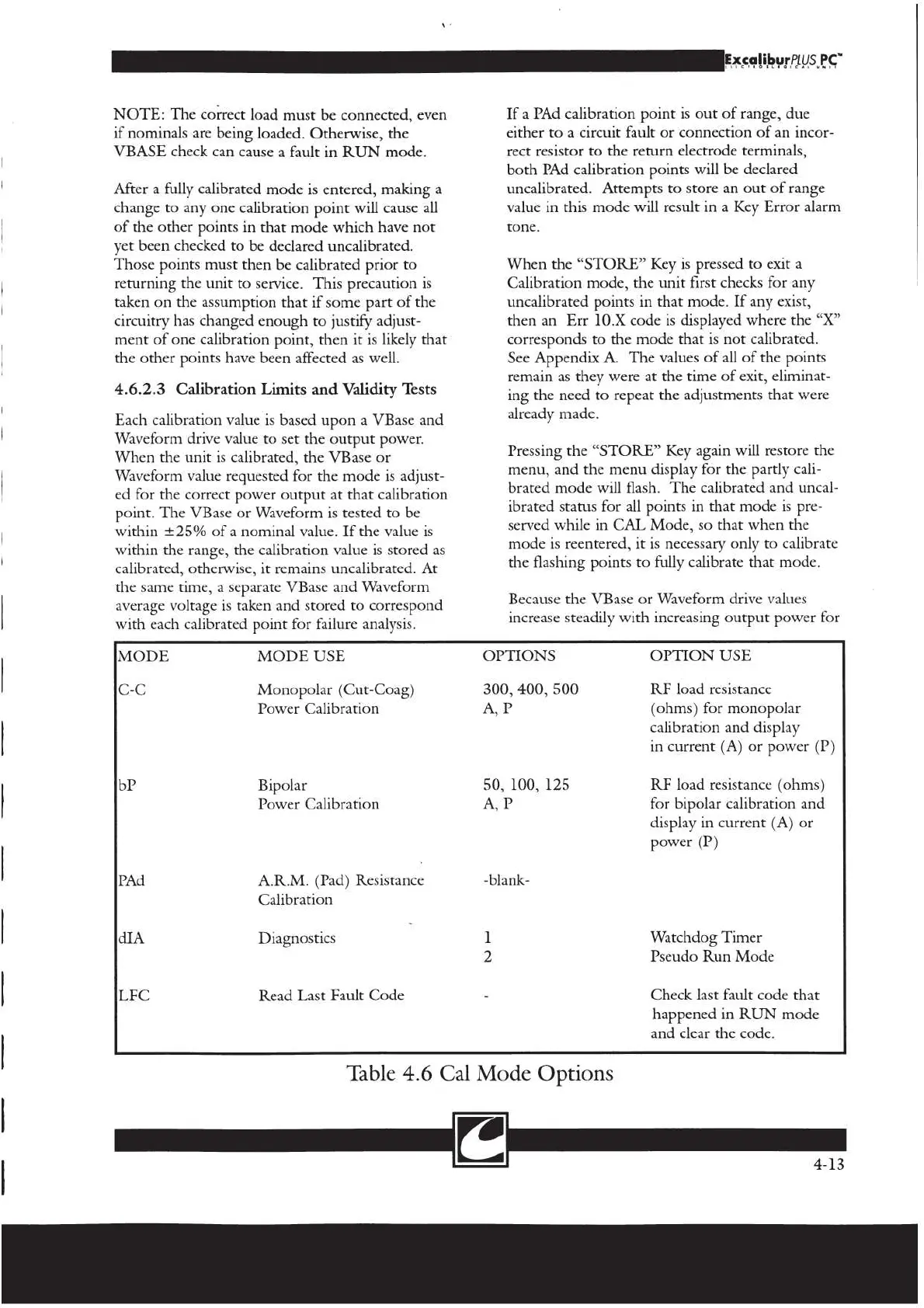
Table
4.6
Cal
Mode
Options
[2
4-13

Related product manuals