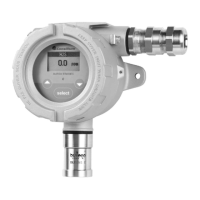
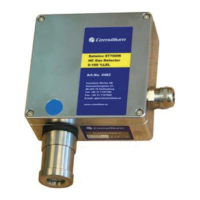
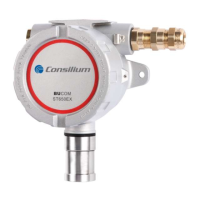
ST650EX / ST650-CO
2
/ ST350EX
v3.16
31
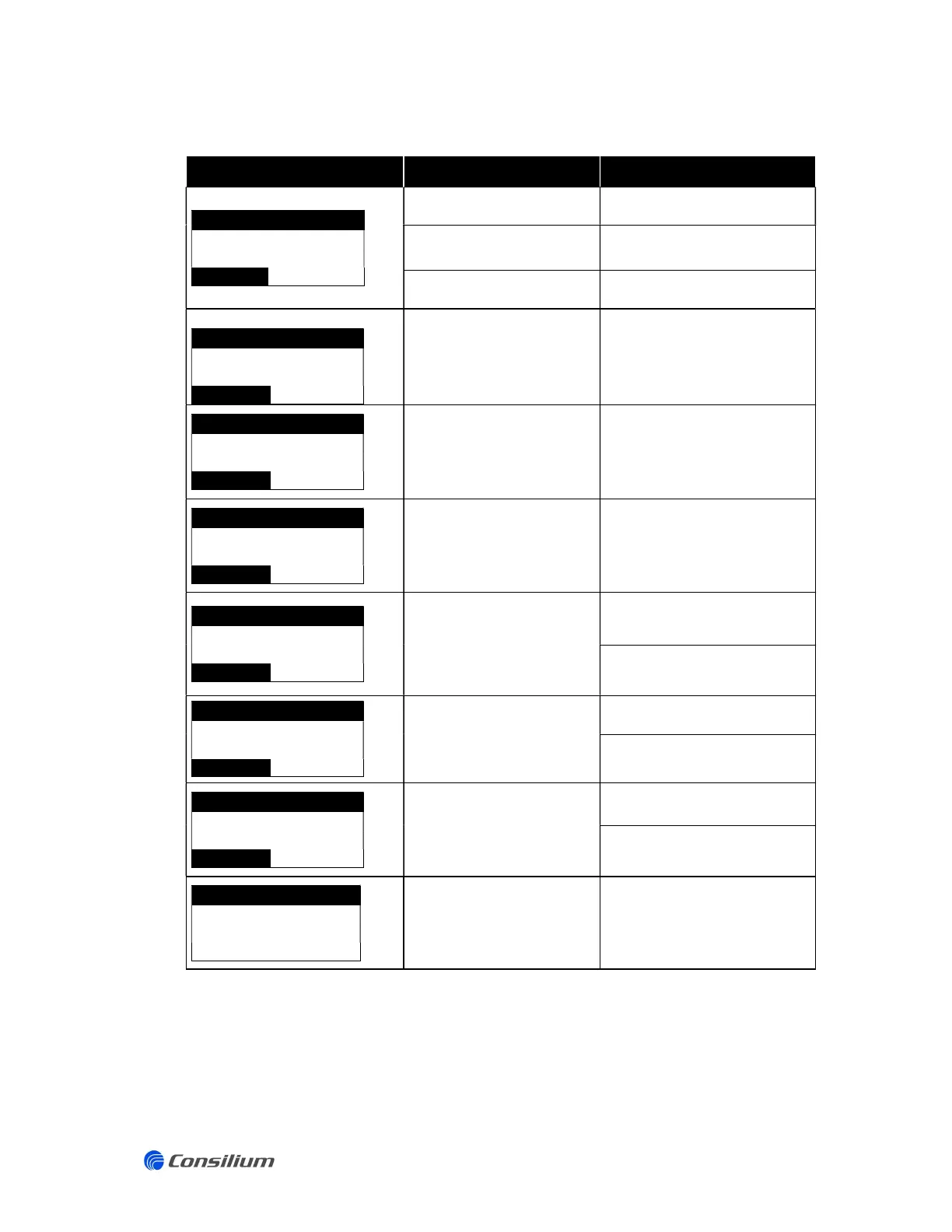
5.2 Display error messages
LCD message Cause Solution
GASTYPE
***
%LEL
ERROR SF
Sensor is not connected
Check the sensor and sensing
The sensing head is not
(correctly) calibrated
Calibrate the sensor (ZERO and
SPAN)
department.
%LEL
ERROR E1
Difference measured during
current readback
Check sensor connections or
contact the Consilium Service
department.
%LEL
ERROR E2
Electronic Failure (ADC)
Contact the Consilium Service
department.
GASTYPE
***
%LEL
ERROR E3
Electronic Failure (watchdog)
Contact the Consilium Service
department.
%LEL
ERROR E4
Power supply sensor out of
range
Check the sensor and sensor
connections.
Contact the Consilium Service
department.
***
%LEL
ERROR E6
PID Lamp failure
Check the sensor and sensor
connections.
Contact the Consilium Service
department.
GASTYPE
***
%LEL
ERROR E7
PID Electronic failure
Check the sensor and sensor
connections.
Contact the Consilium Service
department.
GASTYPE
***
%LEL
KEYBOARD ERROR
Electronic failure
Contact the Consilium Service
department.


 To Next Page