Genus G1 MARK II Users Manual
UM3010-2
CLEAR RAM
Clears the ‘\ramdisk’ on the terminal, typically erasing transaction data. See the File System
Specification for more detail on the data cleared.
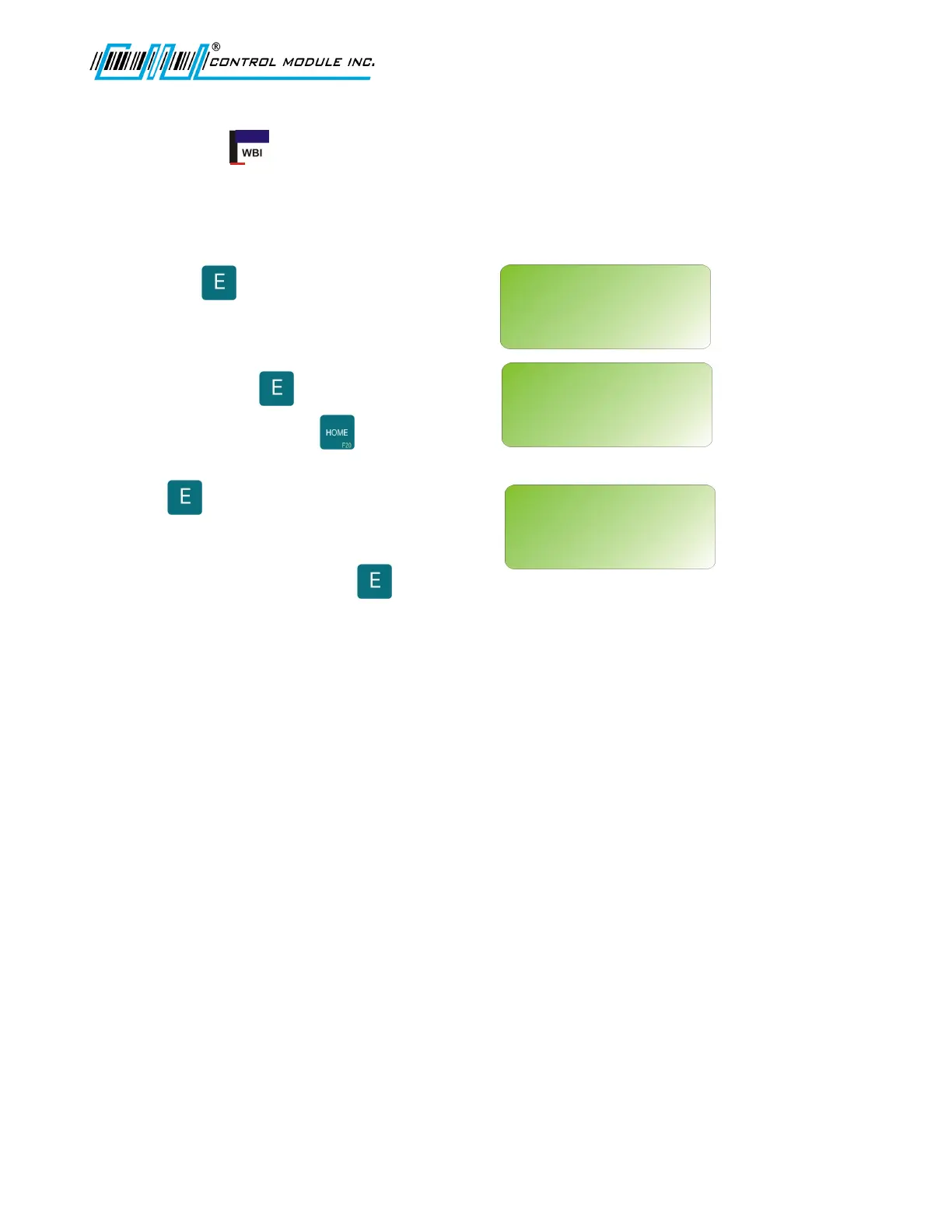
Press to select.
CLEAR RAMDISK
Press to CLEAR RAMDISK.
Press HOME to abort.
If is selected, a warning message
will display, as shown.
User is required to press again to
CLEAR RAMDISK or press HOME to abort.
Revision B 10-30-07 19
CLEAR RAM?
<UP><DWN><E>
CLEAR RAM?
<E><H>
CLEAR RAMDISK?
‘E’=YES ‘H’=ABORT
CLEAR RAM?
<E><H>
DATA WILL BE LOST!
‘E’=YES ‘H’=ABORT



 To Next Page