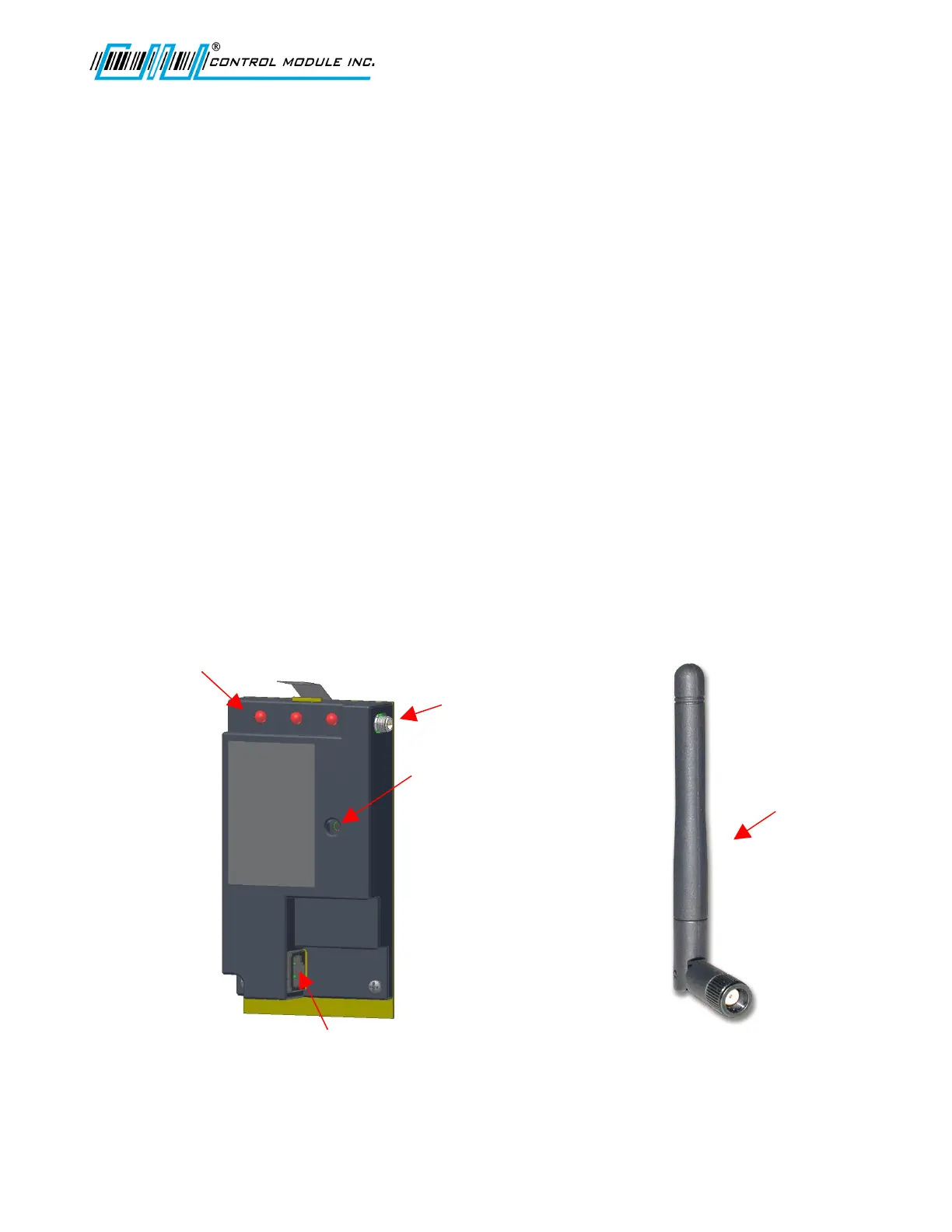
Reset
Switch
RJ45 for CAT-5 Connection
to GenusTerminal.
(Ethernet Cable Supplied)
Status LEDs
Comm, Link, Power
Antenna Cable
Connection
Genus G1 MARK II Users Manual
UM3010-2
Genus WiFi
Introduction
The 3046 WiFi Module provides wireless network connectivity for the CMI Genus series
terminals. The WiFi Module functions as an Ethernet to Wireless LAN bridge and connects to
the Genus terminal’s RJ-45 Ethernet port. The WiFi Module will provide a seamless
connection to an 802.11b compliant Access Point (AP) that is within range. This WiFi Module
is compliant with the IEEE 802.11b standard and provides security and encryption functions
for a secure and reliable network.
This section of the document describes the Genus WiFi setup. It also provides
troubleshooting information and a Code 39 barcode table to assist in the setup of the Module
using a digital barcode wand. This provides easy access to special characters that are not
available on the Genus terminal keypad, but may be required for SSID, WEP Keys, and other
security parameters.
Please note that the WiFi Module may be referred to as “Module” within this section of the
document.
WiFi Module
Revision B 10-30-07 34
Antenna



 To Next Page