Genus G1 MARK II Users Manual
UM3010-2
WEB SETUP
Web Setup enables communication for Web Services on the Terminal, and between the host
system and the Terminal.
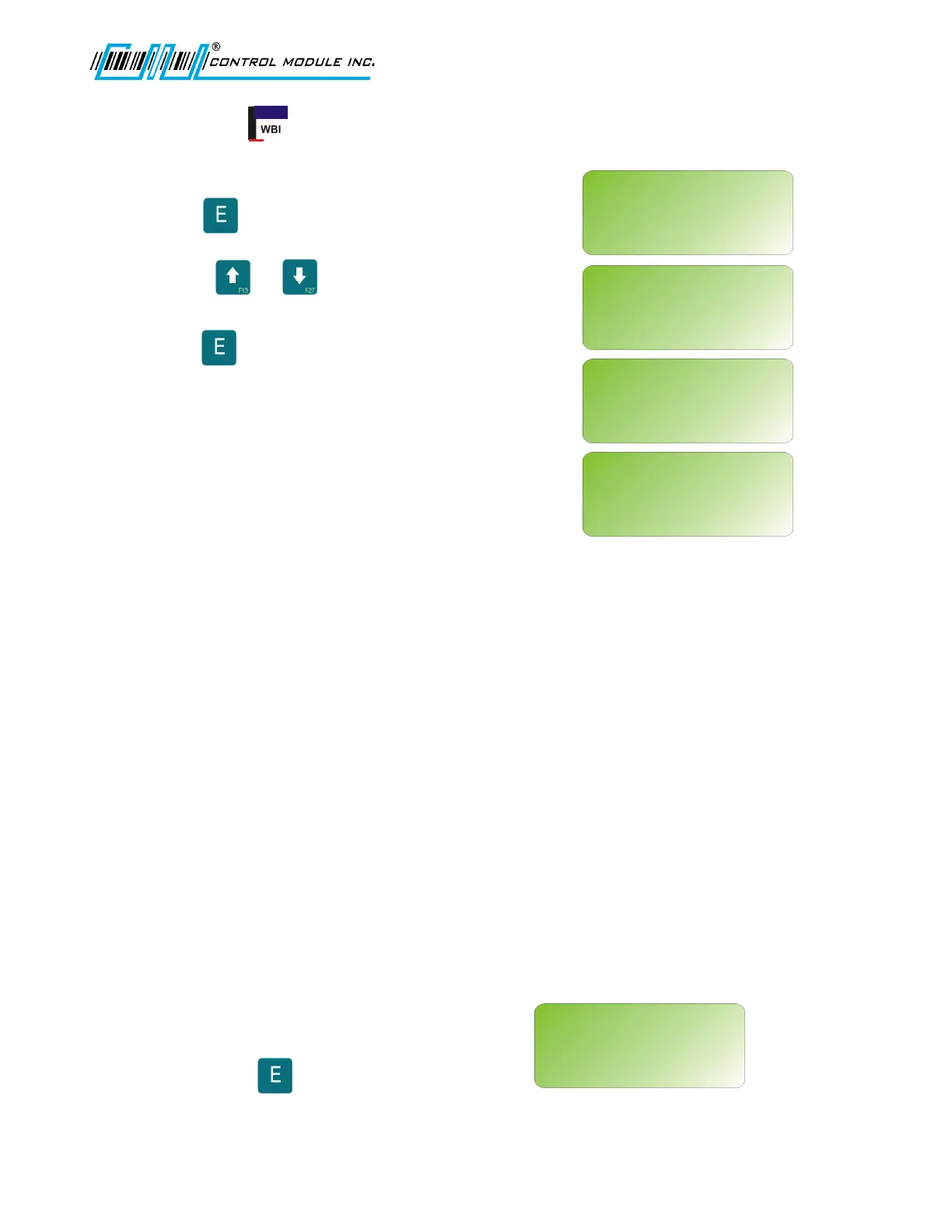
Press to select.
Use the or keys enable (Y) or
disable (N) each option.
Press to save and advance to the
next option.
Note: These settings for the Web Browser
Interface can be configured here in Offline
Setup at the terminal or through the Web
Browser to the terminal IP.
Enable Web Pages - This option enables the terminal's web configuration interface allowing
an individual to remotely manage a number of options in the terminal via a web page. For
more details on using the web configuration interface, please see the Web Browser Interface
section of this document.
Enable Web Services - This option enables the terminal's web services functionality. When
enabled, the terminal will allow the use of built-in web services functions called by a host.
Enable Host Web Svc - This option enables the terminal's ability to use web services on a
host computer. When this is enabled, the terminal will attempt to connect to the configured
URLs to send and receive data, including transactions. While this enables the feature at the
terminal level, the terminal application must utilize these features.
Enable Modem - Note: this option is only available when "Enable Host Web Svc" is set to "Y".
This option enables the use of the modem to deliver data over the Host Web Service
interface. If enabled and data is available or calls are made to the web service, if a
connection is not present, the host will dial out in an attempt to transmit or receive data.
EXIT SETUP
Exits offline mode and returns to the power up sequence.
The user is prompted whether or not they
wish to exit Setup in Offline Mode.
Pressing the key reboots the terminal
and cycles through the power-up sequence.
Revision B 10-30-07 33
EXIT SETUP?
<UP><DWN><E>
WEB SETUP
<UP><DWN><E><H>
ENABLE WEB PAGES:
Y
WEB SETUP
<UP><DWN><E><H>
ENABLE WEB SERVICES:
Y
WEB SETUP
<UP><DWN><E><H>
ENABLE HOST WEB SVC:
Y
WEB SETUP
<UP><DWN><E><H>
ENABLE MODEM:
N



 To Next Page