Genus G1 MARK II Users Manual
UM3010-2
Telnet Session
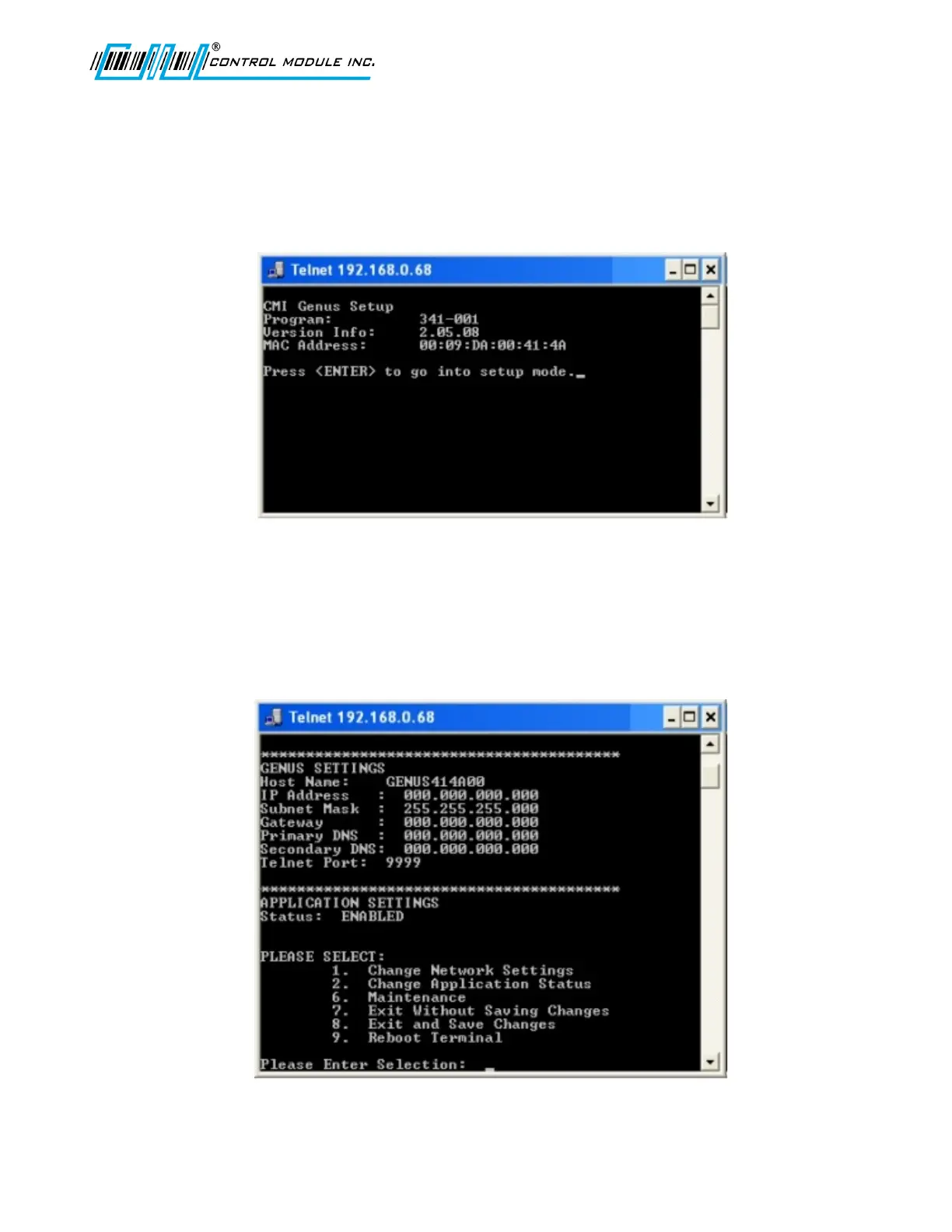
A Telnet session can be established with the Genus Terminals. Once established the
general network parameters are available to update.
Selection 2 below: The Change Application Status, applies to the user generated application
program running on the Genus Terminal.
Selection 6 below: The Maintenance, option requires a password and the user should
contact the CMI Technical Support department before choosing this option.
Options 7-9 are straight forward as listed in the Telnet menu selections.
Revision B 10-30-07 64



 To Next Page