Genus G1 MARK II Users Manual
UM3010-2
Web Browser Interface
The web browser interface provides system administrators with the ability to remotely login,
view and change system parameters and settings on the Terminal.
Navigation hierarchy:
• Home page (Genus Administration)
• Network Setup
• Web Service Setup
• Data Maintenance
• Debugging
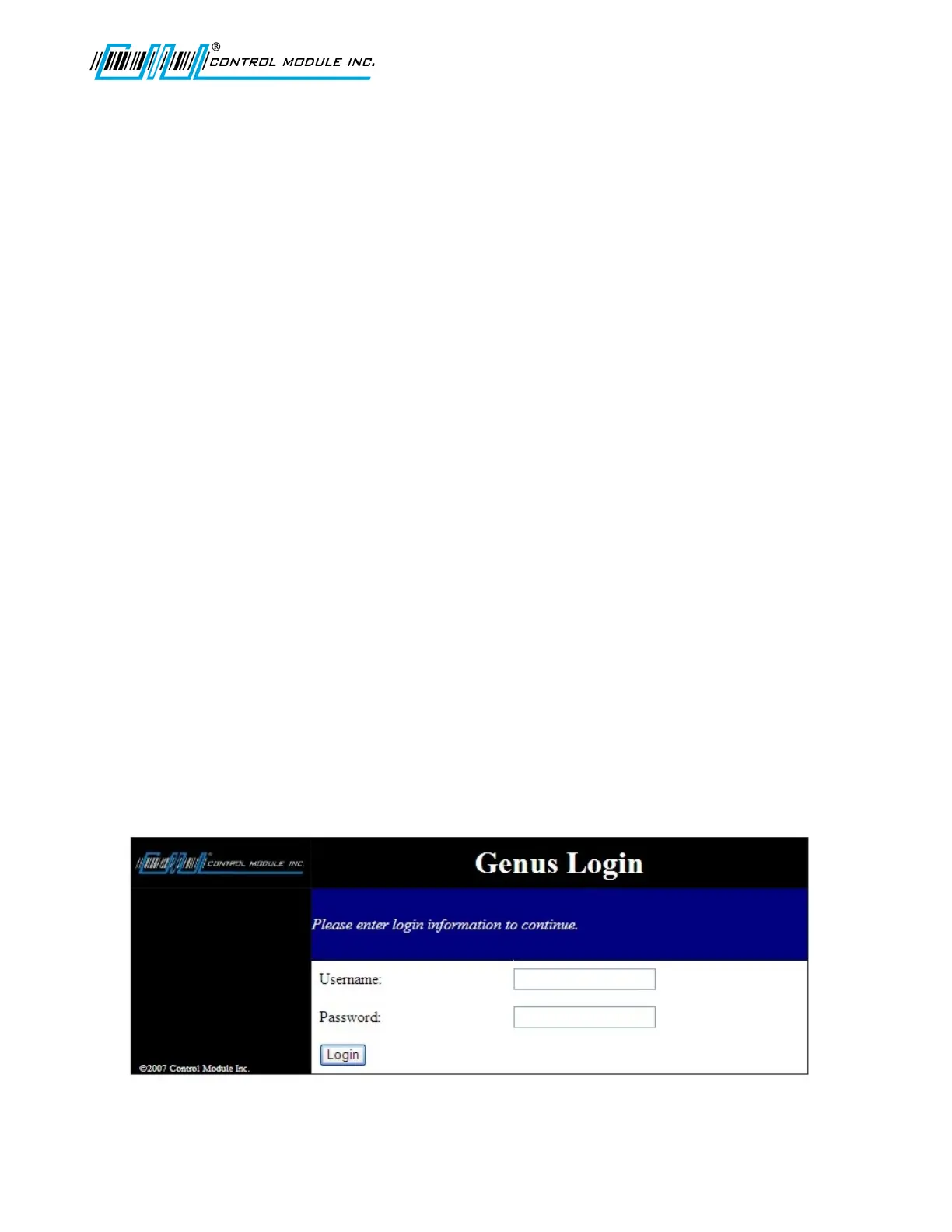
Logon
Provide verification and session management requiring a user name and password before
allowing access to system functions. The logon screen simply displays a prompt screen for a
username and password. A limit to the number of logon attempts from the same machine
over a period of time will restrict brute force password attacks. For the sake of simplicity there
is only one administrator account.
Username and password are generic by default and should be changed for future sessions of
the Terminal Web Browser Interface. Username and Password are not case sensitive.
Username: Admin
Password: Pass
Note: A Web Browser Interface session will continue until there is either a timeout after 10
minutes of inactivity or will become invalid if the terminal is rebooted. Close the Web Broswer
and re-open to start a new session.
Revision B 10-30-07 43



 To Next Page