Genus G1 MARK II Users Manual
UM3010-2
SETUP TIME ZONE
Sets the time zone that the terminal resides in.
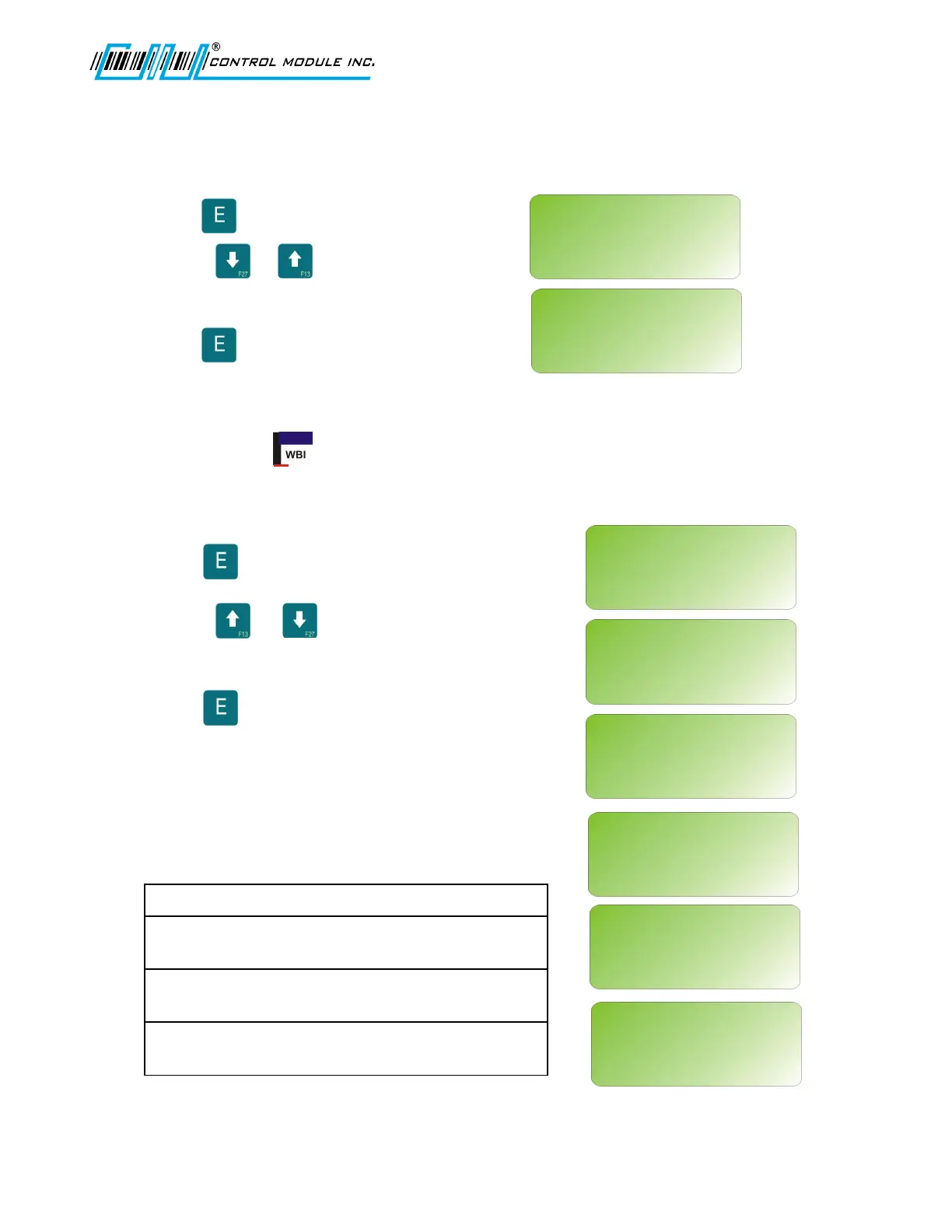
Press to select.
Use the or key to scroll through
time zones.
Press to save settings and to return to
MAIN MENU.
TADMIN SETUP ( Enable/Disable only)
Terminal Administration is used to configure host side software and communication
connections. This is only required when working with CMI’s TAdmin host software.
Press to select.
Use the or key to enable (Y) or
disable (N) TAdmin.
Press to enable and enter TAdmin
settings for Server IP, Server Port, and Local
Port.
Values 0 through 9 are entered via the
keypad for the TAdmin settings.
<H> HOME returns to Terminal Info.
<C> CLEAR zeros the current value for the
Server Port and Local Port settings.
‘H’ will abort all changed settings if entered at
the ‘Save Changes’ prompt.
‘E’ will save all changed settings if entered at
the ‘Save Changes’ prompt.
Revision B 10-30-07 32
SETUP TIME ZONE?
<UP><DWN><E>
SETUP TIME ZONE?
<UP><DWN><E><H>
SELECT TIME ZONE:
EST
TADMIN SETUP?
<UP><DWN><E>
TADMIN SETUP?
<UP><DWN><E><H>
ENABLE TADMIN:
Y
TADMIN SETUP?
<0-9><E><H>
SERVER IP:
000.000.000.000
TADMIN SETUP?
<0-9><E><C><H>
SERVER PORT:
00000
TADMIN SETUP?
<0-9><E><C><H>
LOCAL PORT:
02001
TADMIN SETUP?
<E><H>
SAVE CHANGES?
‘E’=SAVE ‘H’=ABORT



 To Next Page