Genus G1 MARK II Users Manual
UM3010-2
DIAL-UP NETWORK
Sets up the information associated with the modem connections. Modem parameter
configuration can be found in the Genus API Documentation.
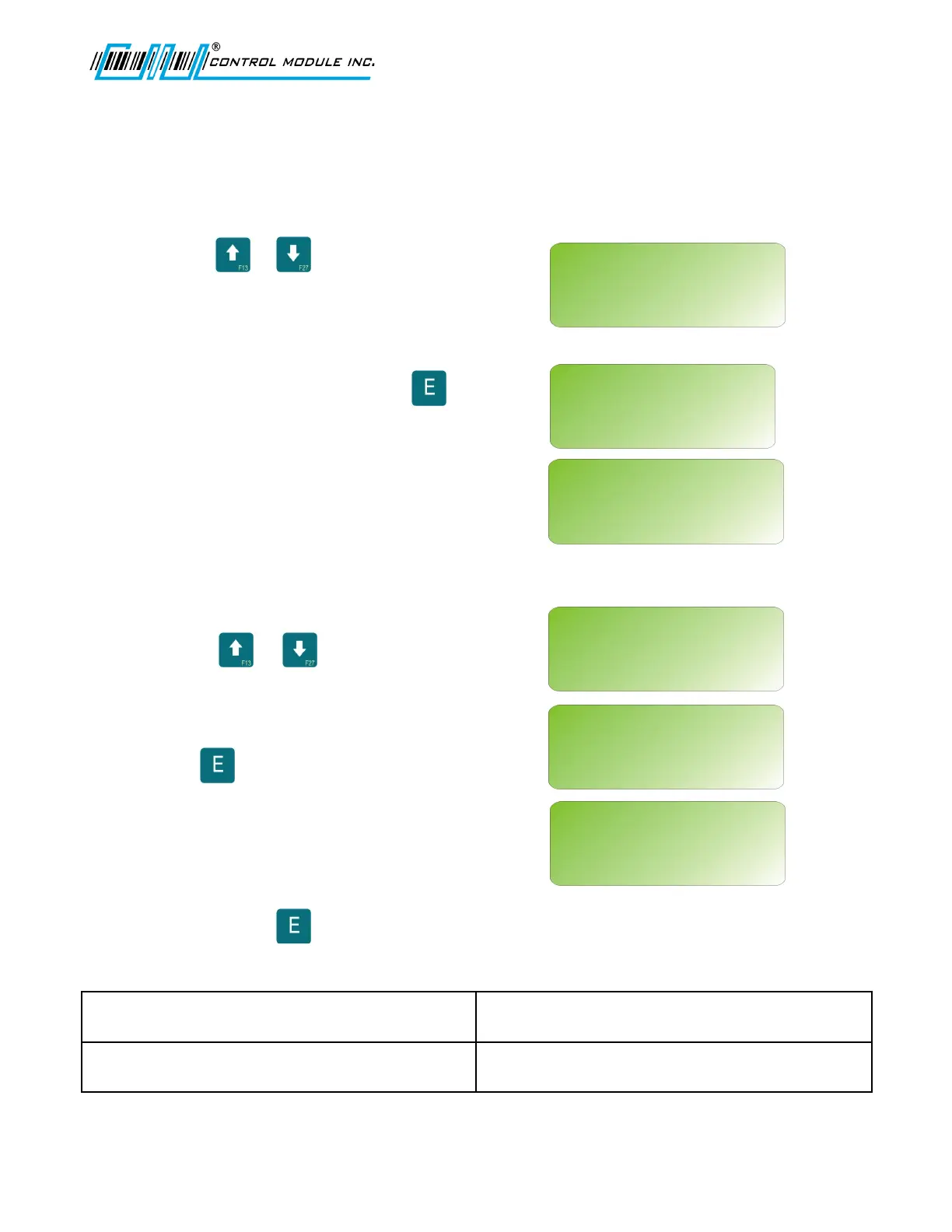
Use the or keys to scroll through
dial-up network aliases that were created
during a previous session.
To add a new connection press .
Use 0-9 numeric keys to enter a phone
number. A combination of the scroll keys for
alpha and the numeric keys can be used for
Login, Alias and Password.
Use the or keys to scroll for alpha
and special characters. Use 0 through 9
numeric keys for values.
Press to accept.
All settings are immediately saved to the
Terminal when is pressed.
<H> HOME returns to Terminal Info. ‘E’ EDIT an existing Alias and associated
settings.
‘C’ CLEAR/DELETE will delete an existing
Alias and associated settings.
‘F1’ Tests the modem connection.
Revision B 10-30-07 31
NEW CONNECTION
<UP><DWN><0-9><E><H>
LOGIN:
NEW CONNECTION
<UP><DWN><0-9><E><H>
PASSWORD:
DIAL-UP NETWORK
<UP><DWN><H><E><C>
NEW CONNECTION?
‘E’ = ADD NEW
NEW CONNECTION
<UP><DWN><0-9><E><H>
ALIAS:
NEW CONNECTION
<UP><DWN><0-9><E><H>
PHONE:
DIAL-UP NETWORK
<UP><DWN><H><E><C>
ALIASNAME ‘F1’=TST
‘E’=EDIT ‘C’=DELETE



 To Next Page