14 Issue Number: 3
4 Getting Started
The Quick Start section shows the basic parameter configurations
required for the Profibus-DP interfaces to establish communications.
Cyclic and non-cyclic data explanations are given in chapters 5 and 6.
NOTE
Parameters #20.01 to #20.20 and #20.50 are reserved for configuring
the Profibus-DPinterface, and should not be used in DPL programs.
4.1 Basic Communications Quick Start
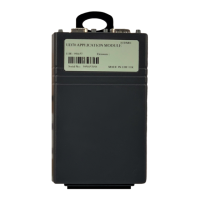
Profibus-DP communications can be established with the Unidrive
Profibus-DP interface simply by configuring the node address.
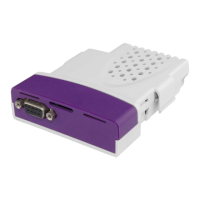
• Plug the Profibus-DP module into the Unidrive.
• Power up the Unidrive.
• Set the node address (#20.05) as required .
• Set #17.19 to 1 to store #20.05 and reset the UD70.
The Profibus-DP interface will re-initialise, and configure itself with the
new node address. The data format and consistency are automatically
detected when the master controller initialises the network.
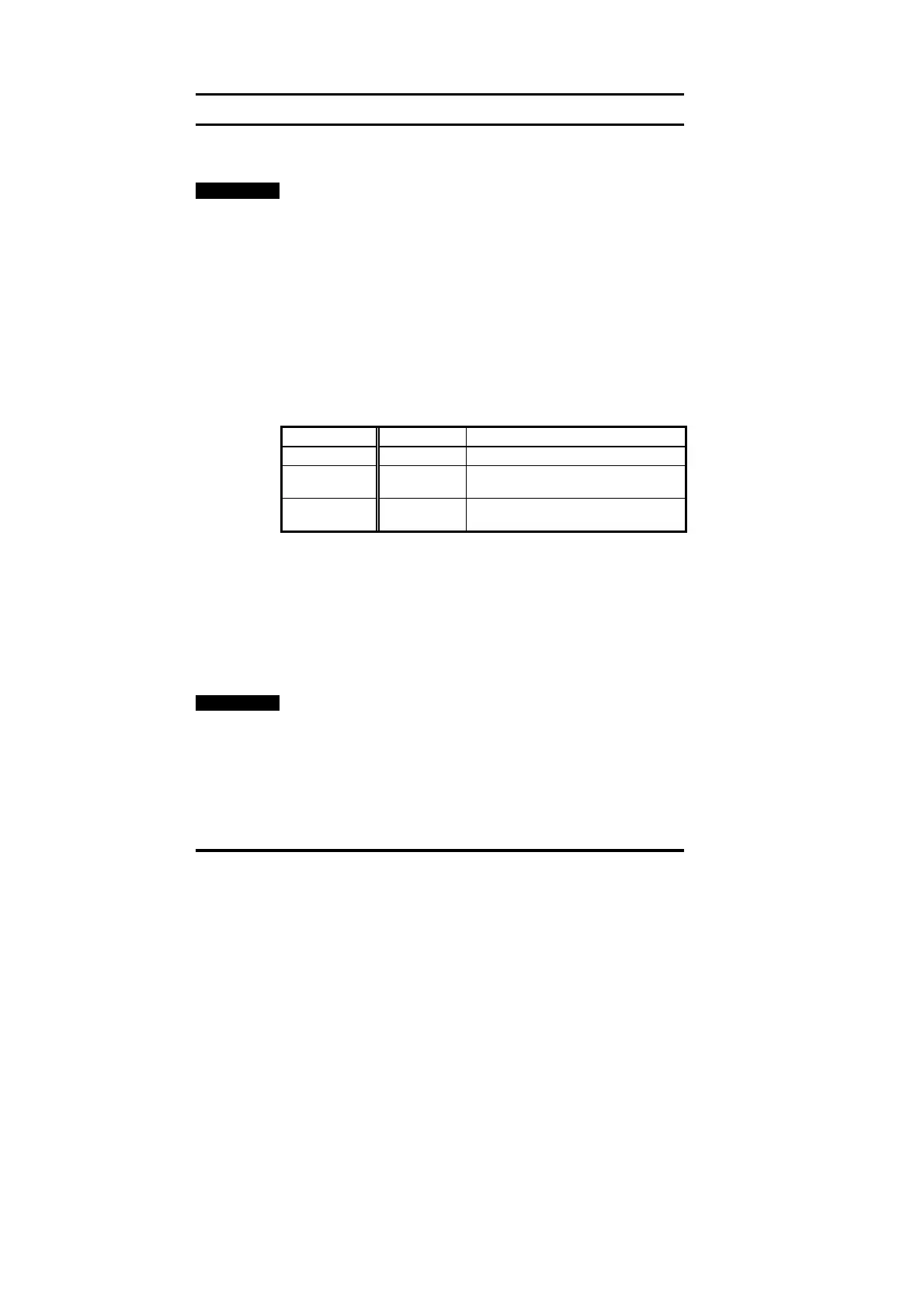
Function Unidrive Recommended Setting
Node Address #20.05 1 to 125
Data Rate Not displayed The data rate is automatically
detected on Profibus-DP networks
Network Loss
Trip
#20.11 48
4.2 Profibus-DP Node Address
Unidrive: #20.05
Every node must be given a unique network address. If a node is
assigned an address, and that address already exists on the Profibus-
DP network, the node may prevent the network from operating. The
valid range of addresses is from 1 and 125.
If an invalid node address is set in #20.05, the Profibus-DP interface will
reject the configured address, default to 125, and update #20.05 with
the address that is actually being used.
NOTE
Changes to #20.PP parameters do not take effect in the Profibus-DP
interface until the UD70 has been reset. See section 4.7.


 To Next Page