3. Installation ALSPA PROFIBUS Field Bus Coupler
Page 3-2 Technical Manual (09/06)
It is important that the switches and links on the PROFIBUS board
be set before installation into the drive, as changing these will
require removal of the module.
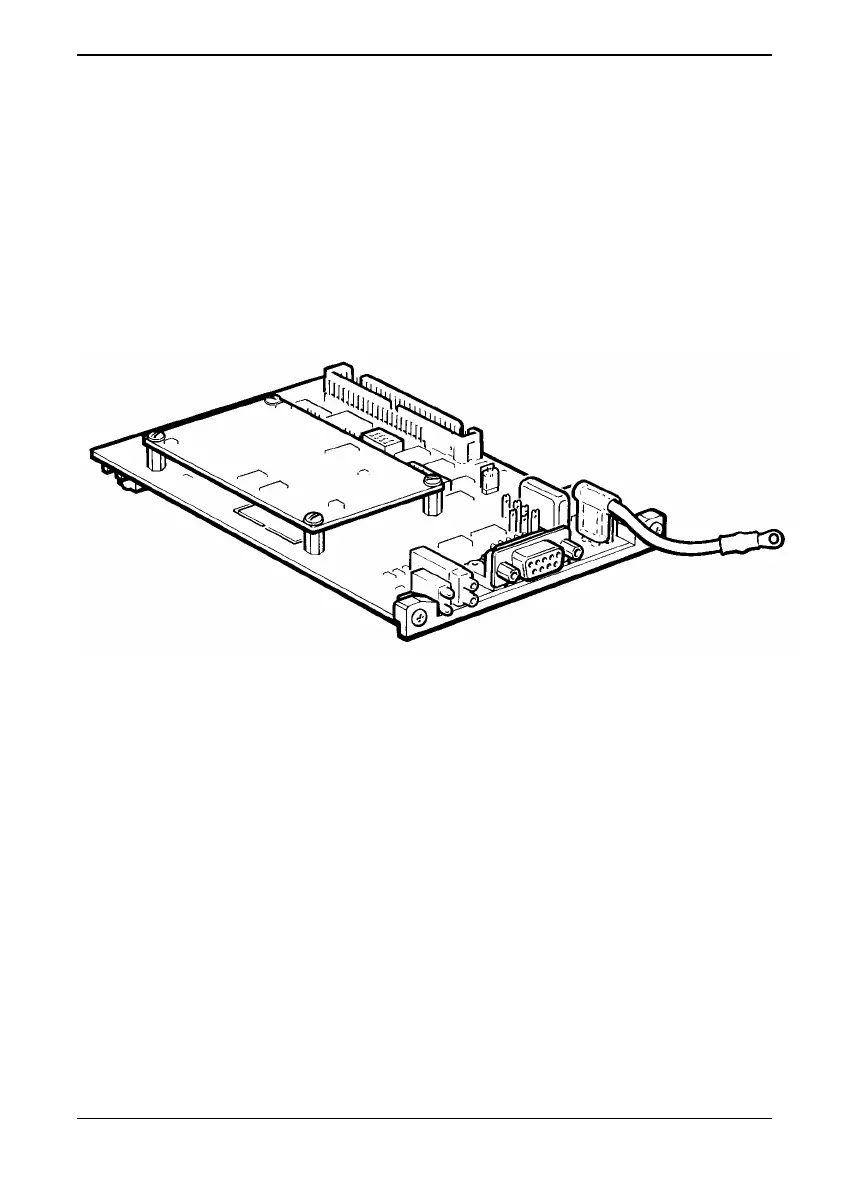
3.3 MVS3007-4001 PROFIBUS Board Configuration
The switch settings and link connections that may be configured are
shown in Tables 1 and 2. The default settings and connections are
recommended for MV3000e applications and are indicated by
asterisks
*.
Figure 3-1 MVS3007-4001 PROFIBUS Board



 To Next Page