8. Menu 75 Parameters ALSPA PROFIBUS Field Bus Coupler
Page 8-6 Technical Manual (09/06)
then upon loss of the PROFIBUS link the speed would automatically
be clamped to zero.
Be aware that the fallback mechanism only applies to values in the
even numbered parameters between P75.08 to P75.20. Received
data transferred directly to Drive parameters will not have the
fallback option but will freeze on loss of the network – refer to the
block diagram at the end of this manual.
Table 7-2 details the relationship between the received PPO word
and the parameter pointers and reference "holders" (destination
parameters) – refer also to the block diagram.
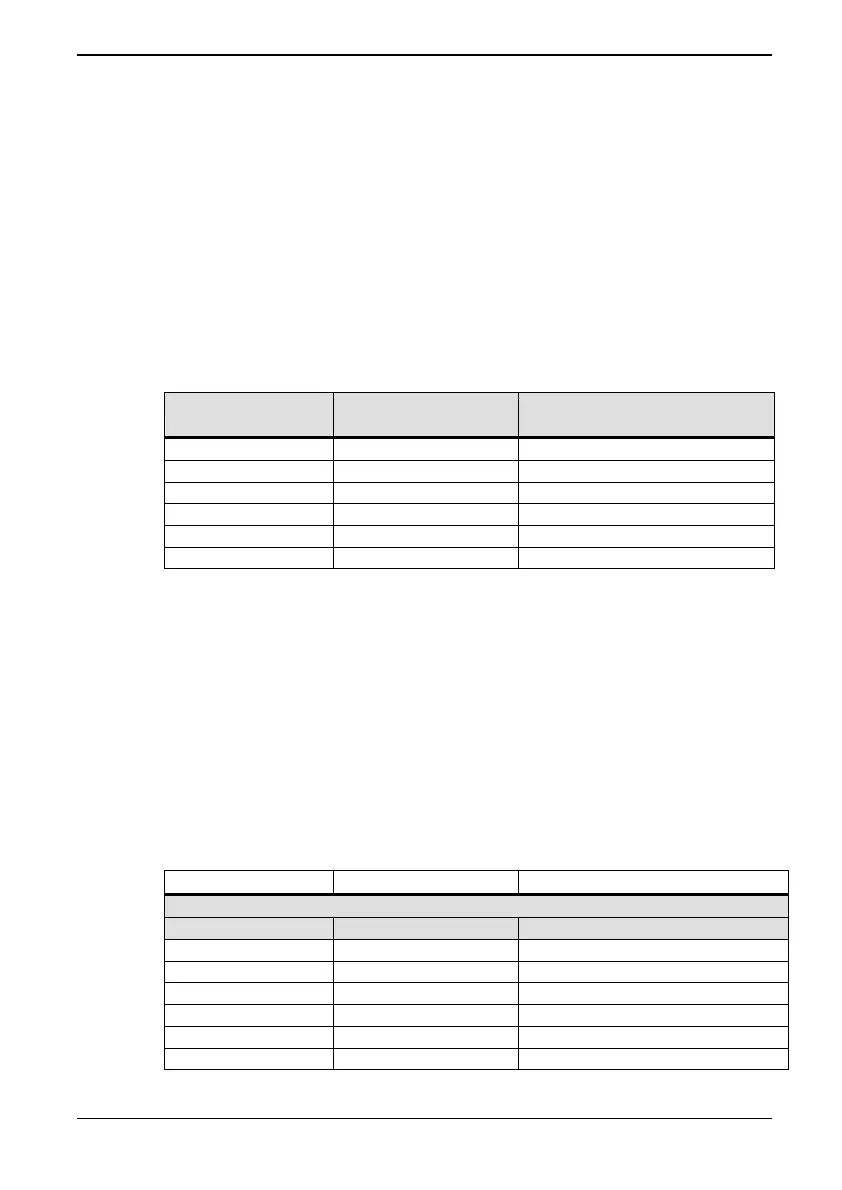
Table 8-1 Received PPO data mapping for PPO type 4
PPO Reference Parameter Pointer Holder
(Destination Parameter)
PZD1 (STW) P75.22 = 75.08
PZD2 (HSW) P75.23 = 75.12
PZD3 P75.24 = 75.14
PZD4 P75.25 = 75.16
PZD5 P75.26 = 75.18
PZD6 P75.27 = 75.10/75.20
Entering a value of 0 in a pointer parameter will mean that any data
associated with that parameter is ignored, as P0.00 is not a valid
parameter.
8.5.11 Transmitted Data, P75.30 to P75.35
To put data into the transmit PPO, it must be taken from
somewhere in the drive. Parameters P75.30 to P75.35 allow the
relevant PPO word to be allocated. See
Table 7-3.
Table 8-2 Transmitted PPO data mapping for PPO type 4
Parameter Value Meaning
Example
P75.31 P9.01 = PPO PZD2 (Speed feedback)
P75.30 P(0-99.99) = PPO PZD1
P75.31 P(0-99.99) = PPO PZD2
P75.32 P(0-99.99) = PPO PZD3
P75.33 P(0-99.99) = PPO PZD4
P75.34 P(0-99.99) = PPO PZD5
P75.35 P(0-99.99) = PPO PZD6



 To Next Page