ALSPA PROFIBUS Field Bus Coupler 3. Installation
(09/06) Technical Manual Page 3-5
The MVS3007-4002 board is supplied with a terminator PCB that
must be removed to gain access to switch S2. Replace the
terminator PCB after adjusting switch S2.
3.4.1 Switch Settings
The MVS3007-4002 PROFIBUS board has one Dual-in-Line switch,
S2, which must be configured as per
Table 3-3.
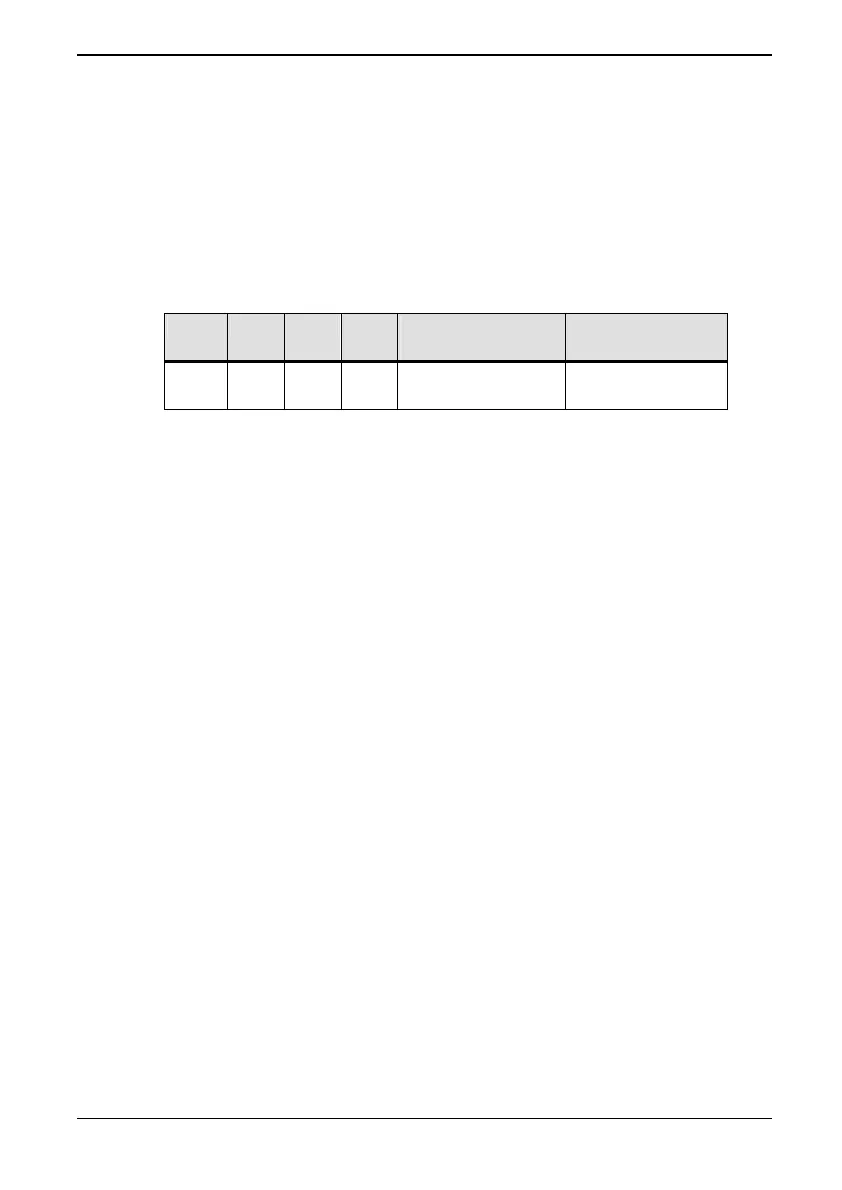
Table 3-3 Switch S2 meanings
S2.1 S2.2 S2.3 S2.4 Dual Port RAM
Address (Hex)
Menu Activated
On* On* Off Off F000 – F3FF Menu 75
Off On Off Off F400 – F7FF Menu 74
* Default settings/connections



 To Next Page