12
3-1-2. SETUP-SYSTEM-PASSWORD CHECK
This section enables (or disables) the Admin & User Password checks.
1) Select [PASSWORD CHECK] using cursor (▲)(▼) buttons and press [ENTER] button.
2) Select [ON] (or [OFF]) next to [ADMIN] and press the [ENTER] button.
3) Use the Cursor (▲)(▼) buttons to highlight your choice then press the [ENTER] button to select.
★ Note : If User Password Check is on, If DVR has been turned off, this provides a warning.
★ Note : If Admin Password Check is off, anybody can access the System Setup
4) Repeat 2) & 3) for [USER] Password Check if required.
3-1-3. SETUP-SYSTEM-TIME SETUP
1) Select [TIME SETUP] by using (▲)(▼) buttons and press [ENTER] button to enter the sub-menu.
2) Year/Month/Day/Time can be changed by using the number buttons.
3) Press [ENTER] button to save the changes.
4) A warning message appears after any change to the Time or Date. Press [ENTER] button to accept.
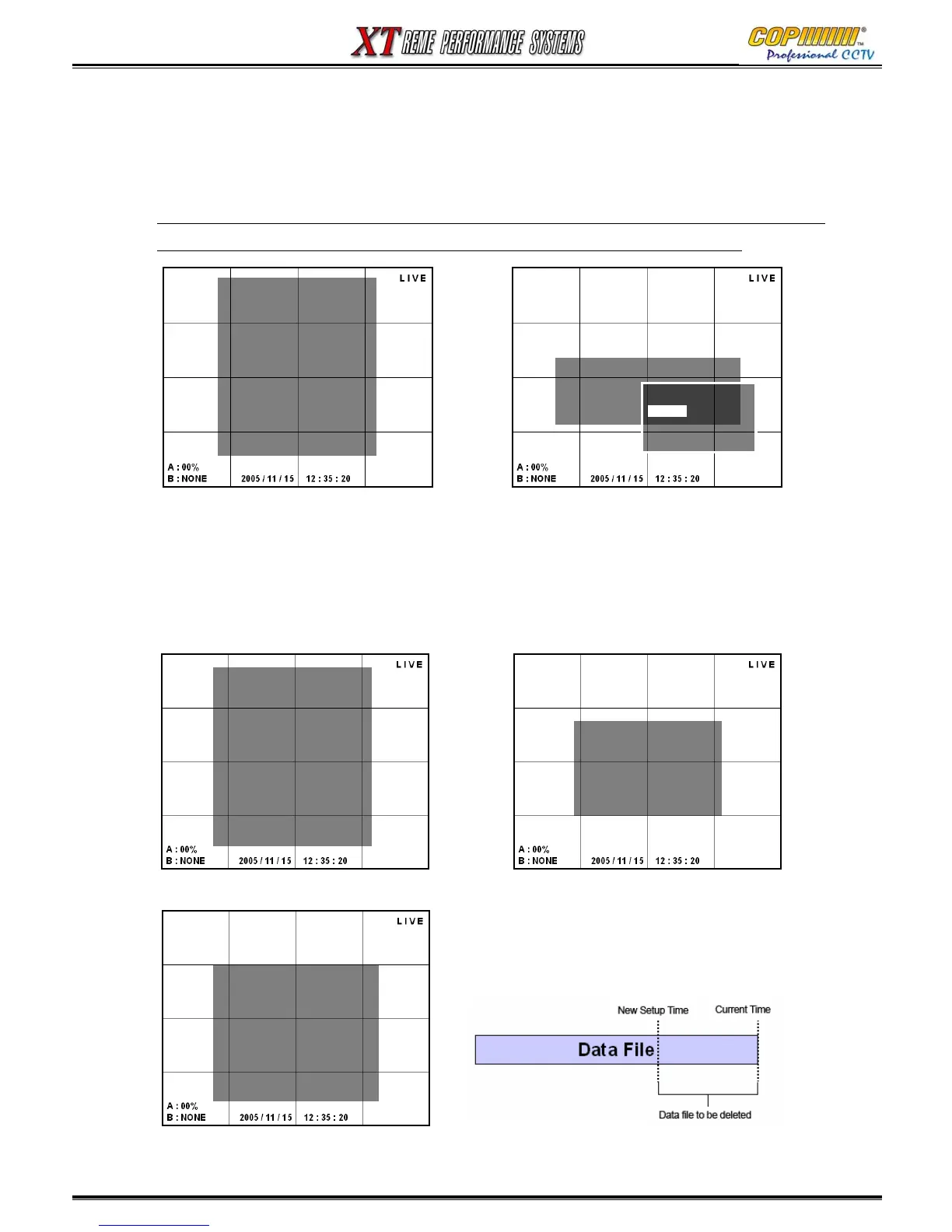
5) If the time or date has been adjusted to an earlier time, any previous recordings with an overlapping
time will be deleted, as shown in the diagram above.
[SETUP-SYSTEM-PASSWORD
CHECK]
ADMIN : < ON >
USER : < ON >
CHECK
PASSWORD
-OFF
-ON
- OFF
[SETUP-SYSTEM-TIME
SETUP]
YEAR : 2005
MONTH : 06
DAY : 20
TIME : 12 : 30
[WARNING!!!]
TIME WILL BE CHANGED
THE FILES AFTER CHANGED
TIME
WILL BE DELETE
ARE YOU SURE?
[ENTER] -> YES [MENU] ->
NO
3. SETUP
[SETUP-SYSTEM]
-<ADMIN PASSWORD>
- USER PASSWORD
- PASSWORD CHECK
- TIME SETUP
- TIME FORMAT
- TIME OSD FORMAT
- TIME STAMP FORMAT
- CURRENT STATUS VIEW
- VGA FREQUENCY CHANGE
- SOFTWARE UPDATE
- DEFAULT SETUP
[SETUP-SYSTEM]
-<ADMIN PASSWORD>
- USER PASSWORD
- PASSWORD CHECK
- TIME SETUP
- TIME FORMAT
- TIME OSD FORMAT
- TIME STAMP FORMAT
- CURRENT STATUS VIEW
- VGA FREQUENCY CHANGE
- SOFTWARE UPDATE
- DEFAULT SETUP



 To Next Page