60
Delete : Press this button to remove the highlighted site.
Edit site : Press this button and you can edit the setup information for the highlighted ste.
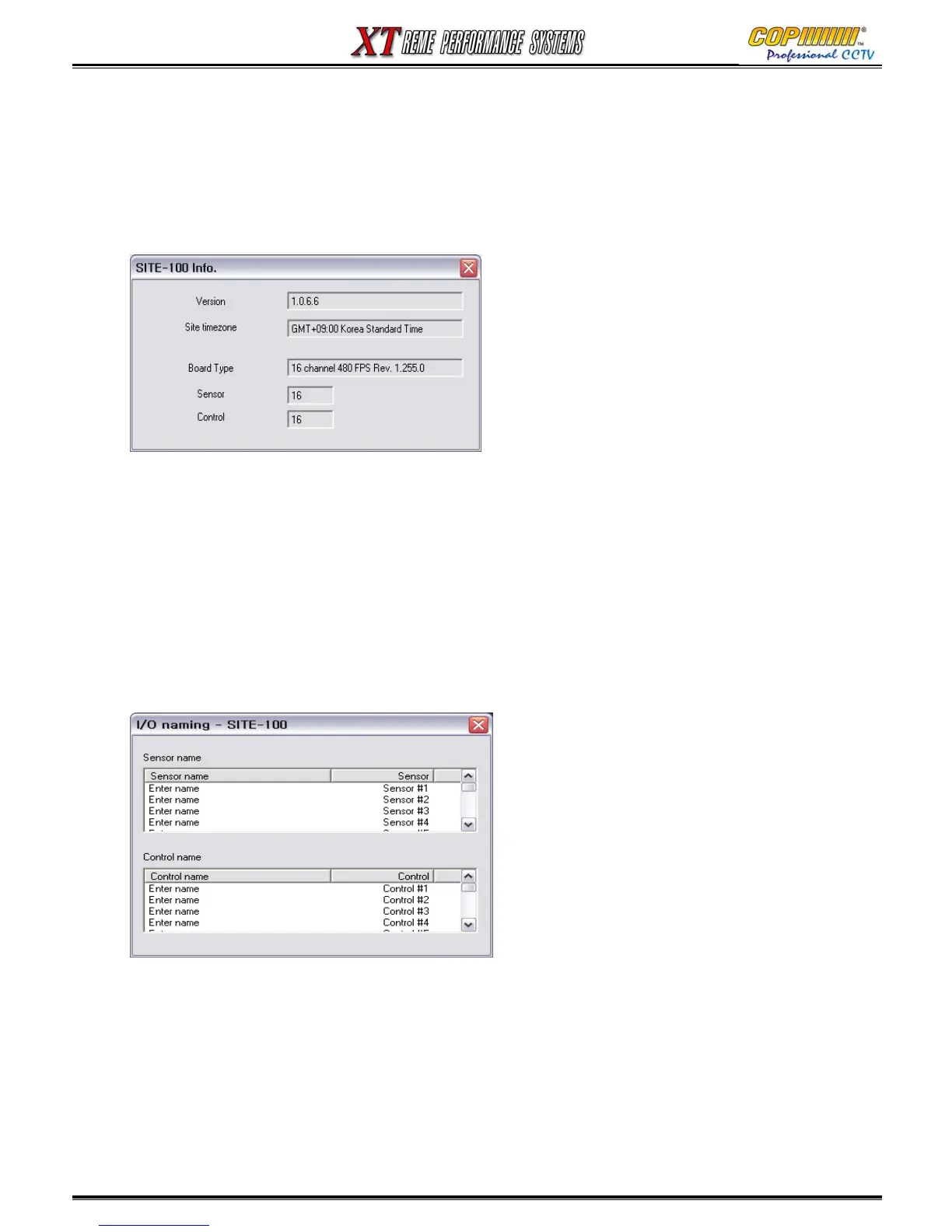
Site Info.: Press this button and the information for the highlighted site connection is shown.
Remote setup : If a site is connected (Use Pre-Connect if necessary), you can make changes to
the setup of that site. (See 16-3 on Page 65)
Name I/O : You can change the name of sensor and control. Double click ‘Enter name’, and it
will be enabled to enter the name.
16. CMS



 To Next Page