61
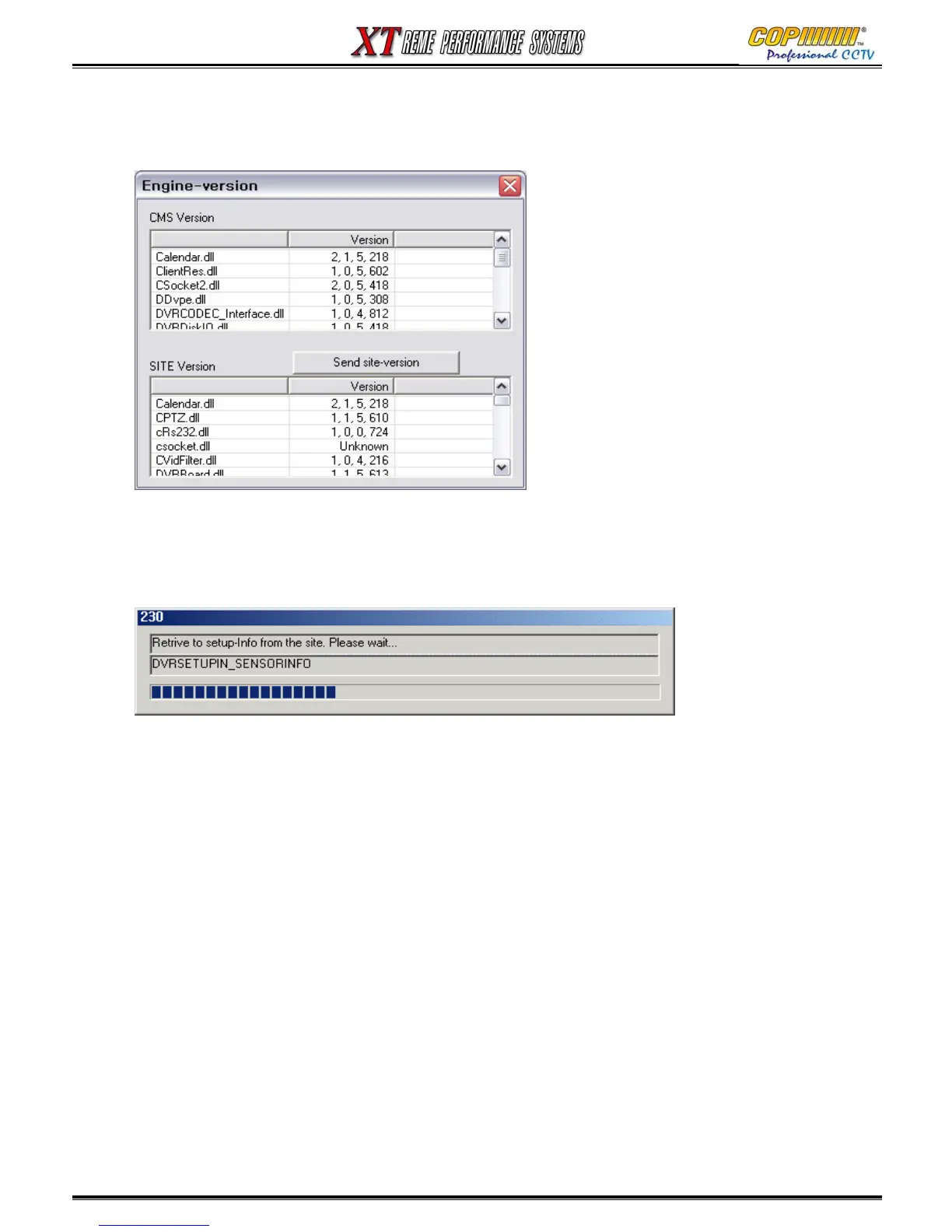
Show versions : This button displays the version of CMS that is currently being used. Click
‘Send site version’ to show the information of site software version (If that Site is connected).
Pre-connect : When this button is pressed it will make the Network connection to the highlighted site
and allow you to view the setup information from the site.
Export : This button exports log of the CMS to a file: C\CMS_2\LOG.
16. CMS



 To Next Page